
willy_46 - Minecraft Skins & Skin History
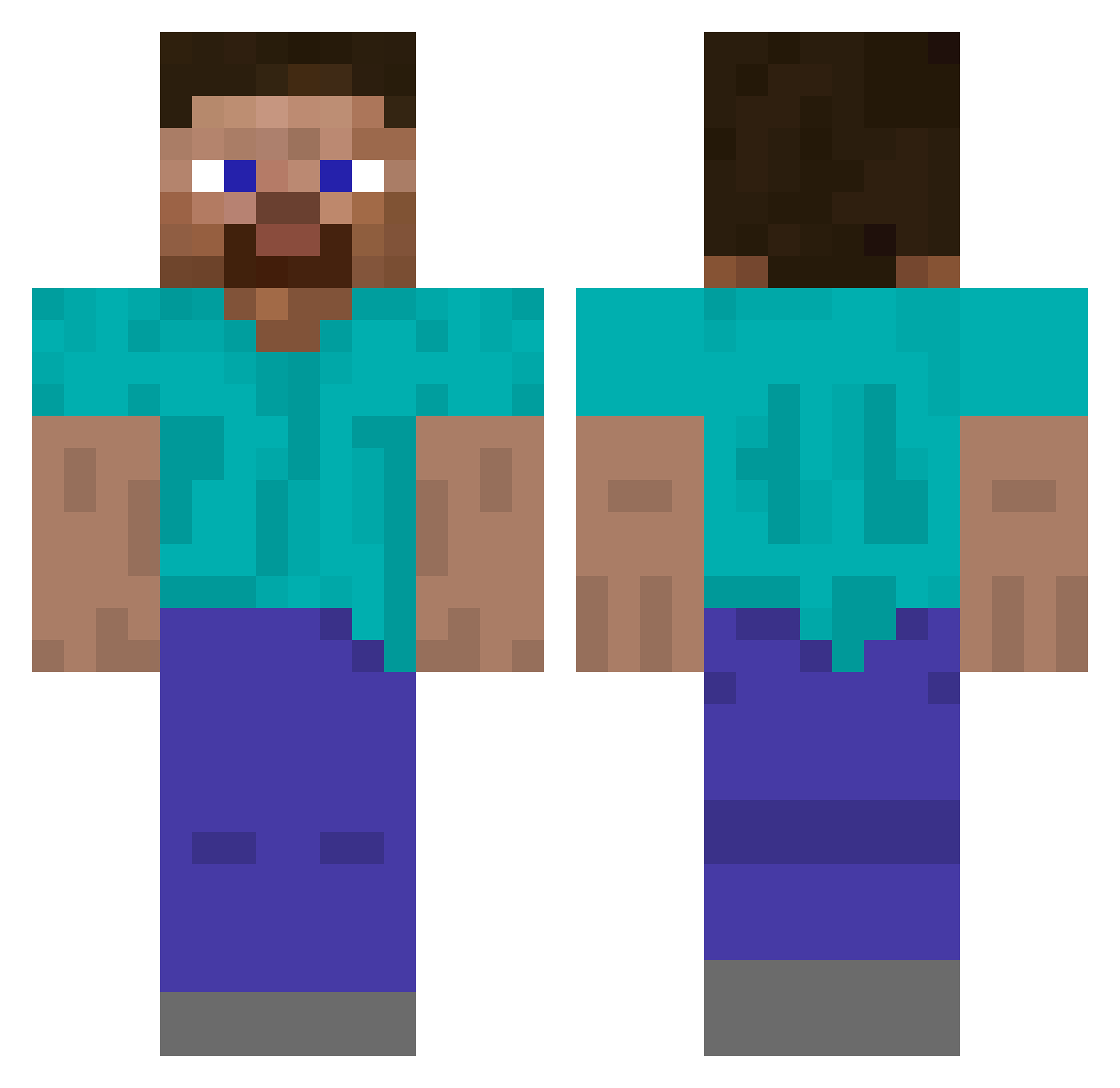
Current Minecraft skin of the player willy_46, loaded from the official Mojang API. Rotate the 3D model with your mouse or finger, then download the skin as a PNG file and use it in Minecraft: Bedrock Edition or Java Edition for free. When willy_46 changes their skin, this page updates automatically and the old skin stays in the history below.
Other players with this skin (489)
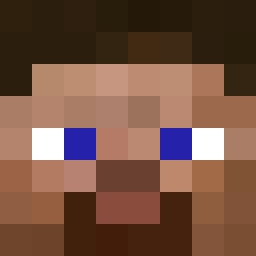
willy_46 was the 166th player we have seen with this skin, first spotted on 29.08.2026. The same skin was seen on these players. Open a nickname to see their current skin and skin history.
 paltas42 Bolszewikk xLeiska MindfulHustle cavaskkk Havisham Zaczkzz Mythic5394 Iljaech Sandra1601 RANASOL ZERIKUN 777Anders GreenNugget45 honranrun suzmooking Evil_Wire XCreeperHunterX Clagz
 wojtek0203WK99 RIA270 MncrftJavaDude09 kelamrekam Grenavo Chr_sl PleaseClose JAYN_EE Hansi danchig pitimitek WoodyArtifact IanGaffaney Ozren0117 Ricardo118 halloween421 bear2126 Hypixel_Sumo Jake_Painter Uname_a rastel CarlosG1132 TrionOne Watupnoob QeltharLOD Wolver220
 dean119543 ToastedDonut1 BlackPlastic Intersha jancmine columber Requeon UObelisk Turt13s DeviousBad UraniumDisulfide tooboredtoexist Kirold SaltyJxss just0807
How to install the willy_46 skin
- Press the Download button above to save the skin as a PNG file.
- Minecraft: Bedrock Edition (PE): open the Dressing Room from the main menu (or tap your character → Edit Character), go to Classic Skins → Owned, press the + (new skin) button, choose the downloaded PNG and pick the Classic (Steve) model. Works on PC and mobile; consoles cannot import custom skins.
- Minecraft: Java Edition: open the Minecraft Launcher, go to the Skins tab, click New Skin, load the PNG, pick the Classic (Steve) model and press Save & Use. You can also upload it at minecraft.net → Profile → Change Skin.
The skin does not show up after import - what should I do?
Restart Minecraft and open the Dressing Room again - imported skins sometimes appear only after a restart. Also make sure you selected the imported skin and picked the Classic (Steve) model.
Which model should I choose, Classic or Slim?
This skin is designed for the Classic (Steve) model. If you pick the wrong model, the arms of the skin will look stretched or squeezed.
Is the skin of willy_46 free to download?
Yes. Press Download, save the PNG file and use it in Minecraft: Bedrock Edition or Java Edition - no payment or registration needed. The skin also works on multiplayer servers and Realms.
More skins
Looking for more? Go back to all Minecraft skins and check the top skins of the week, month and all time, or find any player's skin by nickname.