
wilfred216 - Minecraft Skins & Skin History
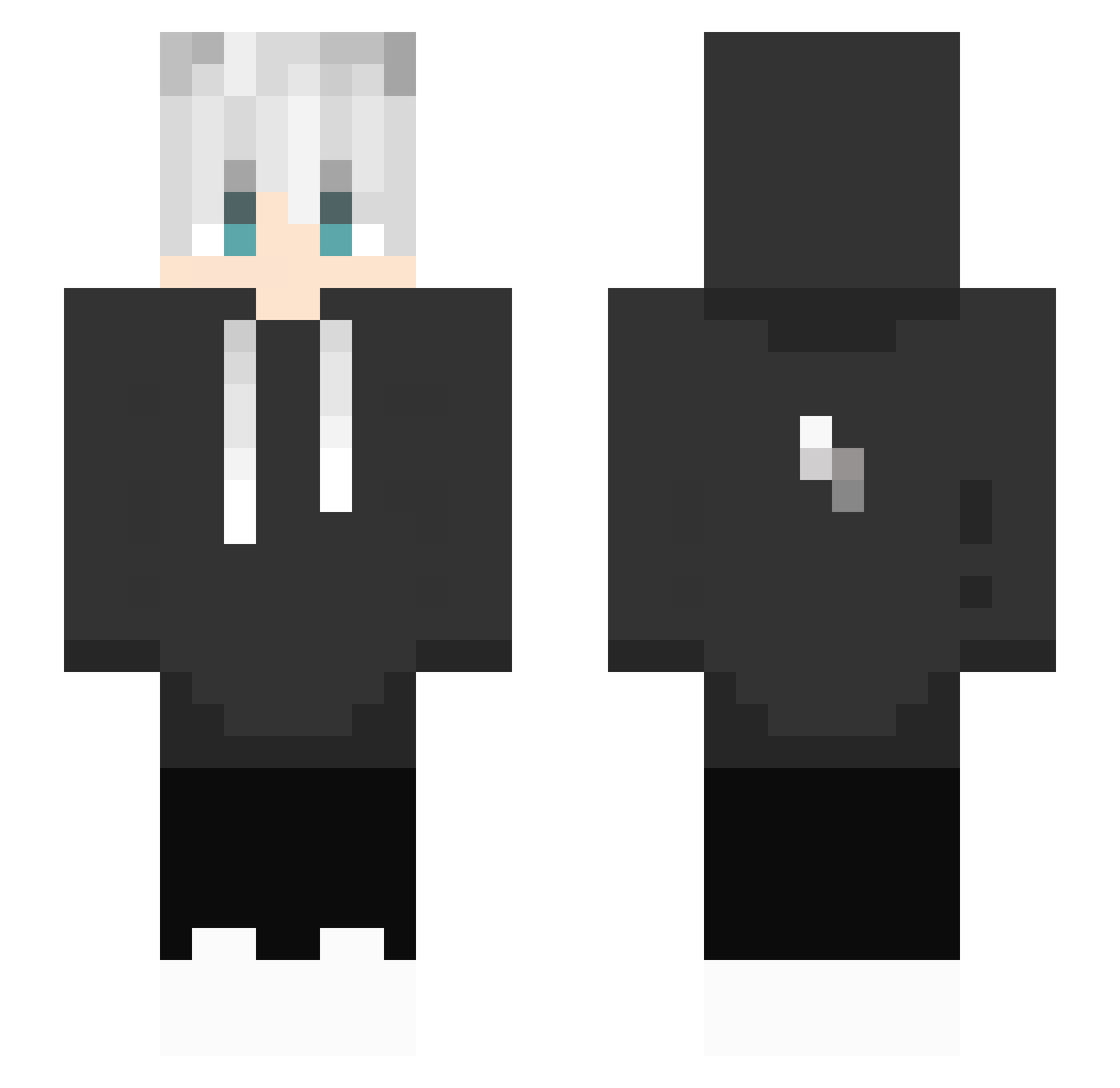
Current Minecraft skin of the player wilfred216, loaded from the official Mojang API. Rotate the 3D model with your mouse or finger, then download the skin as a PNG file and use it in Minecraft: Bedrock Edition or Java Edition for free. When wilfred216 changes their skin, this page updates automatically and the old skin stays in the history below.
Other players with this skin (434)
wilfred216 was the 247th player we have seen with this skin, first spotted on 28.09.2026. The same skin was seen on these players. Open a nickname to see their current skin and skin history.
 317XM lIZAYIl Pe56 vartozeQ 466FPSx KAYuuuF ryubak xiao_shen_QAQ Save_me12 SuperXmi HowZ0112 random_834672 rizkify Maniaac PowerBai666 AdvithPlayzz RameQ_ kitsune4439 YUCHIZ Keep_sake Tydustar F2SICK0821 Triger_0815 DANNY_PH Frankitoo26 ARF_solomon lelekum0107 WSZMR xsu_ray SuteraQAQ dln_0122 LuoM_xyun yeyangshuo ADJACYNT STORM_GAMING_yt YhhAK leowang0801 Rvkd_ WJRURTNTN MAN1145141919810 SalmonBadge7821 Kawaiitan hOkiozz seekseep Schamko D3r_Ringkoenig Szytr__oksik AverageGinger13 Zhu_CN Vietnamese_Rice Yo_Nis Urstm_1234 sshiinn TheForget XIPETASOX HYGAMING69 Penge020 Belial_Bloodline Nosagama09 JulianBLN05
More Lightning Bolt Minecraft skins
See all 925 Lightning Bolt skins
How to install the wilfred216 skin
- Press the Download button above to save the skin as a PNG file.
- Minecraft: Bedrock Edition (PE): open the Dressing Room from the main menu (or tap your character → Edit Character), go to Classic Skins → Owned, press the + (new skin) button, choose the downloaded PNG and pick the Slim (Alex) model. Works on PC and mobile; consoles cannot import custom skins.
- Minecraft: Java Edition: open the Minecraft Launcher, go to the Skins tab, click New Skin, load the PNG, pick the Slim (Alex) model and press Save & Use. You can also upload it at minecraft.net → Profile → Change Skin.
The skin does not show up after import - what should I do?
Restart Minecraft and open the Dressing Room again - imported skins sometimes appear only after a restart. Also make sure you selected the imported skin and picked the Slim (Alex) model.
Which model should I choose, Classic or Slim?
This skin is designed for the Slim (Alex) model. If you pick the wrong model, the arms of the skin will look stretched or squeezed.
Is the skin of wilfred216 free to download?
Yes. Press Download, save the PNG file and use it in Minecraft: Bedrock Edition or Java Edition - no payment or registration needed. The skin also works on multiplayer servers and Realms.
More skins
Looking for more? Go back to all Minecraft skins and check the top skins of the week, month and all time, or find any player's skin by nickname.