
werewolfsmarts - Minecraft Skins & Skin History
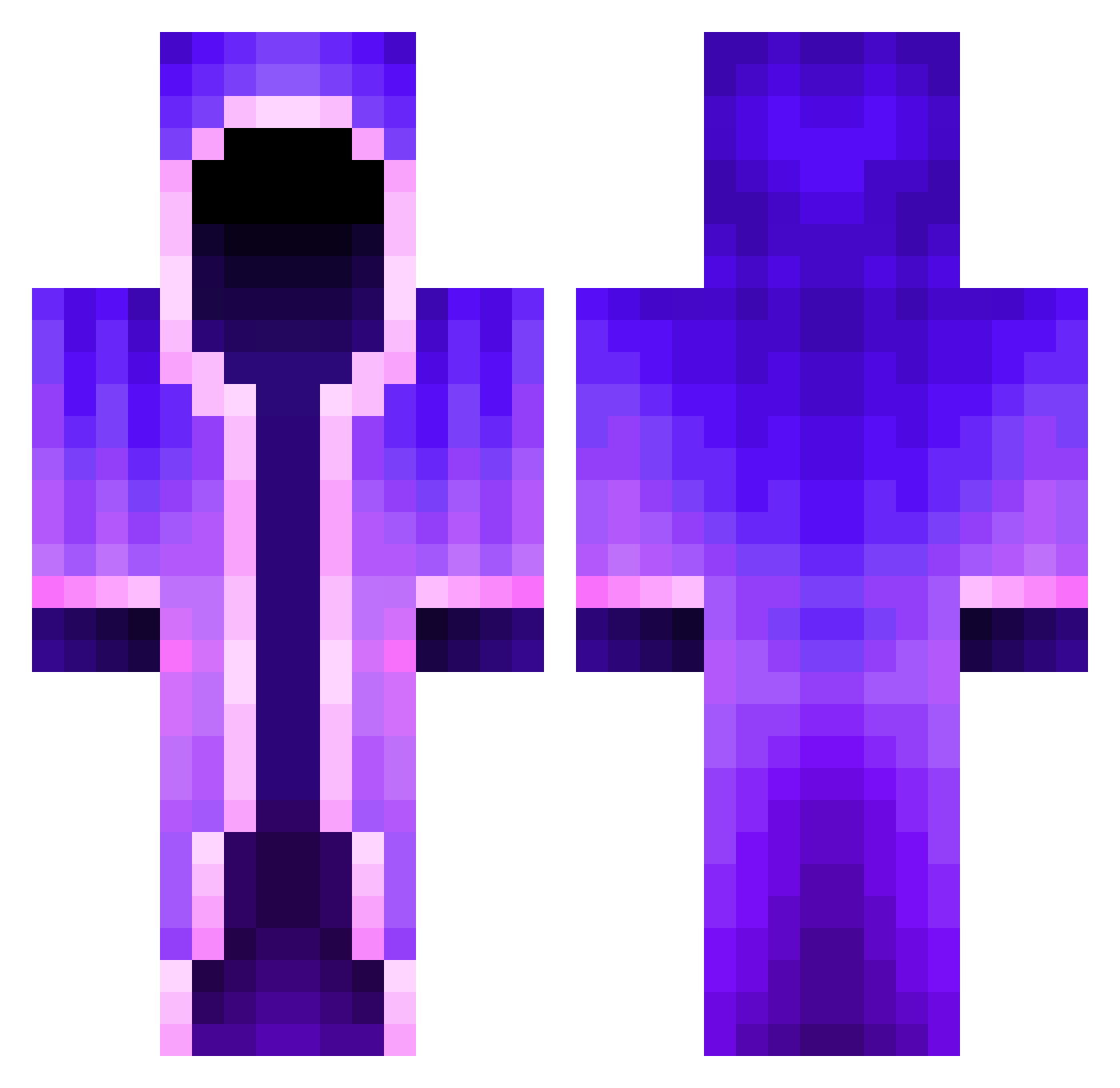
Current Minecraft skin of the player werewolfsmarts, loaded from the official Mojang API. Rotate the 3D model with your mouse or finger, then download the skin as a PNG file and use it in Minecraft: Bedrock Edition or Java Edition for free. When werewolfsmarts changes their skin, this page updates automatically and the old skin stays in the history below.
Other players with this skin (563)
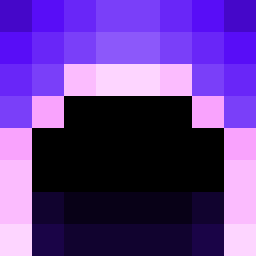
werewolfsmarts was the 488th player we have seen with this skin, first spotted on 06.11.2026. The same skin was seen on these players. Open a nickname to see their current skin and skin history.
 RilesTech Ma33107 Mezcapp Lauchasann BestDuckQuack Toshiko871 No_Bapo_ Sheldon_Alex taterboi420 D3athVad3r Acoustique ColonelMeepus StagZilla Williamowen Rosemarries RazorPetals WarrNT dchamberlin08 Yazzan22 SchlaueElster p1ehx elpro213232 rorodudu KrayzieN baumhaehnchen NETHER_DOCTOR Wander4Wonder Malaplier TameableTunic97 MindoriZzang aviadv RealS3wi Goerky98 deadman123545 Scheil Reaper_Legend sergioguerrero5 doxcz DrPalmelo3rd lettu101 TheAvengers326 Equoral madammini Shwiftea MooseGoose27 La_Nomada Mnog0 omzon Purqiset ArtyMrK HoffmannB Xtra_Critical Norbertato NotRevitic Xeveoo MaxTheFaxx Kerblooy Siggy3921 Blebik10 EinfachLinus13
More Mage Minecraft skins
How to install the werewolfsmarts skin
- Press the Download button above to save the skin as a PNG file.
- Minecraft: Bedrock Edition (PE): open the Dressing Room from the main menu (or tap your character → Edit Character), go to Classic Skins → Owned, press the + (new skin) button, choose the downloaded PNG and pick the Classic (Steve) model. Works on PC and mobile; consoles cannot import custom skins.
- Minecraft: Java Edition: open the Minecraft Launcher, go to the Skins tab, click New Skin, load the PNG, pick the Classic (Steve) model and press Save & Use. You can also upload it at minecraft.net → Profile → Change Skin.
The skin does not show up after import - what should I do?
Restart Minecraft and open the Dressing Room again - imported skins sometimes appear only after a restart. Also make sure you selected the imported skin and picked the Classic (Steve) model.
Which model should I choose, Classic or Slim?
This skin is designed for the Classic (Steve) model. If you pick the wrong model, the arms of the skin will look stretched or squeezed.
Is the skin of werewolfsmarts free to download?
Yes. Press Download, save the PNG file and use it in Minecraft: Bedrock Edition or Java Edition - no payment or registration needed. The skin also works on multiplayer servers and Realms.
More skins
Looking for more? Go back to all Minecraft skins and check the top skins of the week, month and all time, or find any player's skin by nickname.