
welsop04 - Minecraft Skins & Skin History
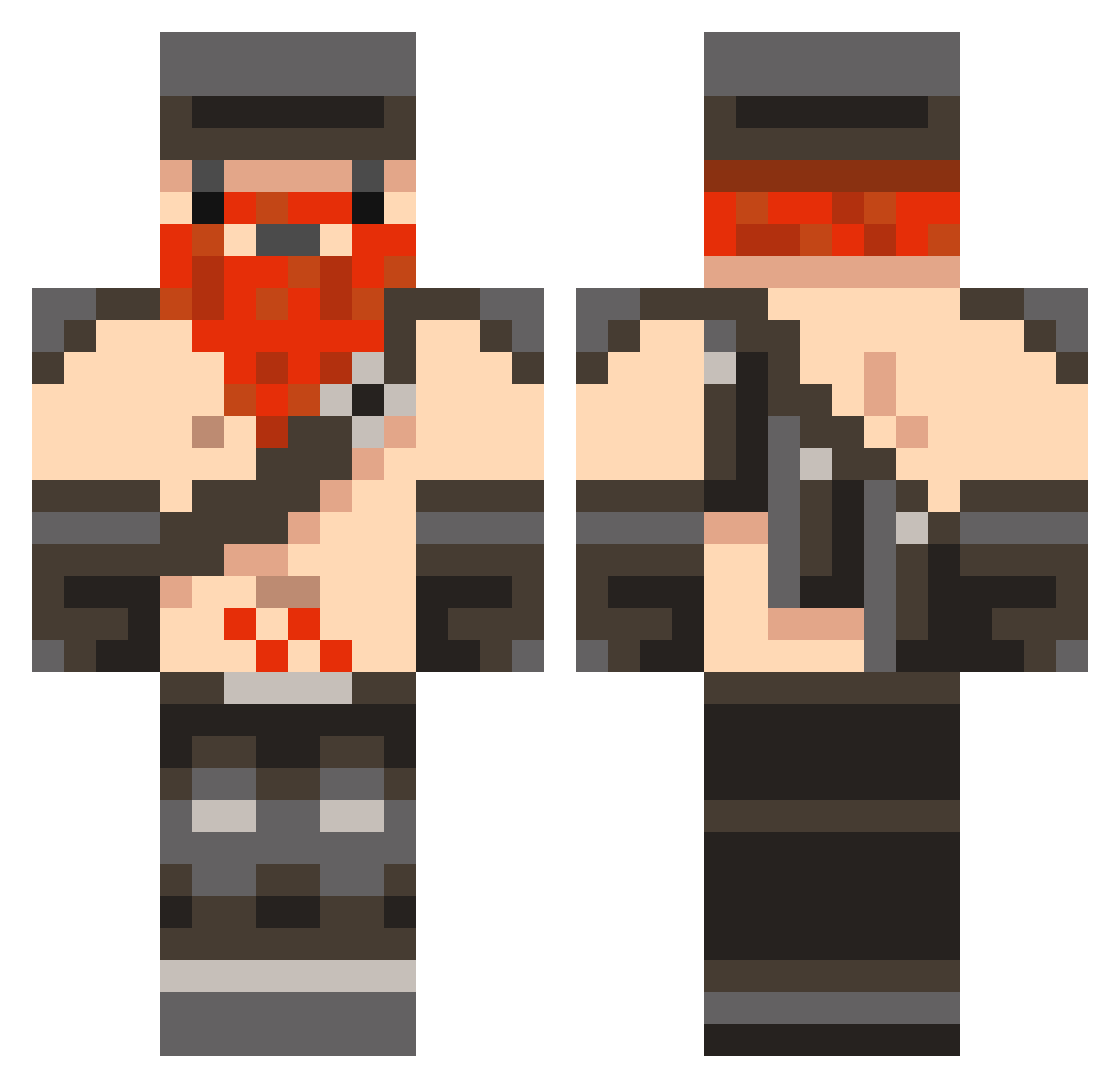
Current Minecraft skin of the player welsop04, loaded from the official Mojang API. Rotate the 3D model with your mouse or finger, then download the skin as a PNG file and use it in Minecraft: Bedrock Edition or Java Edition for free. When welsop04 changes their skin, this page updates automatically and the old skin stays in the history below.
Other players with this skin (848)
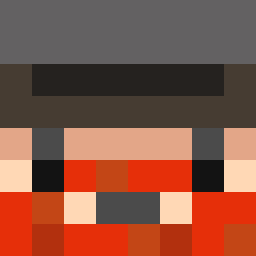
welsop04 was the 160th player we have seen with this skin, first spotted on 16.08.2026. The same skin was seen on these players. Open a nickname to see their current skin and skin history.
 TheCarty natoslab beastutohell Zhylander coznaar TootsieNoodles rektfresh ceciuzz Bugga12345 BOSTONATER electronis scurveyor mcchunky micky_p Shmrk mikko2298 British_Shark HanCookie lilldalton alecedgell boballmighty rlarjsdn_12 Syndicatefan1_ Fury__Builder murdersick luzy666 wwe4me racer900 jeppe8783 Suslanger Army5me xXCleanManXx irocz CaptainGanon86 xSh4un ExultanTDrew2003 MQ151100 bobo1234 Pebomb TheRealUnicorn Araco47 yowi12 Thuron GirlGamer1432 yousifradi connorgriffith12 jaredowen sillyhomosapien ZOMBIEBOY_2001 ShittingBull Darkvision70 slippybob Sirak MARIUZBZ ziggstar101 FuzzzzuF Jmax07 weirdmonkey111 Frozenface DrHobNob8
More Dwarf Minecraft skins
How to install the welsop04 skin
- Press the Download button above to save the skin as a PNG file.
- Minecraft: Bedrock Edition (PE): open the Dressing Room from the main menu (or tap your character → Edit Character), go to Classic Skins → Owned, press the + (new skin) button, choose the downloaded PNG and pick the Classic (Steve) model. Works on PC and mobile; consoles cannot import custom skins.
- Minecraft: Java Edition: open the Minecraft Launcher, go to the Skins tab, click New Skin, load the PNG, pick the Classic (Steve) model and press Save & Use. You can also upload it at minecraft.net → Profile → Change Skin.
The skin does not show up after import - what should I do?
Restart Minecraft and open the Dressing Room again - imported skins sometimes appear only after a restart. Also make sure you selected the imported skin and picked the Classic (Steve) model.
Which model should I choose, Classic or Slim?
This skin is designed for the Classic (Steve) model. If you pick the wrong model, the arms of the skin will look stretched or squeezed.
Is the skin of welsop04 free to download?
Yes. Press Download, save the PNG file and use it in Minecraft: Bedrock Edition or Java Edition - no payment or registration needed. The skin also works on multiplayer servers and Realms.
More skins
Looking for more? Go back to all Minecraft skins and check the top skins of the week, month and all time, or find any player's skin by nickname.