
weeeertz - Minecraft Skins & Skin History
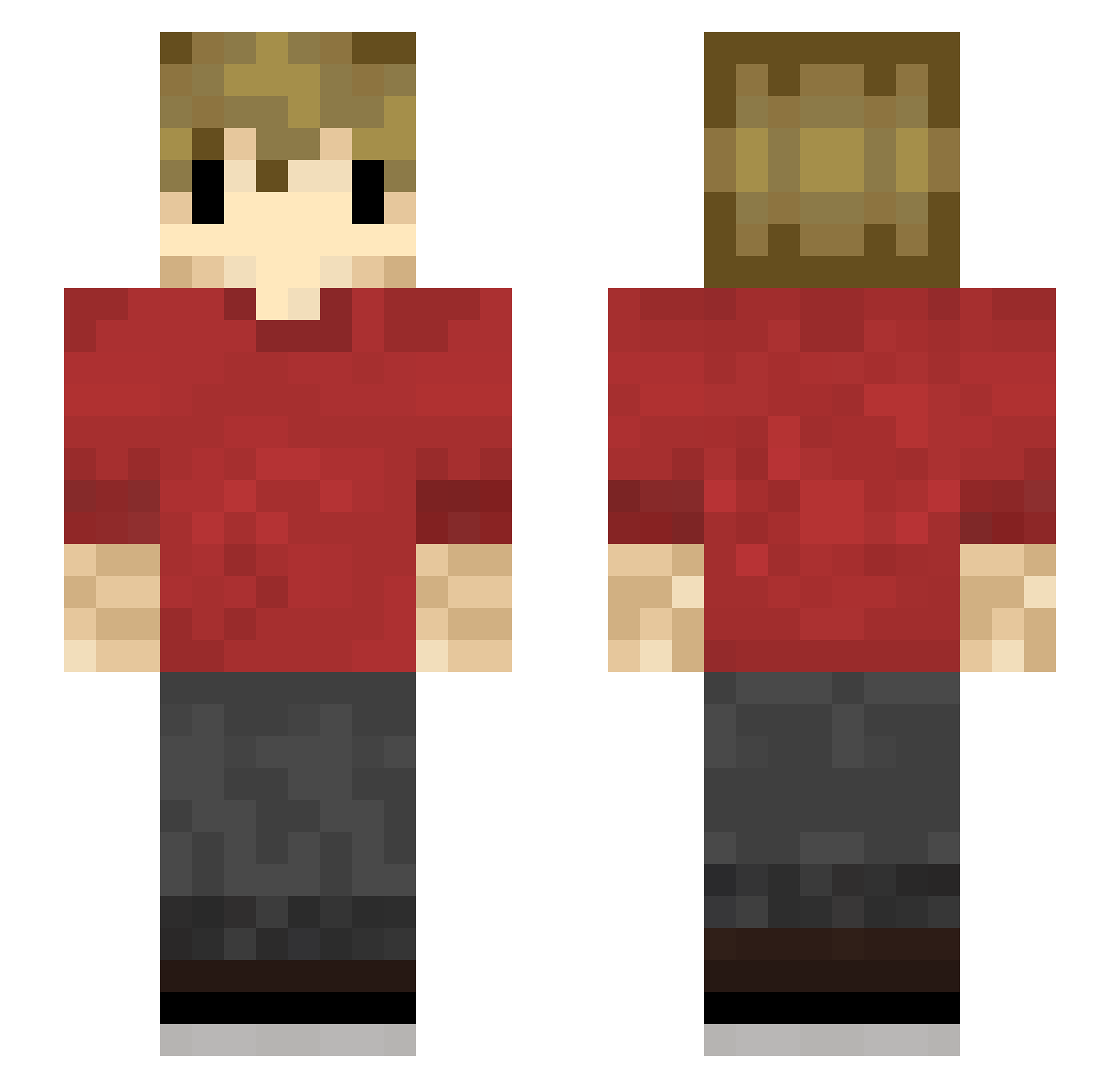
Current Minecraft skin of the player weeeertz, loaded from the official Mojang API. Rotate the 3D model with your mouse or finger, then download the skin as a PNG file and use it in Minecraft: Bedrock Edition or Java Edition for free. When weeeertz changes their skin, this page updates automatically and the old skin stays in the history below.
Other players with this skin (196)
weeeertz was the 149th player we have seen with this skin, first spotted on 13.10.2026. The same skin was seen on these players. Open a nickname to see their current skin and skin history.
 TdubTheBub1 istronglydislike choules124 pfsu TheChemKid 01ZERO10 TheSirAxealot212 GrianFree MasterBeast32 Benroc1 ollywin8 ActiNative Tkkthebest osumdmanJR Minigungold ClaimingBloom94 BurningTorch densemtf astroxiixx sydinn ThemisPro The_Only_Ones TheTormented_ Zephyrus_w joelevey TheCaptinAce thegamer__nl JayceJammin JustMeTristan Puppyaball174 xDarkAbsolut3 DM_Crazy_Gamer Waykes4 Swail123 Qhxb7 destroyer763 zombilov3r Hertog_Jan_69 Zombieboy465 bobboone10 PwestonPlayz Wronski07 BothGull978 Yolo_13 WeeViking wennu4n shr0om_x Xonn60 Jayse1 MimUKonto1 Yukito1226 hunthouse10 Holger38 SereneFromage491 Elowen_ Evertrollee JakeyRowe Madfapper Lilwannabe flossyjam_
More Grian Minecraft skins
How to install the weeeertz skin
- Press the Download button above to save the skin as a PNG file.
- Minecraft: Bedrock Edition (PE): open the Dressing Room from the main menu (or tap your character → Edit Character), go to Classic Skins → Owned, press the + (new skin) button, choose the downloaded PNG and pick the Slim (Alex) model. Works on PC and mobile; consoles cannot import custom skins.
- Minecraft: Java Edition: open the Minecraft Launcher, go to the Skins tab, click New Skin, load the PNG, pick the Slim (Alex) model and press Save & Use. You can also upload it at minecraft.net → Profile → Change Skin.
The skin does not show up after import - what should I do?
Restart Minecraft and open the Dressing Room again - imported skins sometimes appear only after a restart. Also make sure you selected the imported skin and picked the Slim (Alex) model.
Which model should I choose, Classic or Slim?
This skin is designed for the Slim (Alex) model. If you pick the wrong model, the arms of the skin will look stretched or squeezed.
Is the skin of weeeertz free to download?
Yes. Press Download, save the PNG file and use it in Minecraft: Bedrock Edition or Java Edition - no payment or registration needed. The skin also works on multiplayer servers and Realms.
More skins
Looking for more? Go back to all Minecraft skins and check the top skins of the week, month and all time, or find any player's skin by nickname.