
wbqqb - Minecraft Skins & Skin History
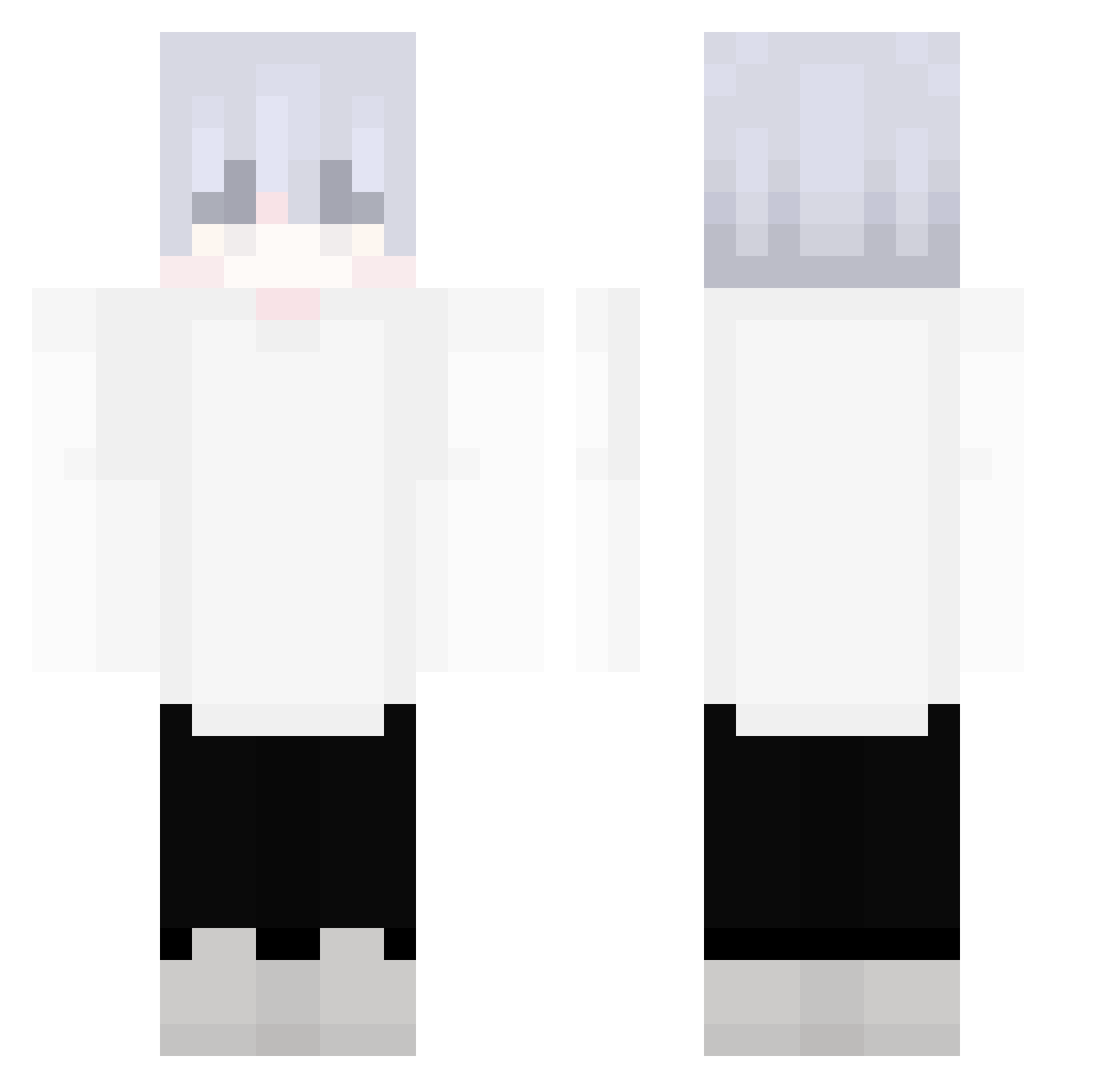
Current Minecraft skin of the player wbqqb, loaded from the official Mojang API. Rotate the 3D model with your mouse or finger, then download the skin as a PNG file and use it in Minecraft: Bedrock Edition or Java Edition for free. When wbqqb changes their skin, this page updates automatically and the old skin stays in the history below.
Other players with this skin (257)
wbqqb was the 139th player we have seen with this skin, first spotted on 11.09.2026. The same skin was seen on these players. Open a nickname to see their current skin and skin history.
 BenjaBandicoot SakiKunOwO 9ola
 yCut Ryeto Shao_Wan 1tzMaki _Hyome_ YourFavJamie thaiping Ozwld_ ThrexZeus11 WFFFF FistL CiszCraft EmanLeli Fluffytlg KKONGG YoRangS xx_ron AnnanWT FireYT_Lord XAN233 happyke7890 ShuaiJian66 kaiisboring MildEndymion Cristetal CN_HCT Leo1Fn Brunim08 _Ac_tw_ GlobalMohito djjack1218 Flax_Felix hurcraftz CHENCHES XxwarzywkoxX_ 4om_zug Brimnk Sabitoo lalalue Chris17489 alinmc SmillingDrogo JosephJ7 SirBaDMonKeY 01aa 6YIpT2aG sunmoon0990 K0LS blocksprout atara__ BabujisBack Xx_BUBLIK_xX profijojo XinBai_Kills Leture11 MrQuadra Forestly
More Anime Minecraft skins
How to install the wbqqb skin
- Press the Download button above to save the skin as a PNG file.
- Minecraft: Bedrock Edition (PE): open the Dressing Room from the main menu (or tap your character → Edit Character), go to Classic Skins → Owned, press the + (new skin) button, choose the downloaded PNG and pick the Classic (Steve) model. Works on PC and mobile; consoles cannot import custom skins.
- Minecraft: Java Edition: open the Minecraft Launcher, go to the Skins tab, click New Skin, load the PNG, pick the Classic (Steve) model and press Save & Use. You can also upload it at minecraft.net → Profile → Change Skin.
The skin does not show up after import - what should I do?
Restart Minecraft and open the Dressing Room again - imported skins sometimes appear only after a restart. Also make sure you selected the imported skin and picked the Classic (Steve) model.
Which model should I choose, Classic or Slim?
This skin is designed for the Classic (Steve) model. If you pick the wrong model, the arms of the skin will look stretched or squeezed.
Is the skin of wbqqb free to download?
Yes. Press Download, save the PNG file and use it in Minecraft: Bedrock Edition or Java Edition - no payment or registration needed. The skin also works on multiplayer servers and Realms.
More skins
Looking for more? Go back to all Minecraft skins and check the top skins of the week, month and all time, or find any player's skin by nickname.