
warkiwi1 - Minecraft Skins & Skin History
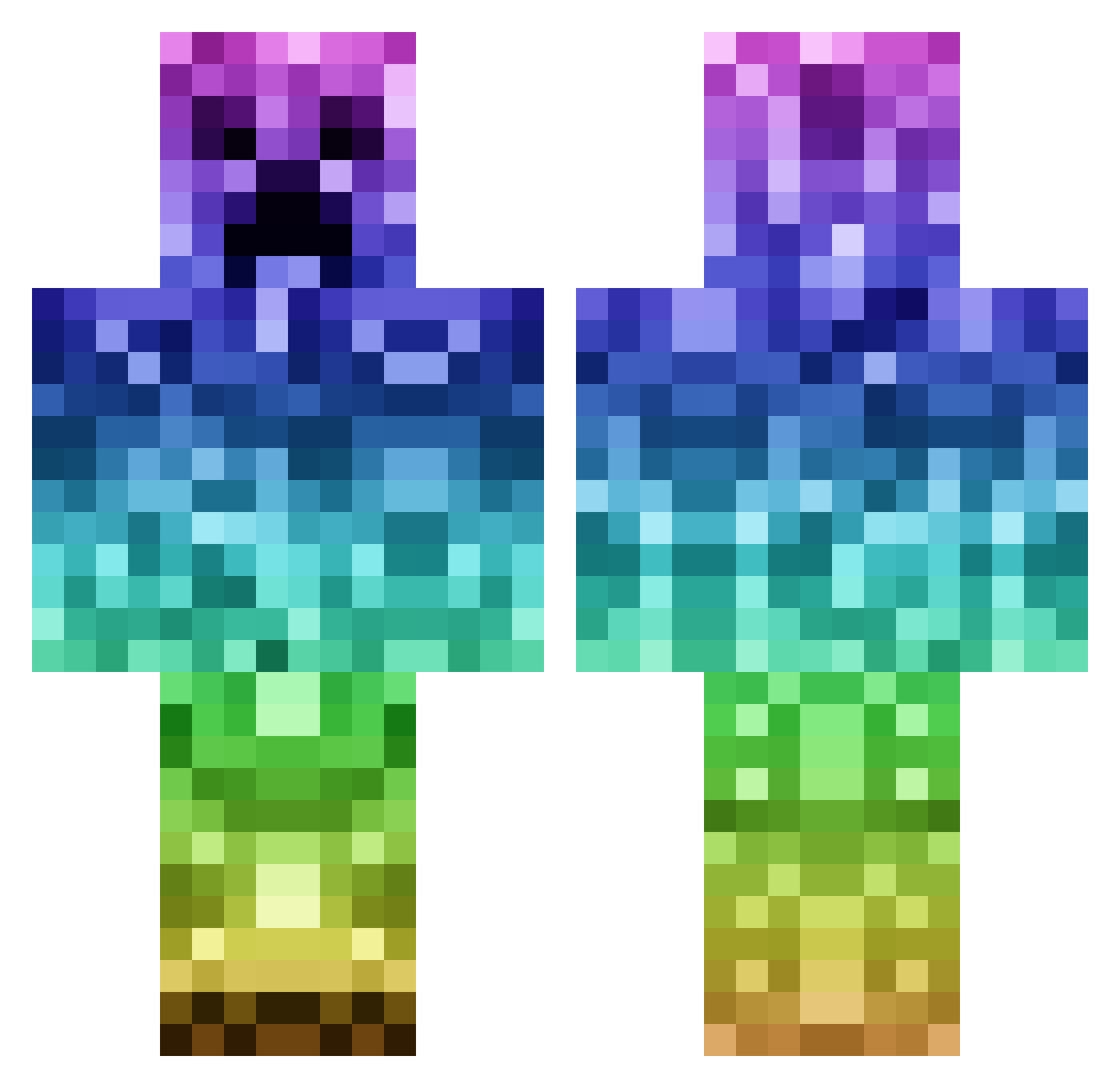
Current Minecraft skin of the player warkiwi1, loaded from the official Mojang API. Rotate the 3D model with your mouse or finger, then download the skin as a PNG file and use it in Minecraft: Bedrock Edition or Java Edition for free. When warkiwi1 changes their skin, this page updates automatically and the old skin stays in the history below.
Other players with this skin (182)
warkiwi1 was the 31st player we have seen with this skin, first spotted on 16.08.2026. The same skin was seen on these players. Open a nickname to see their current skin and skin history.
 PilotBridge2099 Mal_HvKvoi xmorgan11x Squirellion WalnutPizza3449 blockay Kwachura dogKon madelinek23 creeper041121 Ryley2597 JX_Red moitzi Crumpeteer VXLXY414 warkitt b0bi0 333whitey KawaiiCreeper FBfunnYfrienDyt KevTheKonqueror Catboots02 shanzhaa geekonthewind V4ampireKing gechanghao Snoens gaybbye wojsowaty JMgeon
 TheStewBall BananaProSid Gulle_the_maaaan KLC_ _Denys23R0_ kanameyy randysplat Moustachu1847 rainboog nobark2 Thantos1991 A_Mighty_Muffin carniceria69 Jako_Taco07 aawe76 boogeey mbrown0603 Tnjrn 3sathrow Kiwidejra XLor33 GwuBUG Andresitoo YO_MOMMA458 TBTRC iHarper99 KittyPaws89 CPM260 Winter_Nine waffenss345
More Gradient Minecraft skins
How to install the warkiwi1 skin
- Press the Download button above to save the skin as a PNG file.
- Minecraft: Bedrock Edition (PE): open the Dressing Room from the main menu (or tap your character → Edit Character), go to Classic Skins → Owned, press the + (new skin) button, choose the downloaded PNG and pick the Classic (Steve) model. Works on PC and mobile; consoles cannot import custom skins.
- Minecraft: Java Edition: open the Minecraft Launcher, go to the Skins tab, click New Skin, load the PNG, pick the Classic (Steve) model and press Save & Use. You can also upload it at minecraft.net → Profile → Change Skin.
The skin does not show up after import - what should I do?
Restart Minecraft and open the Dressing Room again - imported skins sometimes appear only after a restart. Also make sure you selected the imported skin and picked the Classic (Steve) model.
Which model should I choose, Classic or Slim?
This skin is designed for the Classic (Steve) model. If you pick the wrong model, the arms of the skin will look stretched or squeezed.
Is the skin of warkiwi1 free to download?
Yes. Press Download, save the PNG file and use it in Minecraft: Bedrock Edition or Java Edition - no payment or registration needed. The skin also works on multiplayer servers and Realms.
More skins
Looking for more? Go back to all Minecraft skins and check the top skins of the week, month and all time, or find any player's skin by nickname.