
waonchu - Minecraft Skins & Skin History
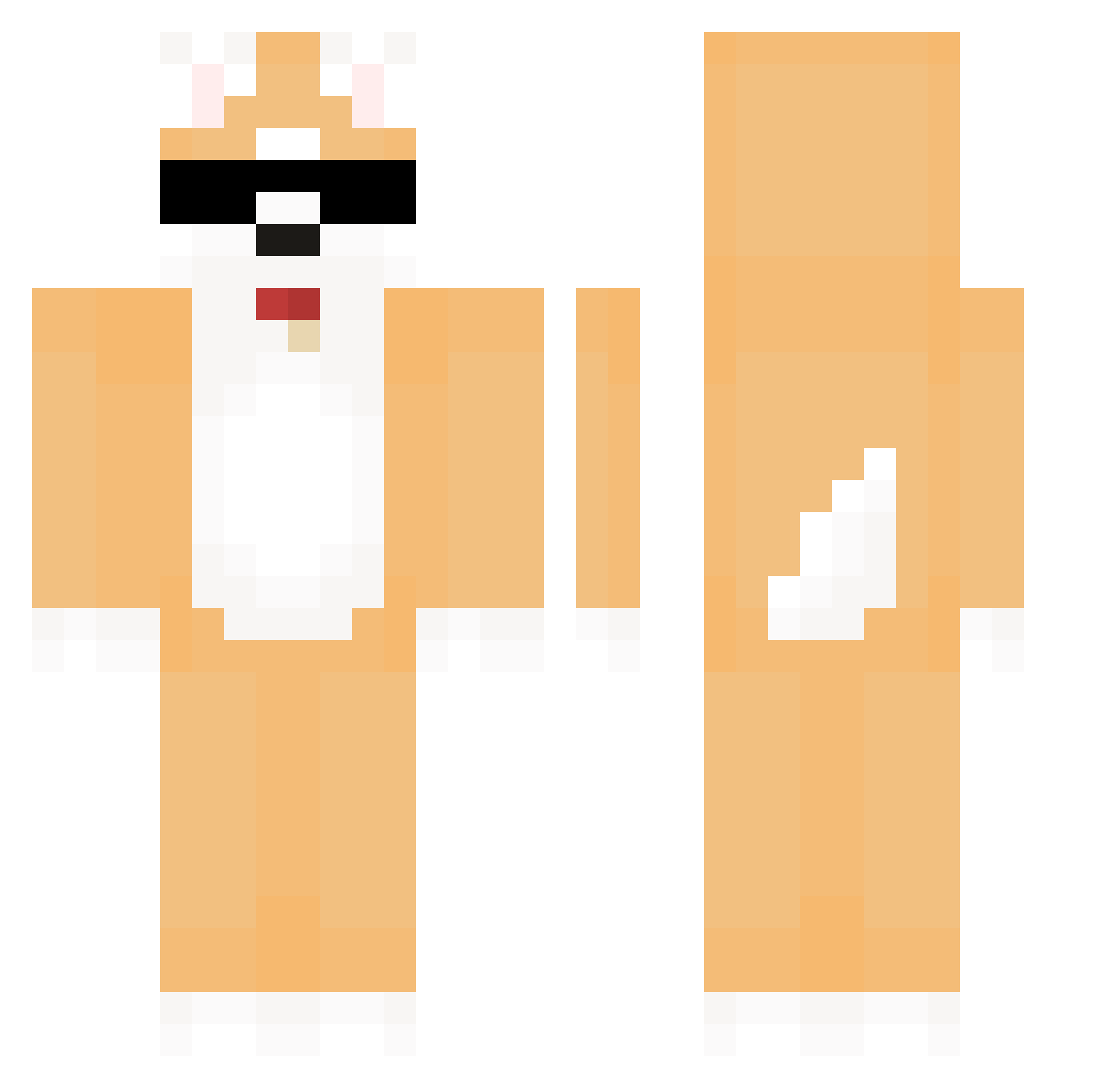
Current Minecraft skin of the player waonchu, loaded from the official Mojang API. Rotate the 3D model with your mouse or finger, then download the skin as a PNG file and use it in Minecraft: Bedrock Edition or Java Edition for free. When waonchu changes their skin, this page updates automatically and the old skin stays in the history below.
Other players with this skin (580)
waonchu was the 456th player we have seen with this skin, first spotted on 11.10.2026. The same skin was seen on these players. Open a nickname to see their current skin and skin history.
 Gangbab turtle_cats seojae00 SoGood9601 Sasoqyy1337 CryClumSy FleckSoul Unoassmundsson Tea2003 lsw1123 commemorate64 vOuOh mina_37_ XHMo phipil ualidaniyar X_X12 Carrier phenomPHO LordSharkoo THK88 9moon9 _Pablooo_ rmakduyrnb 510492 OMGMIN zXlolligebanaan Stipax R1ncy profileerum Lovemoney1 Sung1023 elispas mary_horse2011 ItsChristianP Hamboi12 Anibal056 kimmk3628 TM_adam s1ooow ShadowMoon11 2IqBut31Cm Yu_bin_ing mumging Stupersquirrel Garams zesg helloworld0121 zoobongsun 00994 LoganJoke wndgusdl peterkim1221 doyeon90 Muesli1234 lun0920 wkarnfl Roquiiii nejun2 Ronwol
More Shiba Inu Minecraft skins
How to install the waonchu skin
- Press the Download button above to save the skin as a PNG file.
- Minecraft: Bedrock Edition (PE): open the Dressing Room from the main menu (or tap your character → Edit Character), go to Classic Skins → Owned, press the + (new skin) button, choose the downloaded PNG and pick the Classic (Steve) model. Works on PC and mobile; consoles cannot import custom skins.
- Minecraft: Java Edition: open the Minecraft Launcher, go to the Skins tab, click New Skin, load the PNG, pick the Classic (Steve) model and press Save & Use. You can also upload it at minecraft.net → Profile → Change Skin.
The skin does not show up after import - what should I do?
Restart Minecraft and open the Dressing Room again - imported skins sometimes appear only after a restart. Also make sure you selected the imported skin and picked the Classic (Steve) model.
Which model should I choose, Classic or Slim?
This skin is designed for the Classic (Steve) model. If you pick the wrong model, the arms of the skin will look stretched or squeezed.
Is the skin of waonchu free to download?
Yes. Press Download, save the PNG file and use it in Minecraft: Bedrock Edition or Java Edition - no payment or registration needed. The skin also works on multiplayer servers and Realms.
More skins
Looking for more? Go back to all Minecraft skins and check the top skins of the week, month and all time, or find any player's skin by nickname.