
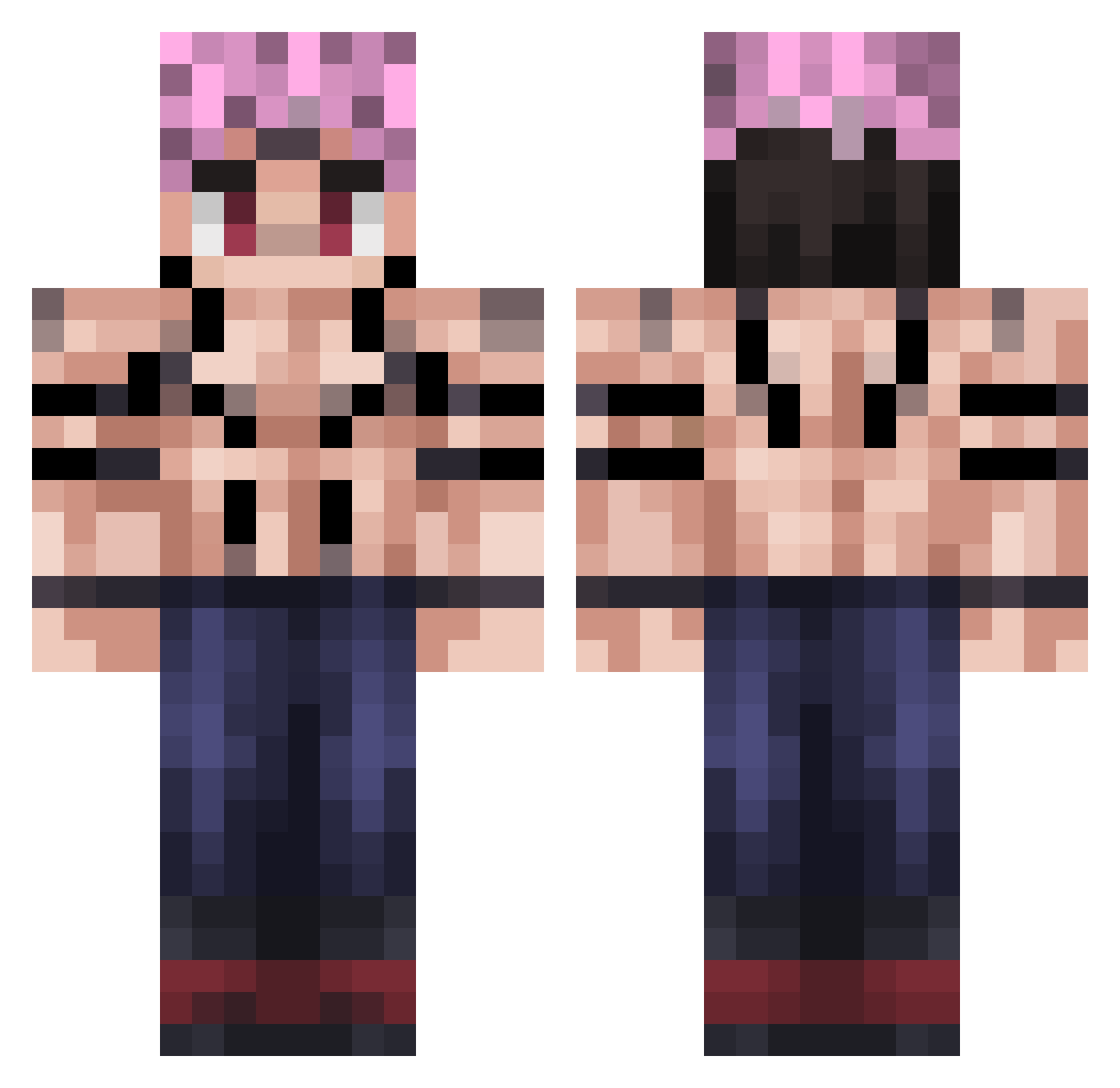
Current Minecraft skin of the player vghaktan, loaded from the official Mojang API. Rotate the 3D model with your mouse or finger, then download the skin as a PNG file and use it in Minecraft: Bedrock Edition or Java Edition for free. When vghaktan changes their skin, this page updates automatically and the old skin stays in the history below.
Other players with this skin (152)
vghaktan was the 99th player we have seen with this skin, first spotted on 18.09.2026. The same skin was seen on these players. Open a nickname to see their current skin and skin history.
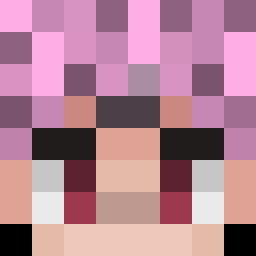 sukuna1SK The_Dark_Striker N1zeus bxcon__kun VeldoraMZ DeniYS21 FrArrow WAaaaaaaaLUIGI Peakdafreak Pate_Sans_Croute Lekoopa94 KuroNoDeus MRB1389 ExpertBuilderi Killerjas227 zz_mqjDf_12_18 nublee Diego_pc TriNitY7459 Thadiun Implosionds BROSLIM Halis73 MinorHunter77 CountChocula470 Ooblej LilGamer723 AleksiyFlekssiy DiegoM39 800kz John_Blank Gusto_Likes _RaychelWhite_ mobiletaskforceE PeyMan404 Buzke xSukuna Darki170 Darxze paoecafe TheCrowx3 GABYPR82 helpryanplease Fraixyy angel_sqary FlyCent Naatox TheFatRat102 S0_HRT BenePlayZ_ alchx YG5953 Kuagzan vincyroyal JaimeLaBrioche bigboi97362
 ARTHURHSS051113 Feuriii PedroPower13 SadSadHeiHei
More Hashira Minecraft skins
How to install the vghaktan skin
- Press the Download button above to save the skin as a PNG file.
- Minecraft: Bedrock Edition (PE): open the Dressing Room from the main menu (or tap your character → Edit Character), go to Classic Skins → Owned, press the + (new skin) button, choose the downloaded PNG and pick the Classic (Steve) model. Works on PC and mobile; consoles cannot import custom skins.
- Minecraft: Java Edition: open the Minecraft Launcher, go to the Skins tab, click New Skin, load the PNG, pick the Classic (Steve) model and press Save & Use. You can also upload it at minecraft.net → Profile → Change Skin.
The skin does not show up after import - what should I do?
Restart Minecraft and open the Dressing Room again - imported skins sometimes appear only after a restart. Also make sure you selected the imported skin and picked the Classic (Steve) model.
Which model should I choose, Classic or Slim?
This skin is designed for the Classic (Steve) model. If you pick the wrong model, the arms of the skin will look stretched or squeezed.
Is the skin of vghaktan free to download?
Yes. Press Download, save the PNG file and use it in Minecraft: Bedrock Edition or Java Edition - no payment or registration needed. The skin also works on multiplayer servers and Realms.
More skins
Looking for more? Go back to all Minecraft skins and check the top skins of the week, month and all time, or find any player's skin by nickname.