
v1ktro - Minecraft Skins & Skin History
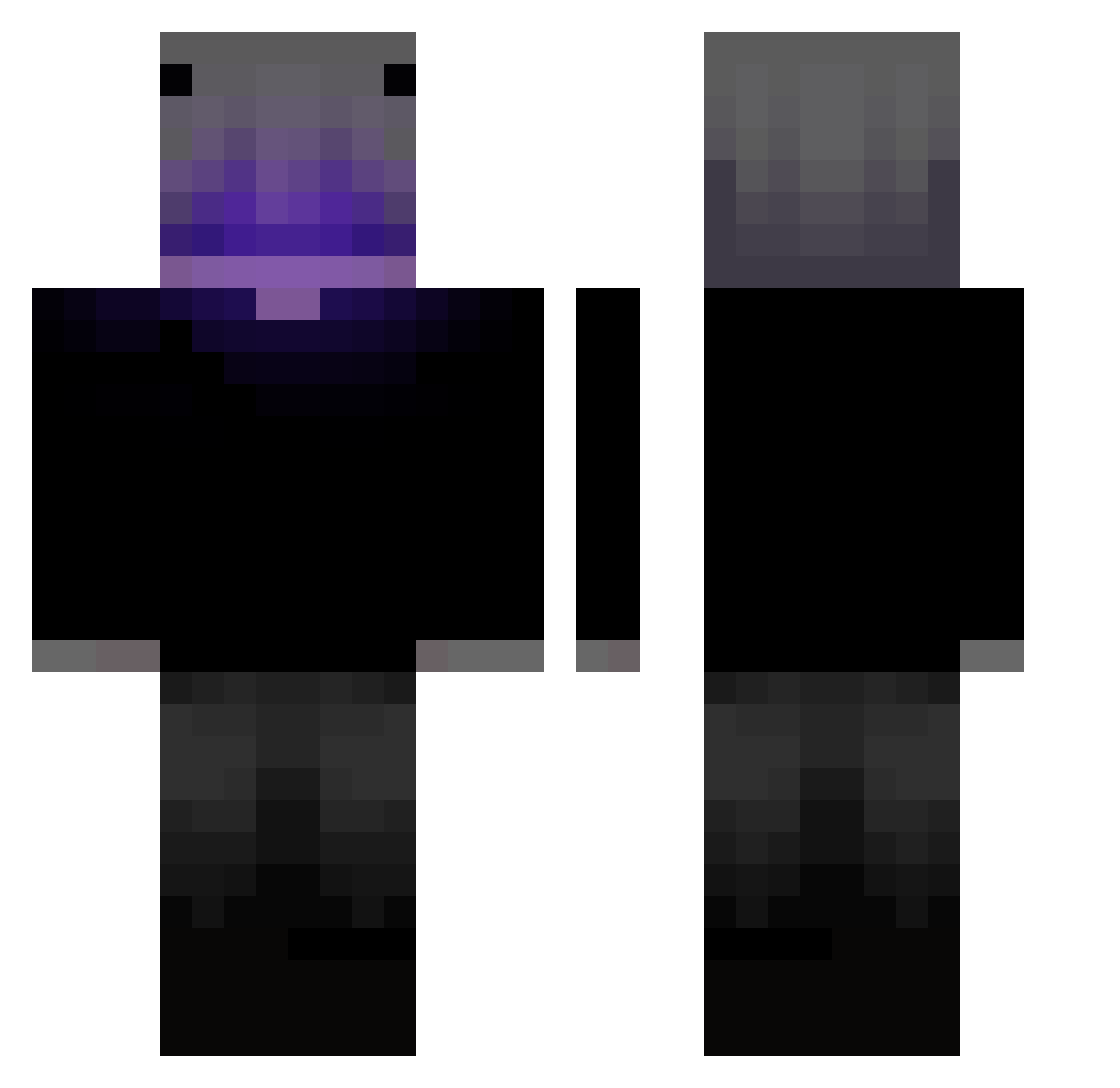
Current Minecraft skin of the player v1ktro, loaded from the official Mojang API. Rotate the 3D model with your mouse or finger, then download the skin as a PNG file and use it in Minecraft: Bedrock Edition or Java Edition for free. When v1ktro changes their skin, this page updates automatically and the old skin stays in the history below.
Other players with this skin (403)
v1ktro was the 269th player we have seen with this skin, first spotted on 03.10.2026. The same skin was seen on these players. Open a nickname to see their current skin and skin history.
 CarlBrink SantoyoLRD Andrew0826 Szoks98 Haxfr TeddySoBad0 QCH6 BOXJEROME monduko GoombaBoys Father_Sterling _JasunV2 charly271 Dr_Tep Capta1nNoob Vexessary _vToxic Potujniy_AI Bloxi_19 HUIHUI____ Christoper001 Levinator2605 realikp3a jeaneilLMT YeahImBacon RINCO2317 Toobad56 G_5_1 Nakz_12 PKGEMINIS bshrivis6n etienneeev2 iAxell Lishowww _SyberTubeBr21_ Jack_Russell A_Donk_10 JAMAL____ TwerkyChaos kakun_0805 ColdestWonder JaspherWho AtzukyX Fax_Mc theide4s xImUseless4k xHappyLessx Forge_Caps Vato25 dominik262001 WhiteBG_ TTV_testacurta G0D_LONELY vincepiene _baku___ Acomander just_dreamy XinnShadow kedello128 zAleman_
More Parrot Minecraft skins
How to install the v1ktro skin
- Press the Download button above to save the skin as a PNG file.
- Minecraft: Bedrock Edition (PE): open the Dressing Room from the main menu (or tap your character → Edit Character), go to Classic Skins → Owned, press the + (new skin) button, choose the downloaded PNG and pick the Classic (Steve) model. Works on PC and mobile; consoles cannot import custom skins.
- Minecraft: Java Edition: open the Minecraft Launcher, go to the Skins tab, click New Skin, load the PNG, pick the Classic (Steve) model and press Save & Use. You can also upload it at minecraft.net → Profile → Change Skin.
The skin does not show up after import - what should I do?
Restart Minecraft and open the Dressing Room again - imported skins sometimes appear only after a restart. Also make sure you selected the imported skin and picked the Classic (Steve) model.
Which model should I choose, Classic or Slim?
This skin is designed for the Classic (Steve) model. If you pick the wrong model, the arms of the skin will look stretched or squeezed.
Is the skin of v1ktro free to download?
Yes. Press Download, save the PNG file and use it in Minecraft: Bedrock Edition or Java Edition - no payment or registration needed. The skin also works on multiplayer servers and Realms.
More skins
Looking for more? Go back to all Minecraft skins and check the top skins of the week, month and all time, or find any player's skin by nickname.