
twitch_Kama - Minecraft Skins & Skin History
Current Minecraft skin of the player twitch_Kama, loaded from the official Mojang API. Rotate the 3D model with your mouse or finger, then download the skin as a PNG file and use it in Minecraft: Bedrock Edition or Java Edition for free. When twitch_Kama changes their skin, this page updates automatically and the old skin stays in the history below.
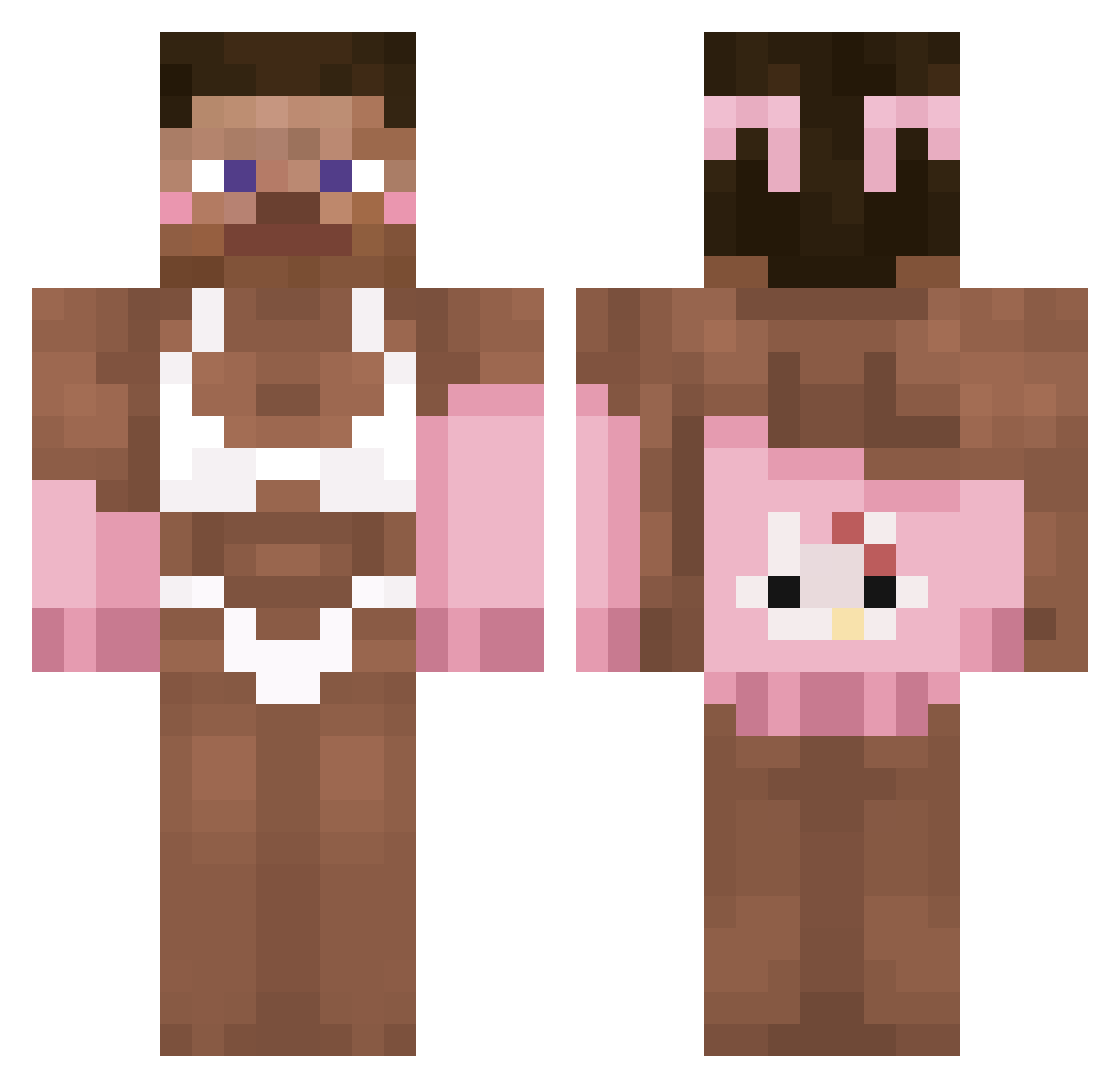
Other players with this skin (316)
twitch_Kama was the 71st player we have seen with this skin, first spotted on 19.08.2026. The same skin was seen on these players. Open a nickname to see their current skin and skin history.
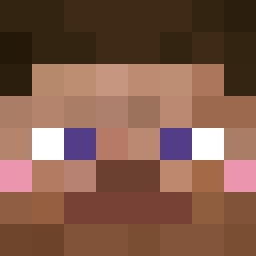 snowrp16 TLLS Ebby2Go SN0IFER Romantetje ChickenBieber jajkomajko
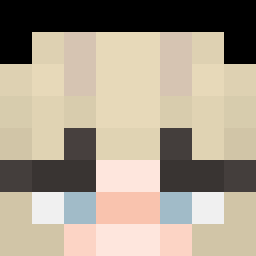 ImSuperLazi Schaumkuss ElTacoChloe Bisap jestemFajny_552 K_ea7 iByBoyxn_ theloniush _3g0izm_
 palka_rezinovaya Xenon2115 arthureluciana
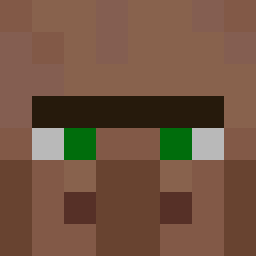 33ltiq Tomytia Mchektorr Xenon02 Kyiumae 1513as Agenda5
 CapThrobr duddn_ Ohm0411 Scoupa cadinvfx xexnwoo EL_GOBLINOO wuteverlina ImRipage SpanishEmo
 kianpro lulubanbie comapainkiller JayJay_OnReplay lolly924 stxvn_ Nacho2519 GamerHQ uzqr ANGARv bigscarydoxxer ApeRR Batek121 Timmy30000 itsmirzakanzi MacaczWorow
 Zw9w Sayomomo jokinjapan SuperKaneMan888 HanUl5555 Boempie_ MokaPott zosiasz
More Hello Kitty Minecraft skins
How to install the twitch_Kama skin
- Press the Download button above to save the skin as a PNG file.
- Minecraft: Bedrock Edition (PE): open the Dressing Room from the main menu (or tap your character → Edit Character), go to Classic Skins → Owned, press the + (new skin) button, choose the downloaded PNG and pick the Classic (Steve) model. Works on PC and mobile; consoles cannot import custom skins.
- Minecraft: Java Edition: open the Minecraft Launcher, go to the Skins tab, click New Skin, load the PNG, pick the Classic (Steve) model and press Save & Use. You can also upload it at minecraft.net → Profile → Change Skin.
The skin does not show up after import - what should I do?
Restart Minecraft and open the Dressing Room again - imported skins sometimes appear only after a restart. Also make sure you selected the imported skin and picked the Classic (Steve) model.
Which model should I choose, Classic or Slim?
This skin is designed for the Classic (Steve) model. If you pick the wrong model, the arms of the skin will look stretched or squeezed.
Is the skin of twitch_Kama free to download?
Yes. Press Download, save the PNG file and use it in Minecraft: Bedrock Edition or Java Edition - no payment or registration needed. The skin also works on multiplayer servers and Realms.
More skins
Looking for more? Go back to all Minecraft skins and check the top skins of the week, month and all time, or find any player's skin by nickname.