
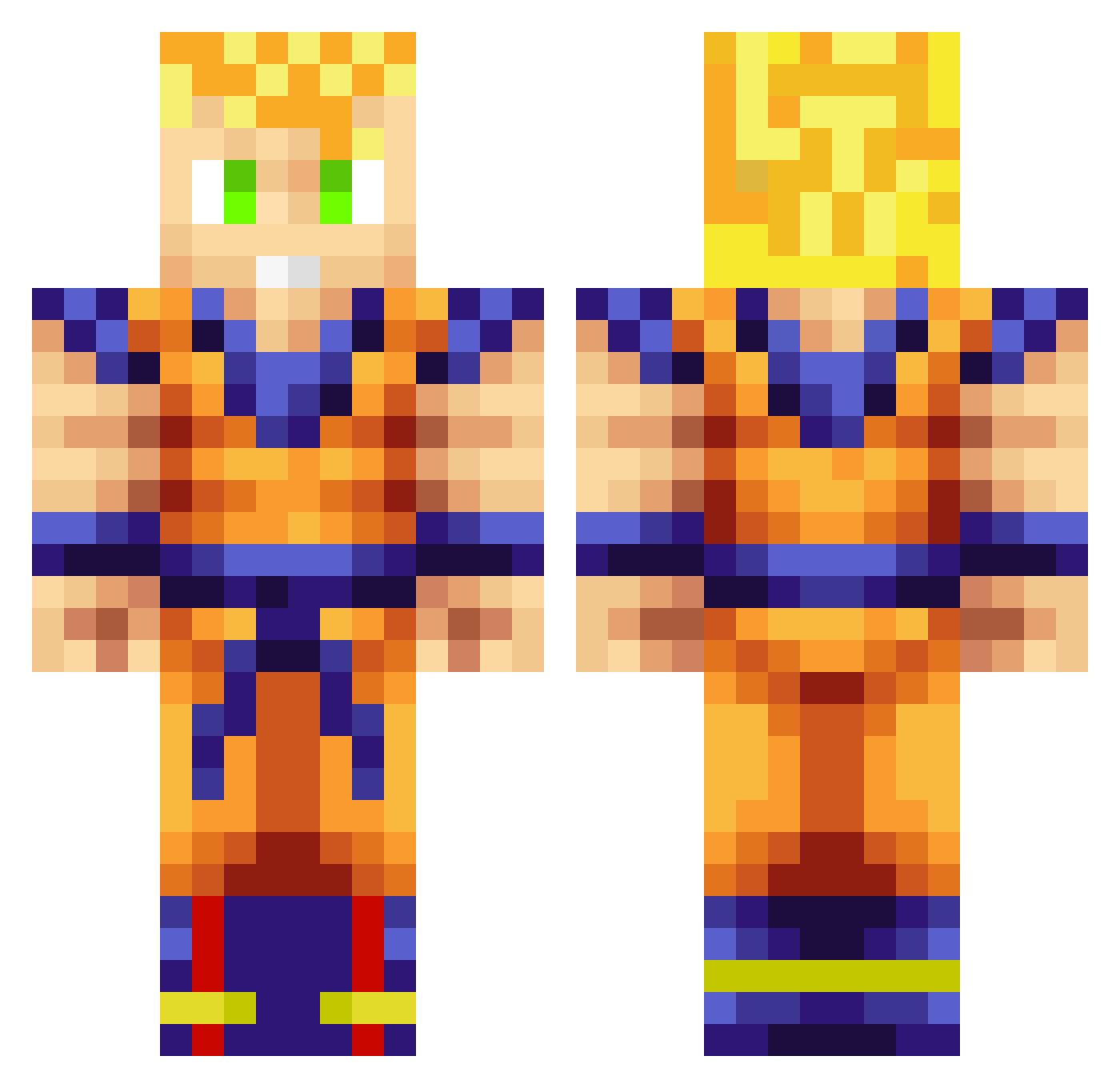
Current Minecraft skin of the player trenton012001, loaded from the official Mojang API. Rotate the 3D model with your mouse or finger, then download the skin as a PNG file and use it in Minecraft: Bedrock Edition or Java Edition for free. When trenton012001 changes their skin, this page updates automatically and the old skin stays in the history below.
Other players with this skin (702)
trenton012001 was the 671st player we have seen with this skin, first spotted on 12.10.2026. The same skin was seen on these players. Open a nickname to see their current skin and skin history.
 adogdoesmc Mervan_Yagci Karamel64 SuperSayin4G TheCreedling BigTheo ThePro1541 Alveriaaa MythzZiggy aldo_a15 Rumple4Skinz herreraz25 ghost3092 Frohzie Mr_Gopher23 kong23 Pyhard up_for_audition CrispDuckie Muesky DerAndere16 Jadwall lj1321 Cyclops_Spike deadninja167 beastmode189 McSundae69 justqrk elvirus28 Webtubby PatTheRick floxolf96 Abusives BeatsModeE Getoffmeho Fattdiddly Logan0708 leejunfan JON_I 1Puppy3 SoGoHaN Risi0n nickish424 jewbaka731 sin1008 GilfordGer i_pked_u moleflamingo DMickey95 YES365 benaurea EuroRush Darth_Chocoalex jshan ByReVoluTioN12 IIKronosII iMSpongebob27 blacklpk Meno1tios LENNIESWAGG
More Goku Minecraft skins
How to install the trenton012001 skin
- Press the Download button above to save the skin as a PNG file.
- Minecraft: Bedrock Edition (PE): open the Dressing Room from the main menu (or tap your character → Edit Character), go to Classic Skins → Owned, press the + (new skin) button, choose the downloaded PNG and pick the Classic (Steve) model. Works on PC and mobile; consoles cannot import custom skins.
- Minecraft: Java Edition: open the Minecraft Launcher, go to the Skins tab, click New Skin, load the PNG, pick the Classic (Steve) model and press Save & Use. You can also upload it at minecraft.net → Profile → Change Skin.
The skin does not show up after import - what should I do?
Restart Minecraft and open the Dressing Room again - imported skins sometimes appear only after a restart. Also make sure you selected the imported skin and picked the Classic (Steve) model.
Which model should I choose, Classic or Slim?
This skin is designed for the Classic (Steve) model. If you pick the wrong model, the arms of the skin will look stretched or squeezed.
Is the skin of trenton012001 free to download?
Yes. Press Download, save the PNG file and use it in Minecraft: Bedrock Edition or Java Edition - no payment or registration needed. The skin also works on multiplayer servers and Realms.
More skins
Looking for more? Go back to all Minecraft skins and check the top skins of the week, month and all time, or find any player's skin by nickname.