
testiculese - Minecraft Skins & Skin History
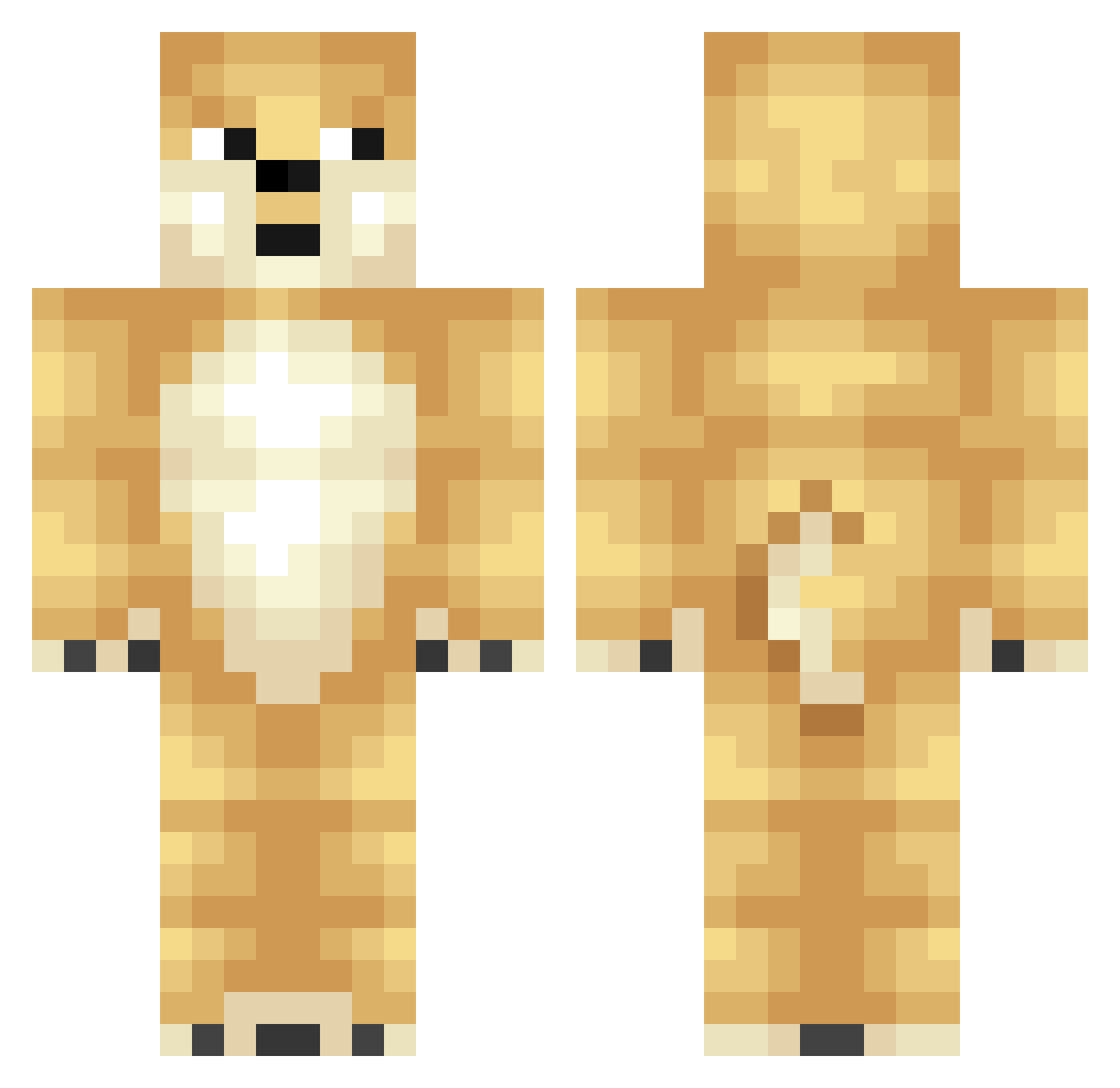
Current Minecraft skin of the player testiculese, loaded from the official Mojang API. Rotate the 3D model with your mouse or finger, then download the skin as a PNG file and use it in Minecraft: Bedrock Edition or Java Edition for free. When testiculese changes their skin, this page updates automatically and the old skin stays in the history below.
Other players with this skin (348)
testiculese was the 179th player we have seen with this skin, first spotted on 19.09.2026. The same skin was seen on these players. Open a nickname to see their current skin and skin history.
 piepad22 Haifischy Black_Ginger ScavengerSky18 Iwanowski KVN_ZHNG Rytje Frank9991 FERBER44 xkab2 Benjes058 CaptainAltarzZ bpjoker billyandangus2 Trajm p4linda Jandoge pilopet_123 BigGaytoiletfan IAmFadeL fabulest duffy1927 turbonaut Daviestheduck jilliooo UltraDoge rambotoe3 Snacke___ ScarTale Judgedeath1 pitbullmasta McButtington smitty000 BomRoad Marlin_Olive CaliforniaCougar Wharn Bentanoss O1_CerTTi gegeda123 Sirdog123 AltSpaghetti Knight_Ken TS_YOSHI comfortedzwing Casslord 2Fat2Walk Virtualandy Melnyk_M buckeyefan17 Evilweasel1234 FiggleStick Ponyato AloneOwl Balleflass123 willymobilly weirddoggo Bunny181 Leduce BauerX5
More Shiba Inu Minecraft skins
How to install the testiculese skin
- Press the Download button above to save the skin as a PNG file.
- Minecraft: Bedrock Edition (PE): open the Dressing Room from the main menu (or tap your character → Edit Character), go to Classic Skins → Owned, press the + (new skin) button, choose the downloaded PNG and pick the Classic (Steve) model. Works on PC and mobile; consoles cannot import custom skins.
- Minecraft: Java Edition: open the Minecraft Launcher, go to the Skins tab, click New Skin, load the PNG, pick the Classic (Steve) model and press Save & Use. You can also upload it at minecraft.net → Profile → Change Skin.
The skin does not show up after import - what should I do?
Restart Minecraft and open the Dressing Room again - imported skins sometimes appear only after a restart. Also make sure you selected the imported skin and picked the Classic (Steve) model.
Which model should I choose, Classic or Slim?
This skin is designed for the Classic (Steve) model. If you pick the wrong model, the arms of the skin will look stretched or squeezed.
Is the skin of testiculese free to download?
Yes. Press Download, save the PNG file and use it in Minecraft: Bedrock Edition or Java Edition - no payment or registration needed. The skin also works on multiplayer servers and Realms.
More skins
Looking for more? Go back to all Minecraft skins and check the top skins of the week, month and all time, or find any player's skin by nickname.