
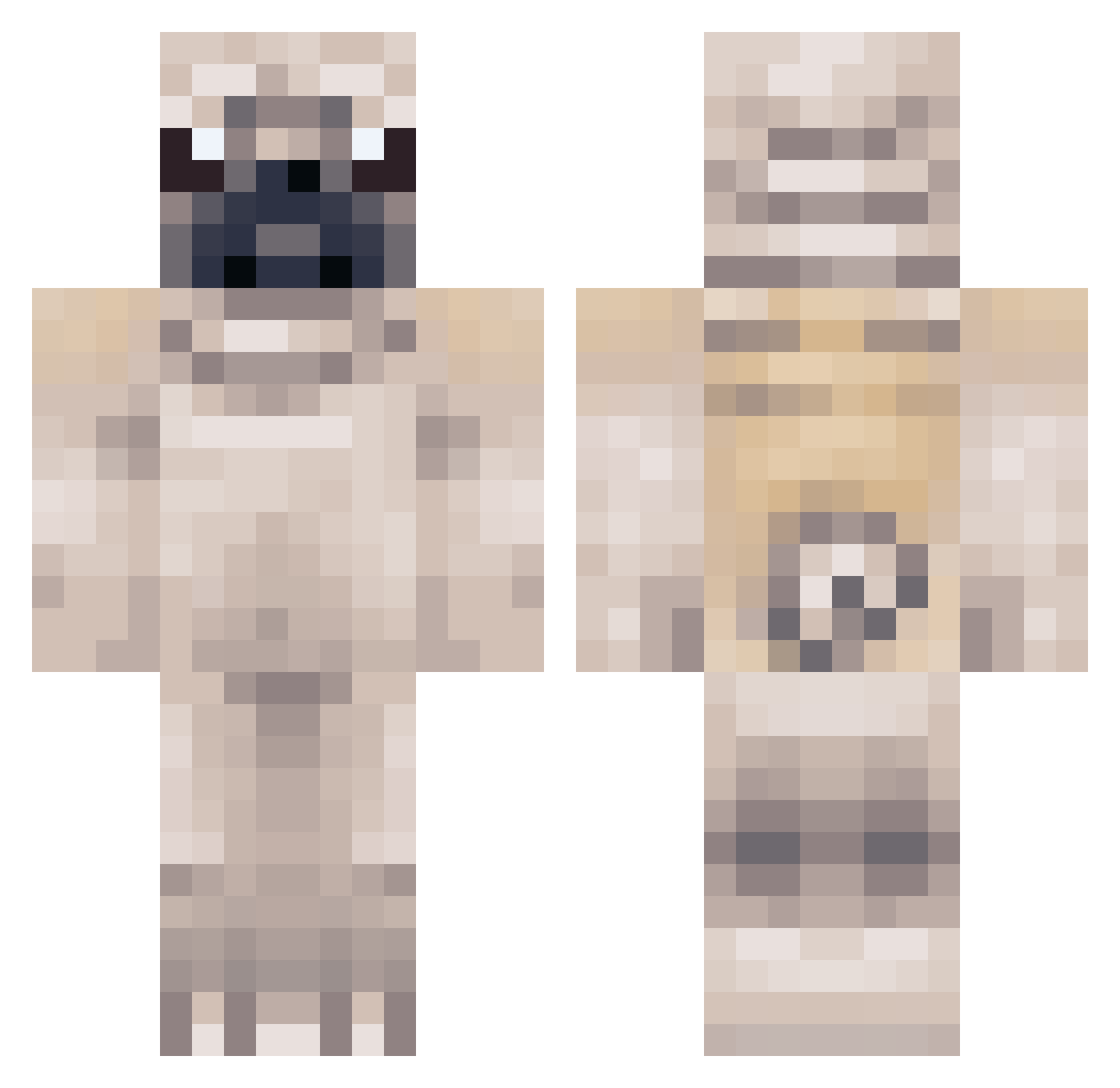
Current Minecraft skin of the player tedtedsgirl, loaded from the official Mojang API. Rotate the 3D model with your mouse or finger, then download the skin as a PNG file and use it in Minecraft: Bedrock Edition or Java Edition for free. When tedtedsgirl changes their skin, this page updates automatically and the old skin stays in the history below.
Other players with this skin (267)
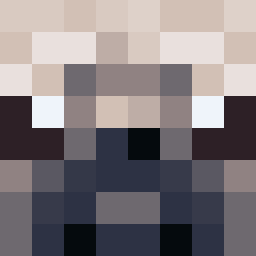
tedtedsgirl was the 241st player we have seen with this skin, first spotted on 08.10.2026. The same skin was seen on these players. Open a nickname to see their current skin and skin history.
 i_love_pugs geegeerob FuzzyNinjaPug SimplyVibrant Joeymamma ExtraordinaryDog vNeXxZ magella kittyarrow ashton0703 HackedYourClient HoodiniFlavio benjiwb MasterWillem jjj2002 Owneren EnderLady808 PigNostril CalumSmit Lachase morgan_725_ EasyKite steve121258 Gukie_2 LaurenLovesPugs cooksonclan Falconlord99 loveloxxxx FakeRedMonki Edor04 22banderson Azizleomessi Pugz_Gamer 0K3X BFFPUGGY JagaThePug lemonpincher MongooseMTB mebesee123 skullcandyEFA iGaaMz Bitemya55 TheEpicPug FixHand navyseal512 LucasTH14 PitPug KiwiMegaSword LustyGrandad B0mberman97 netsfan337 MJH1999 roccostampycat tactical_hero Pineapplepug Wombs Barking ch8kill ExFastArrow cobraking7
More Pug Minecraft skins
How to install the tedtedsgirl skin
- Press the Download button above to save the skin as a PNG file.
- Minecraft: Bedrock Edition (PE): open the Dressing Room from the main menu (or tap your character → Edit Character), go to Classic Skins → Owned, press the + (new skin) button, choose the downloaded PNG and pick the Classic (Steve) model. Works on PC and mobile; consoles cannot import custom skins.
- Minecraft: Java Edition: open the Minecraft Launcher, go to the Skins tab, click New Skin, load the PNG, pick the Classic (Steve) model and press Save & Use. You can also upload it at minecraft.net → Profile → Change Skin.
The skin does not show up after import - what should I do?
Restart Minecraft and open the Dressing Room again - imported skins sometimes appear only after a restart. Also make sure you selected the imported skin and picked the Classic (Steve) model.
Which model should I choose, Classic or Slim?
This skin is designed for the Classic (Steve) model. If you pick the wrong model, the arms of the skin will look stretched or squeezed.
Is the skin of tedtedsgirl free to download?
Yes. Press Download, save the PNG file and use it in Minecraft: Bedrock Edition or Java Edition - no payment or registration needed. The skin also works on multiplayer servers and Realms.
More skins
Looking for more? Go back to all Minecraft skins and check the top skins of the week, month and all time, or find any player's skin by nickname.