
ta2yaman - Minecraft Skins & Skin History
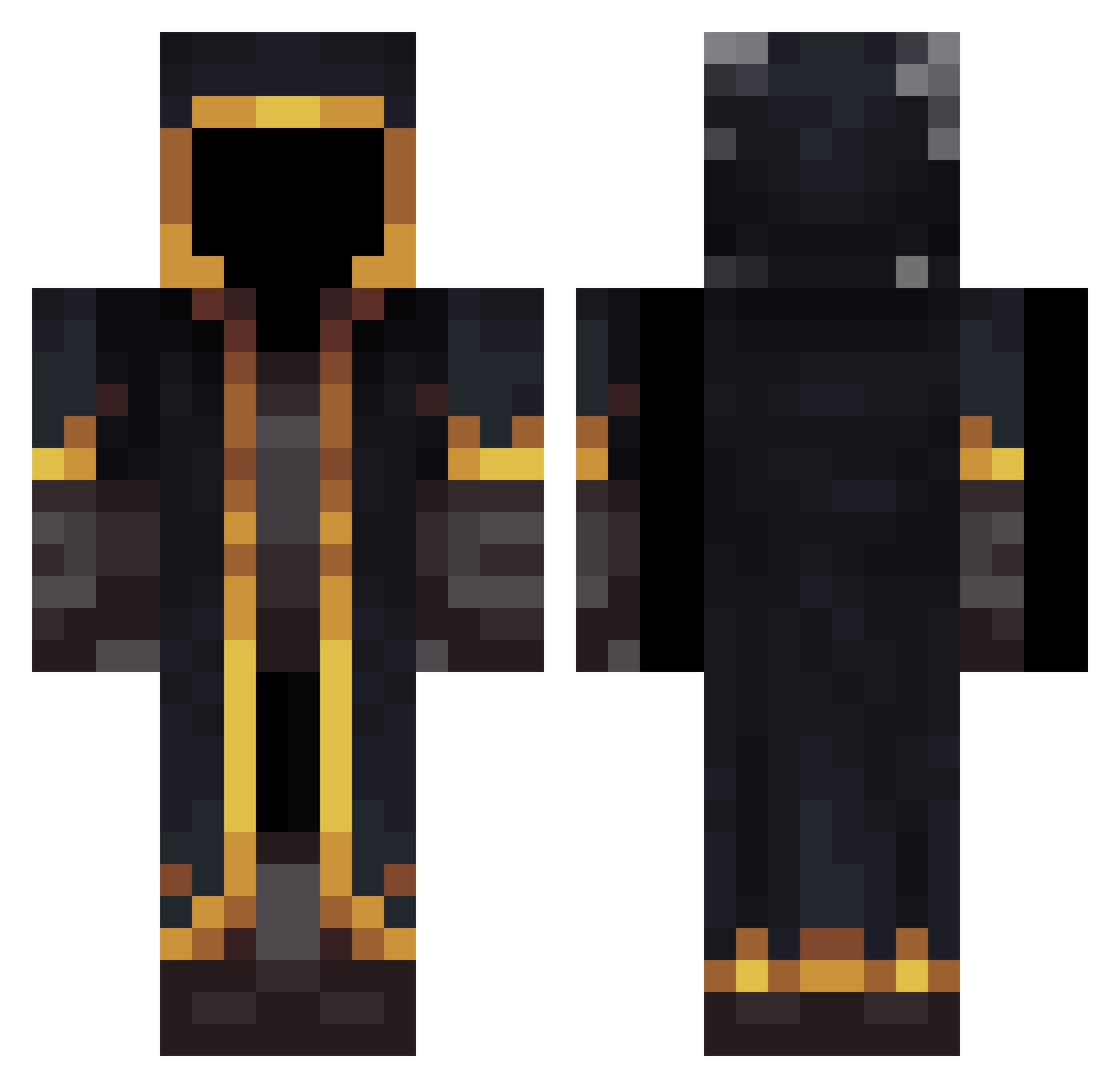
Current Minecraft skin of the player ta2yaman, loaded from the official Mojang API. Rotate the 3D model with your mouse or finger, then download the skin as a PNG file and use it in Minecraft: Bedrock Edition or Java Edition for free. When ta2yaman changes their skin, this page updates automatically and the old skin stays in the history below.
Other players with this skin (653)
ta2yaman was the 527th player we have seen with this skin, first spotted on 30.10.2026. The same skin was seen on these players. Open a nickname to see their current skin and skin history.
 Gaboya Hedwig_2008 OPOROWIEC195 Gbr09 Zielz joewc _Dashz_ FTMassacre PieselGaming LuchoPlayer_ LIXMDALXD3456 BOT_Feizas dippa164 __gun__dy XXFENiXX13 kvxin AAyden0 QxMinecraftManYz ApoloAAH osmankayan twttong dragueur_virtuel wuyuanwang Sesam1000 Alysson53 RvnsPsY Fernanboom34 ridepiges MandelbrotSe BlackHammer8938 yassersf OnlySeb_08 Repairedpizza44 KatsukiBakugou78 mrproclamation Osiaty phalkeau LeFurieuxDu7714 Salamandra_666 bukiq SoloGamePlay feather_goat_ Qbertx10 soy_un_ramdom NebulaArcade PEDRONERY123 alconejo shadowocrafter Hyperyman_ Edwarslove850531 Criiine Lordynchen jhygj differenza Okurah SFPantheon JustJrodle Youssen14 Guiguis1401 Lucas_Forever
More Mage Minecraft skins
How to install the ta2yaman skin
- Press the Download button above to save the skin as a PNG file.
- Minecraft: Bedrock Edition (PE): open the Dressing Room from the main menu (or tap your character → Edit Character), go to Classic Skins → Owned, press the + (new skin) button, choose the downloaded PNG and pick the Classic (Steve) model. Works on PC and mobile; consoles cannot import custom skins.
- Minecraft: Java Edition: open the Minecraft Launcher, go to the Skins tab, click New Skin, load the PNG, pick the Classic (Steve) model and press Save & Use. You can also upload it at minecraft.net → Profile → Change Skin.
The skin does not show up after import - what should I do?
Restart Minecraft and open the Dressing Room again - imported skins sometimes appear only after a restart. Also make sure you selected the imported skin and picked the Classic (Steve) model.
Which model should I choose, Classic or Slim?
This skin is designed for the Classic (Steve) model. If you pick the wrong model, the arms of the skin will look stretched or squeezed.
Is the skin of ta2yaman free to download?
Yes. Press Download, save the PNG file and use it in Minecraft: Bedrock Edition or Java Edition - no payment or registration needed. The skin also works on multiplayer servers and Realms.
More skins
Looking for more? Go back to all Minecraft skins and check the top skins of the week, month and all time, or find any player's skin by nickname.