
sumplayer - Minecraft Skins & Skin History
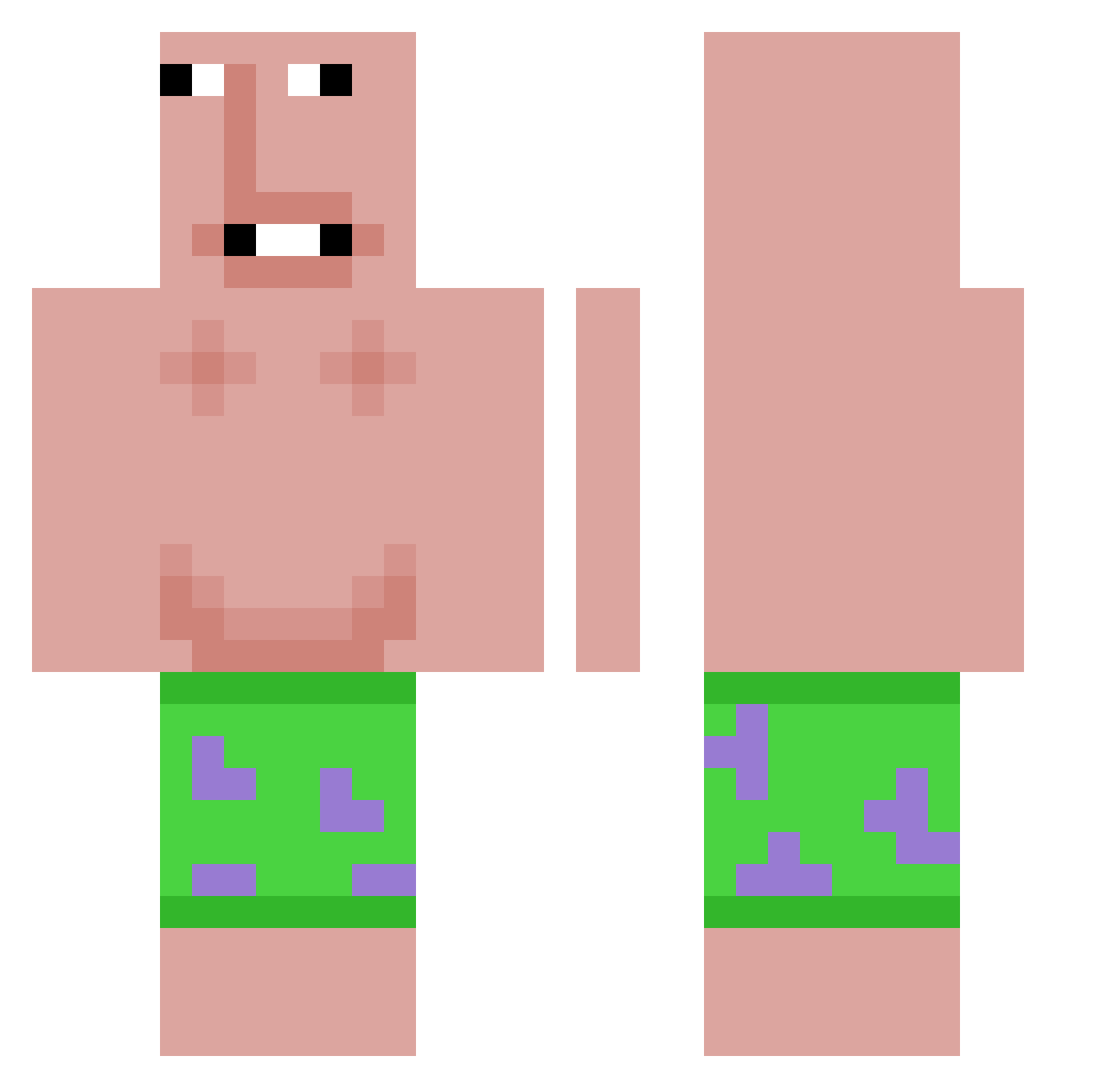
Current Minecraft skin of the player sumplayer, loaded from the official Mojang API. Rotate the 3D model with your mouse or finger, then download the skin as a PNG file and use it in Minecraft: Bedrock Edition or Java Edition for free. When sumplayer changes their skin, this page updates automatically and the old skin stays in the history below.
Other players with this skin (579)
sumplayer was the 389th player we have seen with this skin, first spotted on 29.09.2026. The same skin was seen on these players. Open a nickname to see their current skin and skin history.
 Luapados Peter_rr TMC_Angexis Barkark6996 carlos0123456 HTAEDD robinos2 PeachMerc mangohichewlove elitelodog502 denisuper WMLDCC Xenicalz Moure_ simonlemon1 lennonade23 roxxx126 Minyoung21 BenJYIY lowwwwer P3ZPEREZ PIGGY31 Musol_ Cookie1482 pplabanane xxxCubemaxi12xx MRKIERAN16 AirlessOsprey82 Facu1232 CinoNotFound ashtonsmallbones lovepastel abumousa xXflix31Xx Nikk0GG Zel0w2 Djkk8200 Voxii3 KlaiDer_ Doofbewohner187 Robmatze XeriLence THISISMYNAMEEE Abdul725 brair1234 Versefy yubbah Udydude ilyaugustt Kimbory1013 MisterNSQ Otrebor_124Pear Ge0rgEdroyD Bent_Bilulykke Qiban_ enderma1 funnydoge4367 cadealex0307 QU4DR4 Comferyosher
More Patrick Star Minecraft skins
See all 612 Patrick Star skins
How to install the sumplayer skin
- Press the Download button above to save the skin as a PNG file.
- Minecraft: Bedrock Edition (PE): open the Dressing Room from the main menu (or tap your character → Edit Character), go to Classic Skins → Owned, press the + (new skin) button, choose the downloaded PNG and pick the Classic (Steve) model. Works on PC and mobile; consoles cannot import custom skins.
- Minecraft: Java Edition: open the Minecraft Launcher, go to the Skins tab, click New Skin, load the PNG, pick the Classic (Steve) model and press Save & Use. You can also upload it at minecraft.net → Profile → Change Skin.
The skin does not show up after import - what should I do?
Restart Minecraft and open the Dressing Room again - imported skins sometimes appear only after a restart. Also make sure you selected the imported skin and picked the Classic (Steve) model.
Which model should I choose, Classic or Slim?
This skin is designed for the Classic (Steve) model. If you pick the wrong model, the arms of the skin will look stretched or squeezed.
Is the skin of sumplayer free to download?
Yes. Press Download, save the PNG file and use it in Minecraft: Bedrock Edition or Java Edition - no payment or registration needed. The skin also works on multiplayer servers and Realms.
More skins
Looking for more? Go back to all Minecraft skins and check the top skins of the week, month and all time, or find any player's skin by nickname.