
sugasa - Minecraft Skins & Skin History
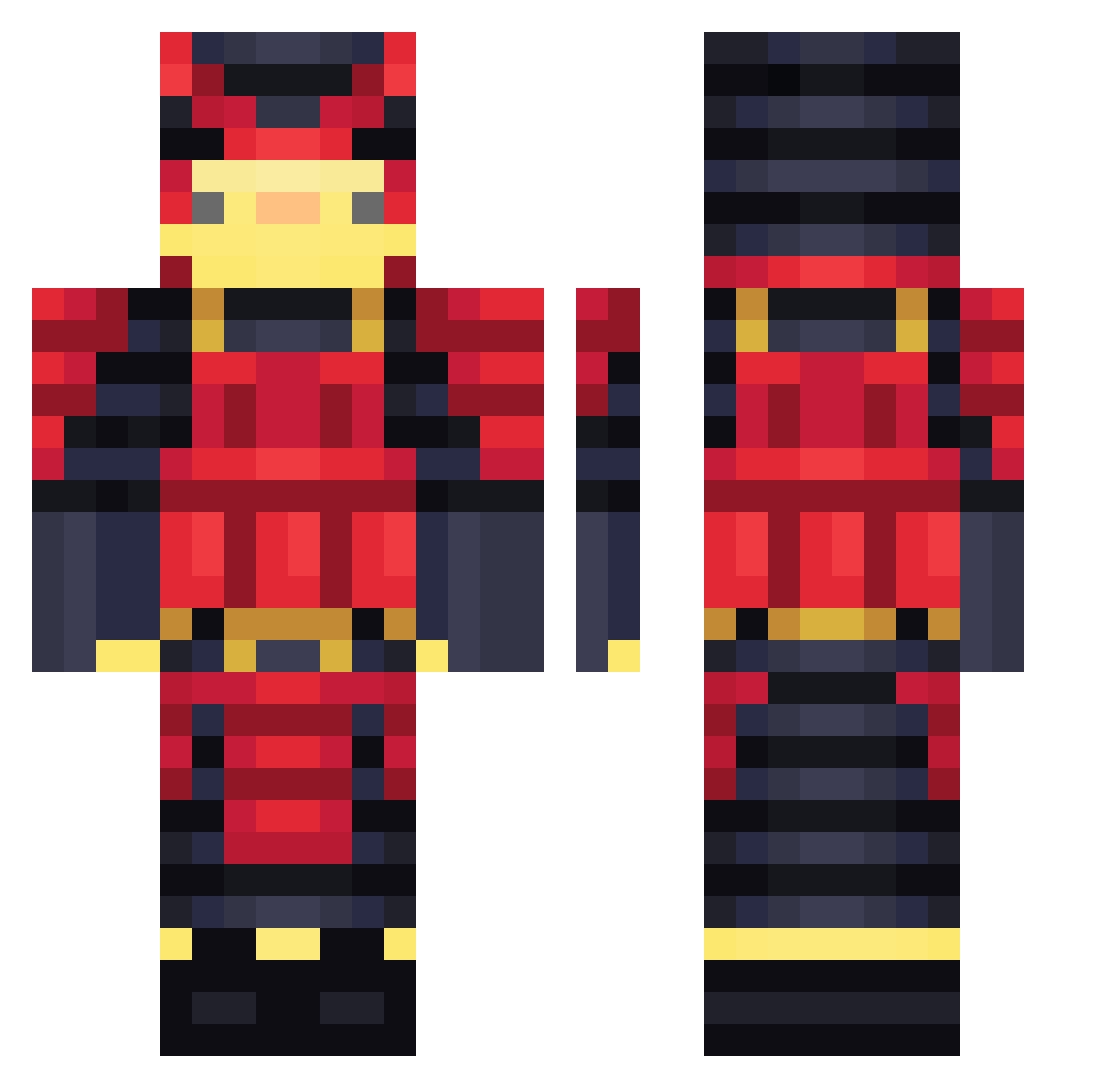
Current Minecraft skin of the player sugasa, loaded from the official Mojang API. Rotate the 3D model with your mouse or finger, then download the skin as a PNG file and use it in Minecraft: Bedrock Edition or Java Edition for free. When sugasa changes their skin, this page updates automatically and the old skin stays in the history below.
Other players with this skin (459)
sugasa was the 62nd player we have seen with this skin, first spotted on 08.08.2026. The same skin was seen on these players. Open a nickname to see their current skin and skin history.
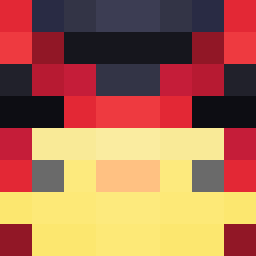 Mikey135 MNCK22
 profiman61 AriseinV Pevkko GevreesdKaasblok YonNoow DuckNoober CorruptedPotato DIKOUS56 NinjaLiquid21 Godzollo TrmonSlayer TOYAN3573 BubblesBuster N_AKI_0117 SamC__ TheAlphaDuck67 Escorpio203
 Wah__ Brastokun Auratix Just_Laist Klayzz_ Minion654 druke_ Anchorinqq Brain9912
 Lyubomir1372 Ammousxd phur sensei_zako KimAkabane Hags_123 Mayt__ Jiwonabus MADMAX583 Aoishiki Zoro_on JAY_087 Atharvat007 Koocki Pulliss dmmd03 Bibo_exe BUDO11 Gol_D_Max HugoR2024 SilentMyst IKKO86 RoDrIgOo_66 GabrielSalve42 Zedi331 EpicBuilderJava Insulin_Addict17
 KOKONUTQUEEN bloodboiblue BlacK226 AlTToS OmniPupaFireDupa
More Samurai Minecraft skins
How to install the sugasa skin
- Press the Download button above to save the skin as a PNG file.
- Minecraft: Bedrock Edition (PE): open the Dressing Room from the main menu (or tap your character → Edit Character), go to Classic Skins → Owned, press the + (new skin) button, choose the downloaded PNG and pick the Classic (Steve) model. Works on PC and mobile; consoles cannot import custom skins.
- Minecraft: Java Edition: open the Minecraft Launcher, go to the Skins tab, click New Skin, load the PNG, pick the Classic (Steve) model and press Save & Use. You can also upload it at minecraft.net → Profile → Change Skin.
The skin does not show up after import - what should I do?
Restart Minecraft and open the Dressing Room again - imported skins sometimes appear only after a restart. Also make sure you selected the imported skin and picked the Classic (Steve) model.
Which model should I choose, Classic or Slim?
This skin is designed for the Classic (Steve) model. If you pick the wrong model, the arms of the skin will look stretched or squeezed.
Is the skin of sugasa free to download?
Yes. Press Download, save the PNG file and use it in Minecraft: Bedrock Edition or Java Edition - no payment or registration needed. The skin also works on multiplayer servers and Realms.
More skins
Looking for more? Go back to all Minecraft skins and check the top skins of the week, month and all time, or find any player's skin by nickname.