
starrysami - Minecraft Skins & Skin History
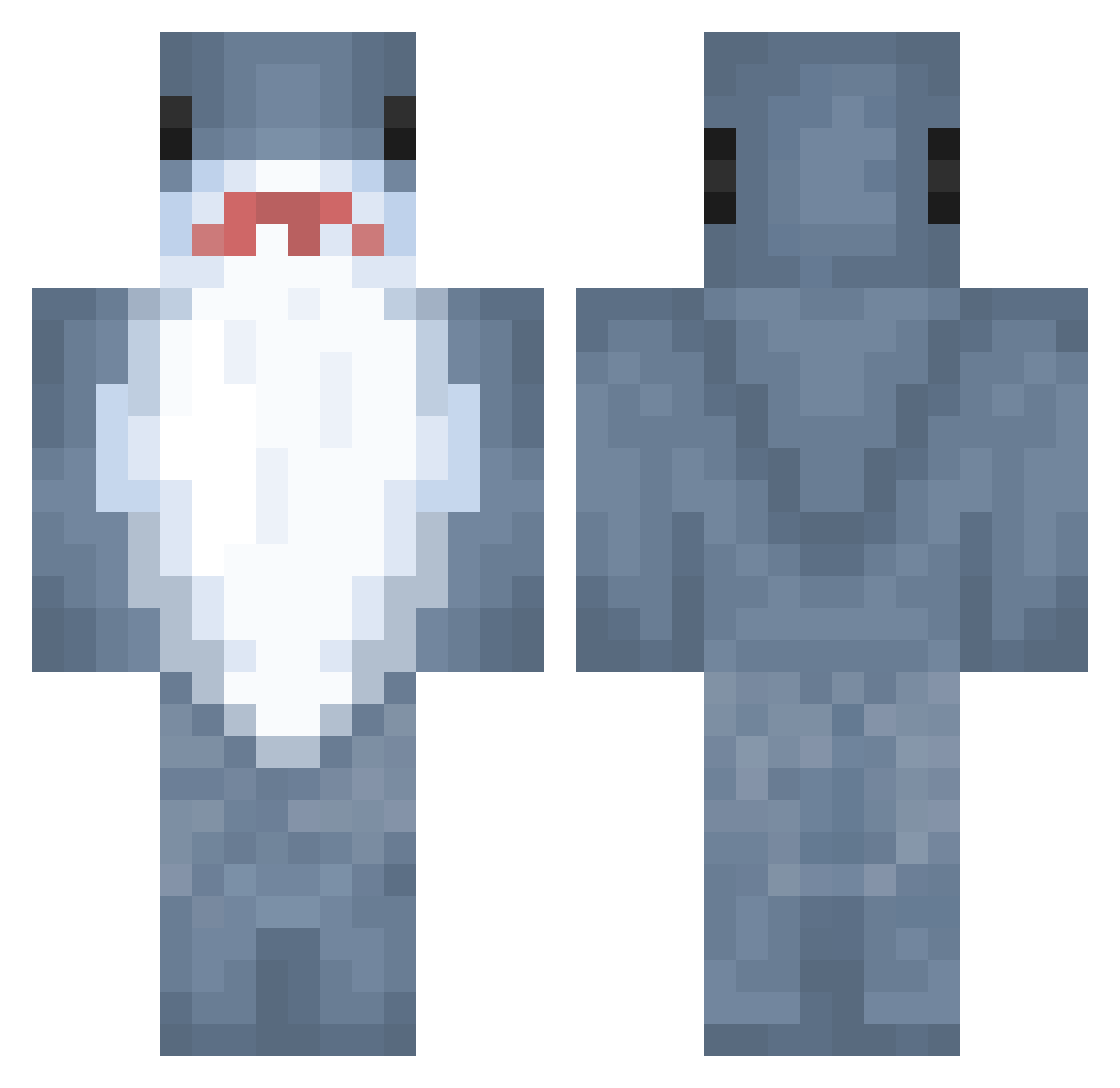
Current Minecraft skin of the player starrysami, loaded from the official Mojang API. Rotate the 3D model with your mouse or finger, then download the skin as a PNG file and use it in Minecraft: Bedrock Edition or Java Edition for free. When starrysami changes their skin, this page updates automatically and the old skin stays in the history below.
Other players with this skin (889)
starrysami was the 778th player we have seen with this skin, first spotted on 21.10.2026. The same skin was seen on these players. Open a nickname to see their current skin and skin history.
 DOGE730 S0rTq sudekan Slash_r5 2023stag JujuDpomm hamhyam Chopyster Wonderbars_MC Anje_br8 nonyman_ coochiem Granola08 VexMyth0l0gy ching_3_rin_1 MariFail Madds1310 Exwk Theodoreeeee ASSlinggg FDHL1 Geodqshmine hao0402 UwUlord_real skogplinko kingkeegee s0sparky TheAvocado_Shark Tiburon420 JangyMC Sieu_Long_Bao The_Jungernaut Ayambn torihanna Pimbis Kaile_ Iborta Puffin8222 jellyanj degko UnorthodoxShroom tralalero_tralao Cuhmilluh BongoShark lokidotcom WaffleGobbler Dime914 starshoooter Juan1703 KoalaNap Tank0930 biewbs conmandYunLongLi Shiniigamik l__Asto__l Matcoolsk abigailrose4 wolister Ratallos64 pansysmeller
More Shark Minecraft skins
How to install the starrysami skin
- Press the Download button above to save the skin as a PNG file.
- Minecraft: Bedrock Edition (PE): open the Dressing Room from the main menu (or tap your character → Edit Character), go to Classic Skins → Owned, press the + (new skin) button, choose the downloaded PNG and pick the Classic (Steve) model. Works on PC and mobile; consoles cannot import custom skins.
- Minecraft: Java Edition: open the Minecraft Launcher, go to the Skins tab, click New Skin, load the PNG, pick the Classic (Steve) model and press Save & Use. You can also upload it at minecraft.net → Profile → Change Skin.
The skin does not show up after import - what should I do?
Restart Minecraft and open the Dressing Room again - imported skins sometimes appear only after a restart. Also make sure you selected the imported skin and picked the Classic (Steve) model.
Which model should I choose, Classic or Slim?
This skin is designed for the Classic (Steve) model. If you pick the wrong model, the arms of the skin will look stretched or squeezed.
Is the skin of starrysami free to download?
Yes. Press Download, save the PNG file and use it in Minecraft: Bedrock Edition or Java Edition - no payment or registration needed. The skin also works on multiplayer servers and Realms.
More skins
Looking for more? Go back to all Minecraft skins and check the top skins of the week, month and all time, or find any player's skin by nickname.