
squiggles110 - Minecraft Skins & Skin History
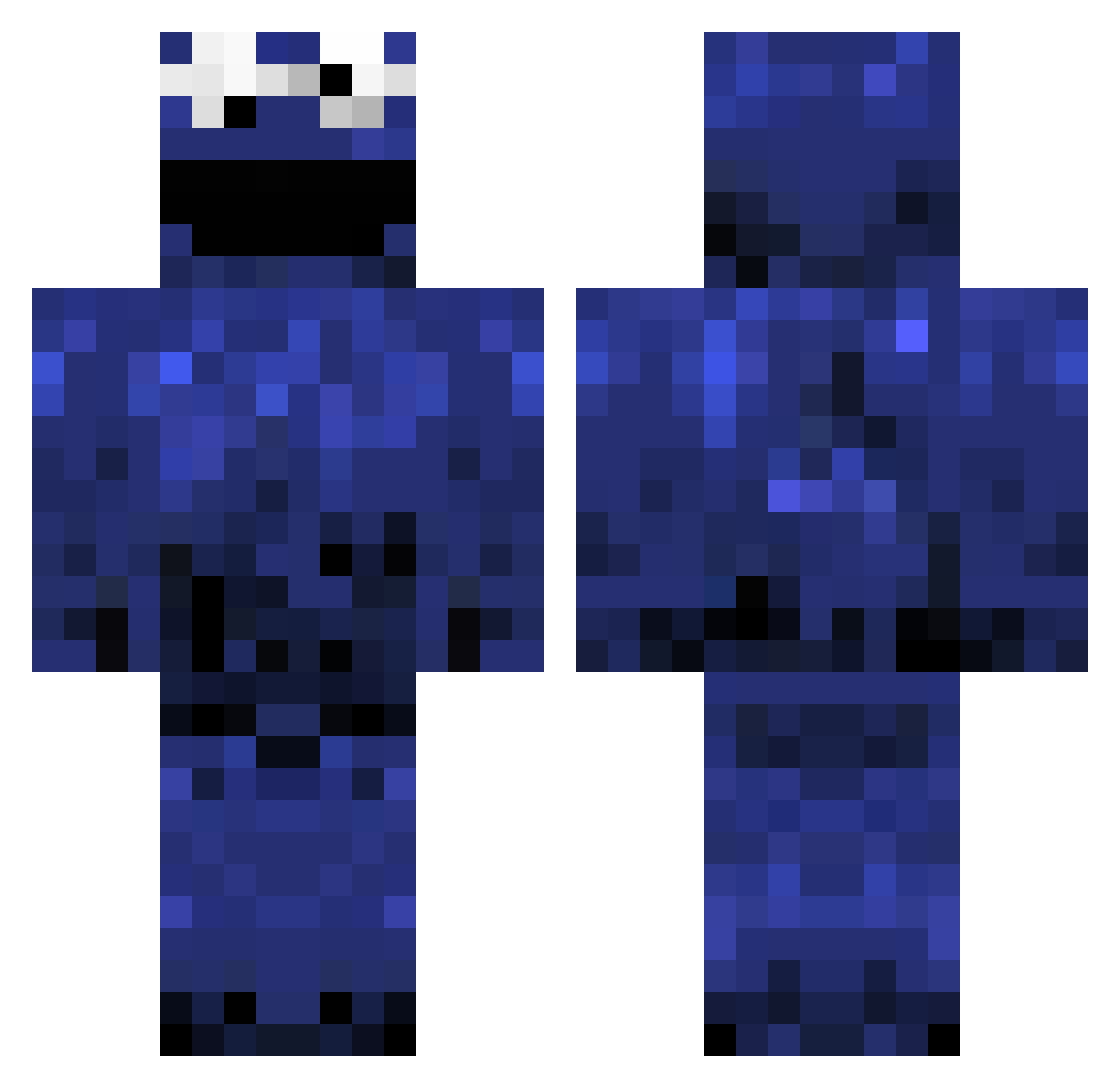
Current Minecraft skin of the player squiggles110, loaded from the official Mojang API. Rotate the 3D model with your mouse or finger, then download the skin as a PNG file and use it in Minecraft: Bedrock Edition or Java Edition for free. When squiggles110 changes their skin, this page updates automatically and the old skin stays in the history below.
Other players with this skin (980)
squiggles110 was the 269th player we have seen with this skin, first spotted on 22.08.2026. The same skin was seen on these players. Open a nickname to see their current skin and skin history.
 asketchydrummer PancakeMaster312 whiteass89 LordSteezus Alexoh pektinasen Darkmoule thejungleman Ozghar THE_OWNER13 DiskoDachs armoking69 jpaluch fknica streetracer1389 DarkpoolDuck Nitecrawlerx coootra Hachani soccerlou498 ZestGodPat Rikurai shion1997 Hyper_Snypr Weetbix_Kid loocus1998 Elch9 FootyLover69 McBoalch DESCEMATOR lilllbelgelib bruin11 cookietime2907 bobross_official brescava Xerotics gingerfuzzsicle Ezekil76 Haagen_Daaz sunghyeo vinpars78 Laggg01 jmc1999 Shiels Valsparus george0419 Vekesh Whickwhack Islopy09 NiceClientM8 Irrevocable SeanAteUrCookie 69WhyNot69 OwenRoyall Veritorius TheAli66 xGonni mtnspike Kakopp Silverphish
More Cookie Monster Minecraft skins
See all 241 Cookie Monster skins
How to install the squiggles110 skin
- Press the Download button above to save the skin as a PNG file.
- Minecraft: Bedrock Edition (PE): open the Dressing Room from the main menu (or tap your character → Edit Character), go to Classic Skins → Owned, press the + (new skin) button, choose the downloaded PNG and pick the Classic (Steve) model. Works on PC and mobile; consoles cannot import custom skins.
- Minecraft: Java Edition: open the Minecraft Launcher, go to the Skins tab, click New Skin, load the PNG, pick the Classic (Steve) model and press Save & Use. You can also upload it at minecraft.net → Profile → Change Skin.
The skin does not show up after import - what should I do?
Restart Minecraft and open the Dressing Room again - imported skins sometimes appear only after a restart. Also make sure you selected the imported skin and picked the Classic (Steve) model.
Which model should I choose, Classic or Slim?
This skin is designed for the Classic (Steve) model. If you pick the wrong model, the arms of the skin will look stretched or squeezed.
Is the skin of squiggles110 free to download?
Yes. Press Download, save the PNG file and use it in Minecraft: Bedrock Edition or Java Edition - no payment or registration needed. The skin also works on multiplayer servers and Realms.
More skins
Looking for more? Go back to all Minecraft skins and check the top skins of the week, month and all time, or find any player's skin by nickname.