
 Cptcvn MinecraftMayhem tvmjr76 mininglikecrayze adrian7423 Edelpils Stouge scmiller cxorinne Crazy9821 StirredToFU fntk ivarmar pcookie44 Mulie jestt zackbcom shor4k hugo2011 HAx90 imVincent Marituzz ironicbuilder Helevetica SionPyon SirSquigglySquid zzraptor Rny snowshoe11 Picklepimp GH57 Farms jdoggindahizouse Snikey Craftulan swaglord SavageDriver cyris1987 cynthialoo sholk Manninz iSimon TheLegacyLivesOn BrownBandit mariru fruitless556 WaffleSurprise BlueLeg wooklan14 TuffiFTW StevenBasler enigma_sylo davidpsych SublimeHippo Roons zuzu030 Devil_Dick_Willy Uberskills appleCORED Raxxter
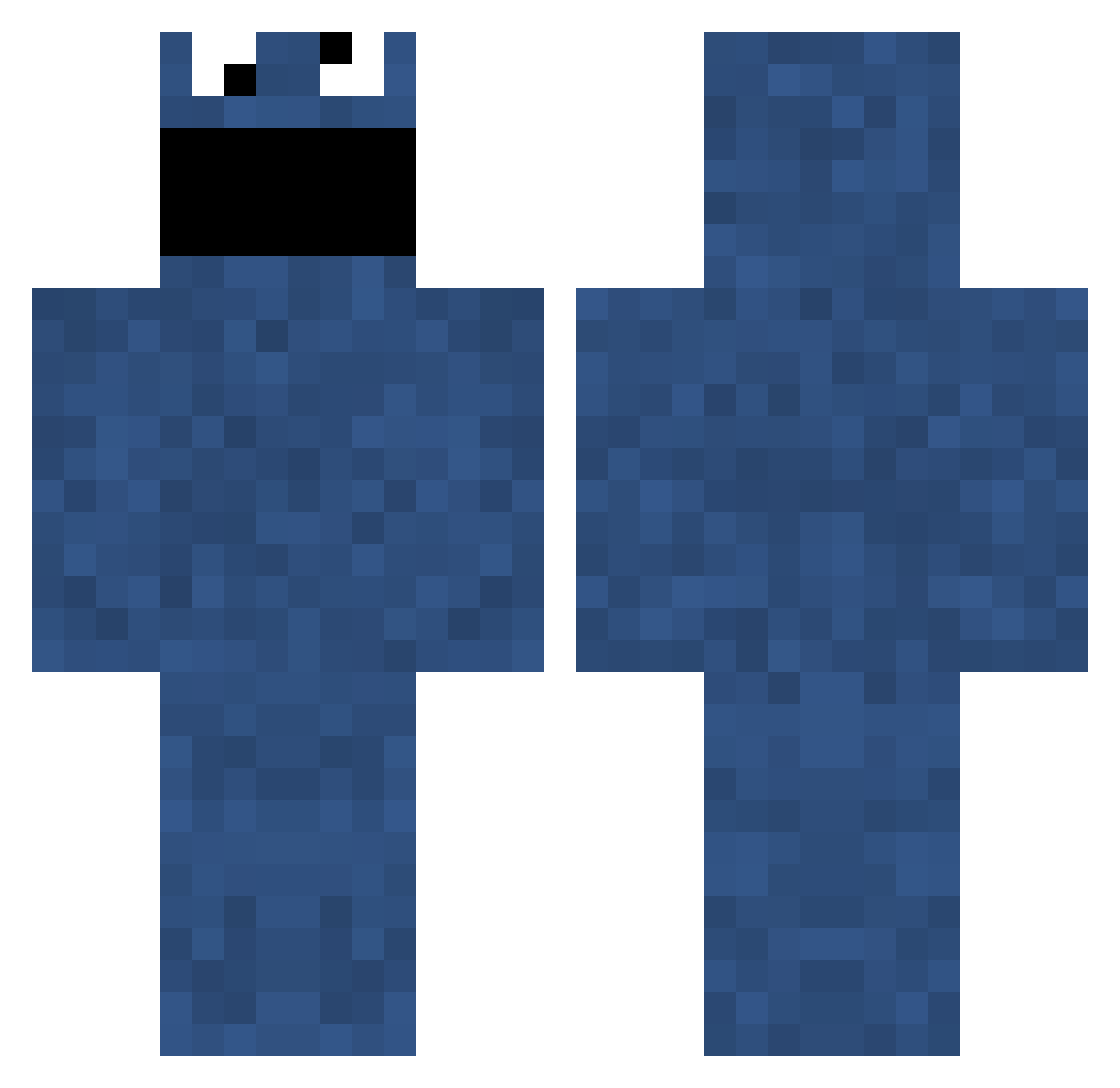
Minecraft skin of cbreen01. Rotate the 3D model with your mouse or finger to view the skin from every angle, then download it as a PNG file and use it in Minecraft: Bedrock Edition or Java Edition for free. Rate the skin with stars to help other players find the best skins in our collection.
How to install the cbreen01 skin
- Press the Download button above to save the skin as a PNG file.
- Minecraft: Bedrock Edition (PE): open the Dressing Room from the main menu (or tap your character → Edit Character), go to Classic Skins → Owned, press the + (new skin) button, choose the downloaded PNG and pick the Classic (Steve) model. Works on PC and mobile; consoles cannot import custom skins.
- Minecraft: Java Edition: open the Minecraft Launcher, go to the Skins tab, click New Skin, load the PNG, pick the Classic (Steve) model and press Save & Use. You can also upload it at minecraft.net → Profile → Change Skin.
The skin does not show up after import - what should I do?
Restart Minecraft and open the Dressing Room again - imported skins sometimes appear only after a restart. Also make sure you selected the imported skin and picked the Classic (Steve) model.
Which model should I choose, Classic or Slim?
This skin is designed for the Classic (Steve) model. If you pick the wrong model, the arms of the skin will look stretched or squeezed.
Is this skin free to use?
Yes. Press Download, save the PNG file and use it in Minecraft: Bedrock Edition or Java Edition - no payment or registration needed. The skin also works on multiplayer servers and Realms.
More Cookie Monster Minecraft skins
See all 241 Cookie Monster skins
More skins
Looking for more? Go back to all Minecraft skins and check the top skins of the week, month and all time, or find any player's skin by nickname.