
spoink051 - Minecraft Skins & Skin History
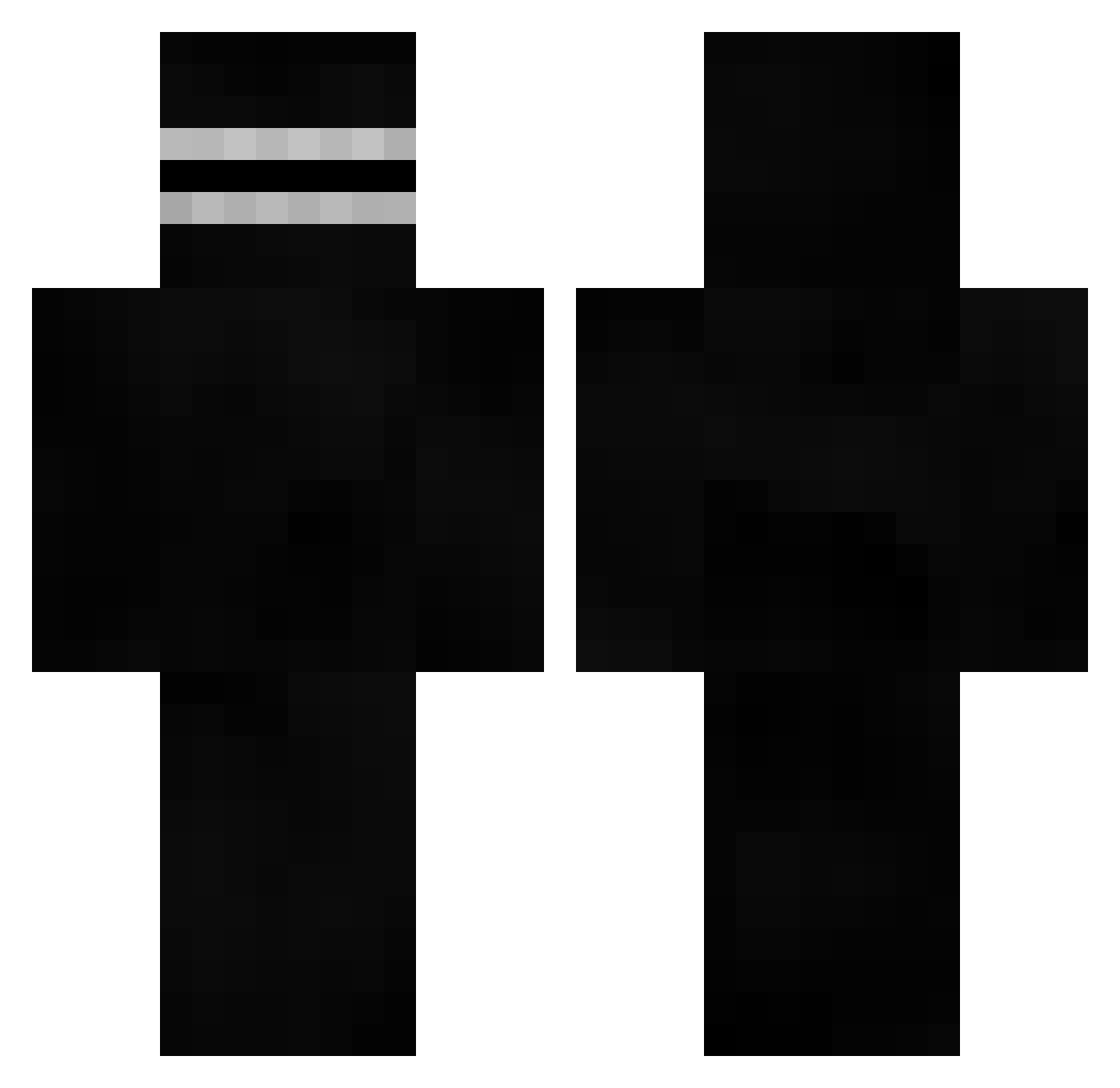
Current Minecraft skin of the player spoink051, loaded from the official Mojang API. Rotate the 3D model with your mouse or finger, then download the skin as a PNG file and use it in Minecraft: Bedrock Edition or Java Edition for free. When spoink051 changes their skin, this page updates automatically and the old skin stays in the history below.
Other players with this skin (526)
spoink051 was the 276th player we have seen with this skin, first spotted on 13.09.2026. The same skin was seen on these players. Open a nickname to see their current skin and skin history.
 Bellxwing_Beast Gmjr1 cpzzzzzzz MaxiMax14 LittleEye Oci3mni4ly boniardo PITUX_CURSEDA Real_Reeq Definitely8x2 chobicho CardBoredMD
 Tyrnt7 Ziconero1 MarcusEvan12 km10106 DOoO___ 7zashaya Hinity julxzero DrRecruit LordFrieza2853 BINTOX1248 FMJTOMCAT SebySkills ThraggOfSagg z3124905 Wildraidy _Toddy Kimchi7645 fnxy0 0cto3105 Darkchoucroute Heddesheim uNeverLookBack XaviTheBeast iesouq Matufajus TheCrashErik CocoaBudda outsydes Cleveland_Brown_ Mr_Prepus Soderda HollyScream kikodavide 404_for6idden Enuff55 HUDO355 Mlatteo Salah56920 LuisAngel_ZP mrnyc cris_topher xXyroXx0 AndrewDaFeesh DimonZ79 tobigamerxd Demented_Chimp BOBcraft35
More Visor Minecraft skins
How to install the spoink051 skin
- Press the Download button above to save the skin as a PNG file.
- Minecraft: Bedrock Edition (PE): open the Dressing Room from the main menu (or tap your character → Edit Character), go to Classic Skins → Owned, press the + (new skin) button, choose the downloaded PNG and pick the Classic (Steve) model. Works on PC and mobile; consoles cannot import custom skins.
- Minecraft: Java Edition: open the Minecraft Launcher, go to the Skins tab, click New Skin, load the PNG, pick the Classic (Steve) model and press Save & Use. You can also upload it at minecraft.net → Profile → Change Skin.
The skin does not show up after import - what should I do?
Restart Minecraft and open the Dressing Room again - imported skins sometimes appear only after a restart. Also make sure you selected the imported skin and picked the Classic (Steve) model.
Which model should I choose, Classic or Slim?
This skin is designed for the Classic (Steve) model. If you pick the wrong model, the arms of the skin will look stretched or squeezed.
Is the skin of spoink051 free to download?
Yes. Press Download, save the PNG file and use it in Minecraft: Bedrock Edition or Java Edition - no payment or registration needed. The skin also works on multiplayer servers and Realms.
More skins
Looking for more? Go back to all Minecraft skins and check the top skins of the week, month and all time, or find any player's skin by nickname.