
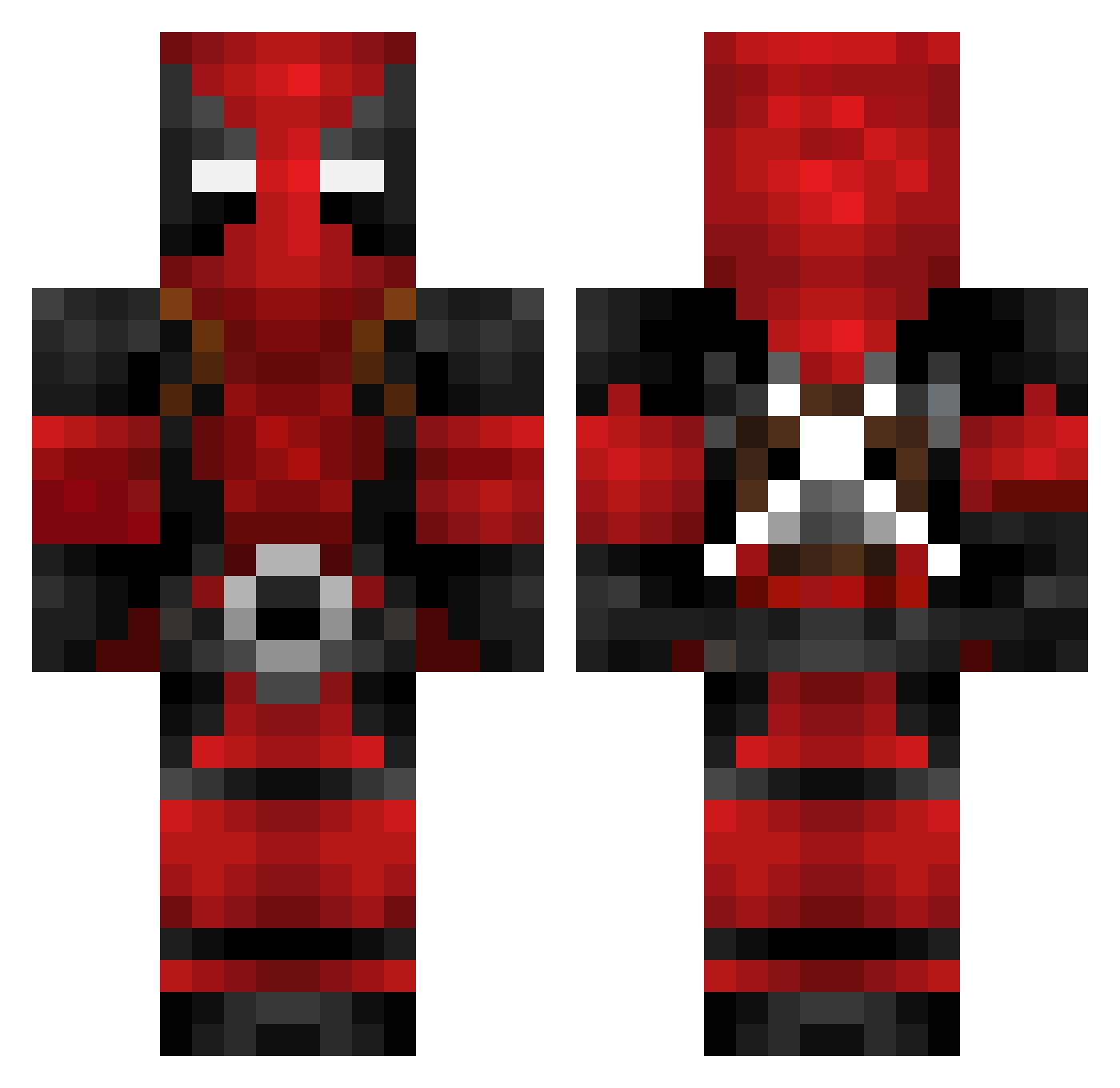
Current Minecraft skin of the player smashedpumpkin17, loaded from the official Mojang API. Rotate the 3D model with your mouse or finger, then download the skin as a PNG file and use it in Minecraft: Bedrock Edition or Java Edition for free. When smashedpumpkin17 changes their skin, this page updates automatically and the old skin stays in the history below.
Other players with this skin (109)
smashedpumpkin17 was the 27th player we have seen with this skin, first spotted on 11.08.2026. The same skin was seen on these players. Open a nickname to see their current skin and skin history.
 joelkingnl MaximumPlayzMC Viralvibes69 FTP_Reclusive PogoDaKillaClown pawel5 xd_ionut scudiere_pro09 Buyaris WomenRightsLOL DannYool pancho123x Gaming0123 MOSTAFA21541 Deadpool100011 Alf_Cool SantaMix728 WyaKing SkullyV NMCgooner kaithegoat1243 M4RK3NZ0 deadmau5mx blu14x SussyBlox69 Chris4life143 SomethingUsernam existing_spider AlvaroShooter whytephox21 BenOfficial96 Sensei_Bolt ForeverGrim Snowtonic1 kior444 BlakedUp SPIN0SAUR BNDV Patrik7878 Monteiro21 KeefWA CartoonAddict Nia0129 CARDWHEAT591422 ejwalker5055 Gaming012345 A_CKK CrouchingTiger32 DWoodall2024 WARDOG690 Larraga DARKGAMER2557 Digital5Z X_JEANS_X KentuckysPap _RokerR_1337 monndbaer _Smydziak_ Nikson22 Harvside
More Deadpool Minecraft skins
How to install the smashedpumpkin17 skin
- Press the Download button above to save the skin as a PNG file.
- Minecraft: Bedrock Edition (PE): open the Dressing Room from the main menu (or tap your character → Edit Character), go to Classic Skins → Owned, press the + (new skin) button, choose the downloaded PNG and pick the Classic (Steve) model. Works on PC and mobile; consoles cannot import custom skins.
- Minecraft: Java Edition: open the Minecraft Launcher, go to the Skins tab, click New Skin, load the PNG, pick the Classic (Steve) model and press Save & Use. You can also upload it at minecraft.net → Profile → Change Skin.
The skin does not show up after import - what should I do?
Restart Minecraft and open the Dressing Room again - imported skins sometimes appear only after a restart. Also make sure you selected the imported skin and picked the Classic (Steve) model.
Which model should I choose, Classic or Slim?
This skin is designed for the Classic (Steve) model. If you pick the wrong model, the arms of the skin will look stretched or squeezed.
Is the skin of smashedpumpkin17 free to download?
Yes. Press Download, save the PNG file and use it in Minecraft: Bedrock Edition or Java Edition - no payment or registration needed. The skin also works on multiplayer servers and Realms.
More skins
Looking for more? Go back to all Minecraft skins and check the top skins of the week, month and all time, or find any player's skin by nickname.