
sleeptastic - Minecraft Skins & Skin History
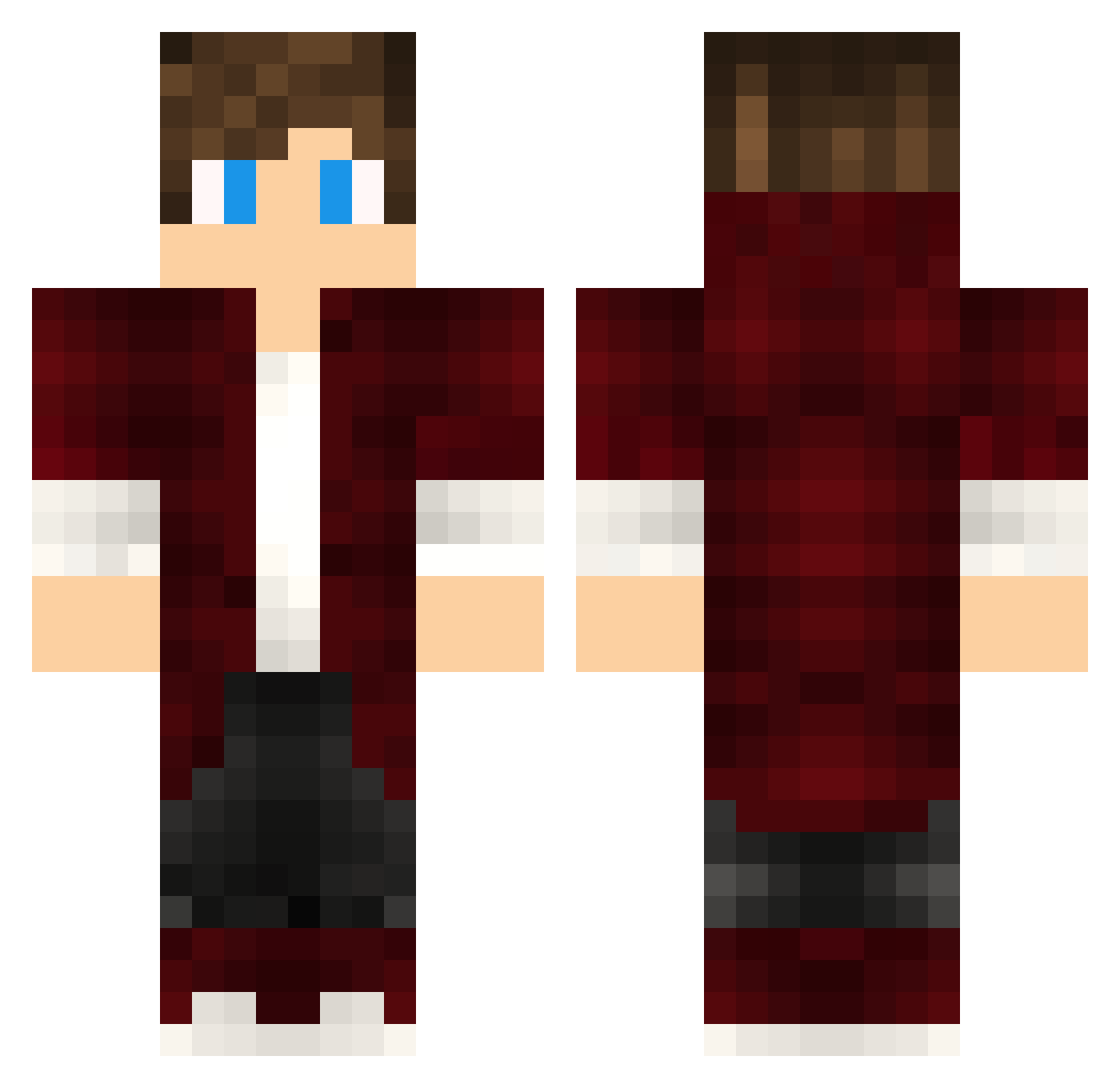
Current Minecraft skin of the player sleeptastic, loaded from the official Mojang API. Rotate the 3D model with your mouse or finger, then download the skin as a PNG file and use it in Minecraft: Bedrock Edition or Java Edition for free. When sleeptastic changes their skin, this page updates automatically and the old skin stays in the history below.
Other players with this skin (394)
sleeptastic was the 203rd player we have seen with this skin, first spotted on 13.09.2026. The same skin was seen on these players. Open a nickname to see their current skin and skin history.
 yknx DemonicK9 Osgavo DerTeedy Mdainesi Alyezuh Hunter_Bubby TomixGamer25 KingArongLowHP CasperSV_TheBoss a7123k2060KK23 KingAlectheFirst Spark007 LitosPM QMI Joy_Slower Faythin shion1204 Est3JR ojnmsl plukje30 Rin727 GENCKAPTANTVV Sycoul22 Macestik napier27 ItzMedium Skiperer Arivitor _tb34 Daltonico_24 Leo1618 Lisiusz SeanDZ edn_Huzz_a1g GoRoman11 tiptopmc Enodle DreadBlast Ibumaru PLAYNIT Rachengift XXX1Michail1XXX vRayadon Sawackey En0Vinicius Warrox_27 Blackword_01 SouLDQ qulerix xLuciferx98 MP__ Friiipon EnzoP20 AndreReM livhuf07 _Verticus_ DantePZ0 Buse85 JerryDe
How to install the sleeptastic skin
- Press the Download button above to save the skin as a PNG file.
- Minecraft: Bedrock Edition (PE): open the Dressing Room from the main menu (or tap your character → Edit Character), go to Classic Skins → Owned, press the + (new skin) button, choose the downloaded PNG and pick the Classic (Steve) model. Works on PC and mobile; consoles cannot import custom skins.
- Minecraft: Java Edition: open the Minecraft Launcher, go to the Skins tab, click New Skin, load the PNG, pick the Classic (Steve) model and press Save & Use. You can also upload it at minecraft.net → Profile → Change Skin.
The skin does not show up after import - what should I do?
Restart Minecraft and open the Dressing Room again - imported skins sometimes appear only after a restart. Also make sure you selected the imported skin and picked the Classic (Steve) model.
Which model should I choose, Classic or Slim?
This skin is designed for the Classic (Steve) model. If you pick the wrong model, the arms of the skin will look stretched or squeezed.
Is the skin of sleeptastic free to download?
Yes. Press Download, save the PNG file and use it in Minecraft: Bedrock Edition or Java Edition - no payment or registration needed. The skin also works on multiplayer servers and Realms.
More skins
Looking for more? Go back to all Minecraft skins and check the top skins of the week, month and all time, or find any player's skin by nickname.