
 Mistergame4708 thetchic monky1616 Keizu87 Putz_Grila kowtek Veilax SrStonpBR JohanTCreepy GlowMate GanknGroceries 20110545 RedMasterQ jackpack Lies_Windy Veritius03 eiDrian24 LexaRzes pascalgq Takanderfh ShadowGamer5645 Amoel Mumei___ peruchat Domy_96 sizumine 4LB3RT6 TrxpicGamer FliFlou Neelix140 Deimark1 Snowkevs Lunarlon_ chev1k LoKky_06 Keyan1007 Coldblize Revail_vx Krst07 Appelflappje 1_MATIQ Crnicc Ninjanoku Goodini1337 Siel_XI Nightingale0912 mikiandr3451 Xamidov2010 zStrxwberry Summer_ind KrissVKarma ekelda G_Rafik Cuillaire444 megafeen MAR3S Marvin911 Tatshenshini Daichan_JP ALEX_MCRAFT
Minecraft skin of Enghel. Rotate the 3D model with your mouse or finger to view the skin from every angle, then download it as a PNG file and use it in Minecraft: Bedrock Edition or Java Edition for free. Rate the skin with stars to help other players find the best skins in our collection.
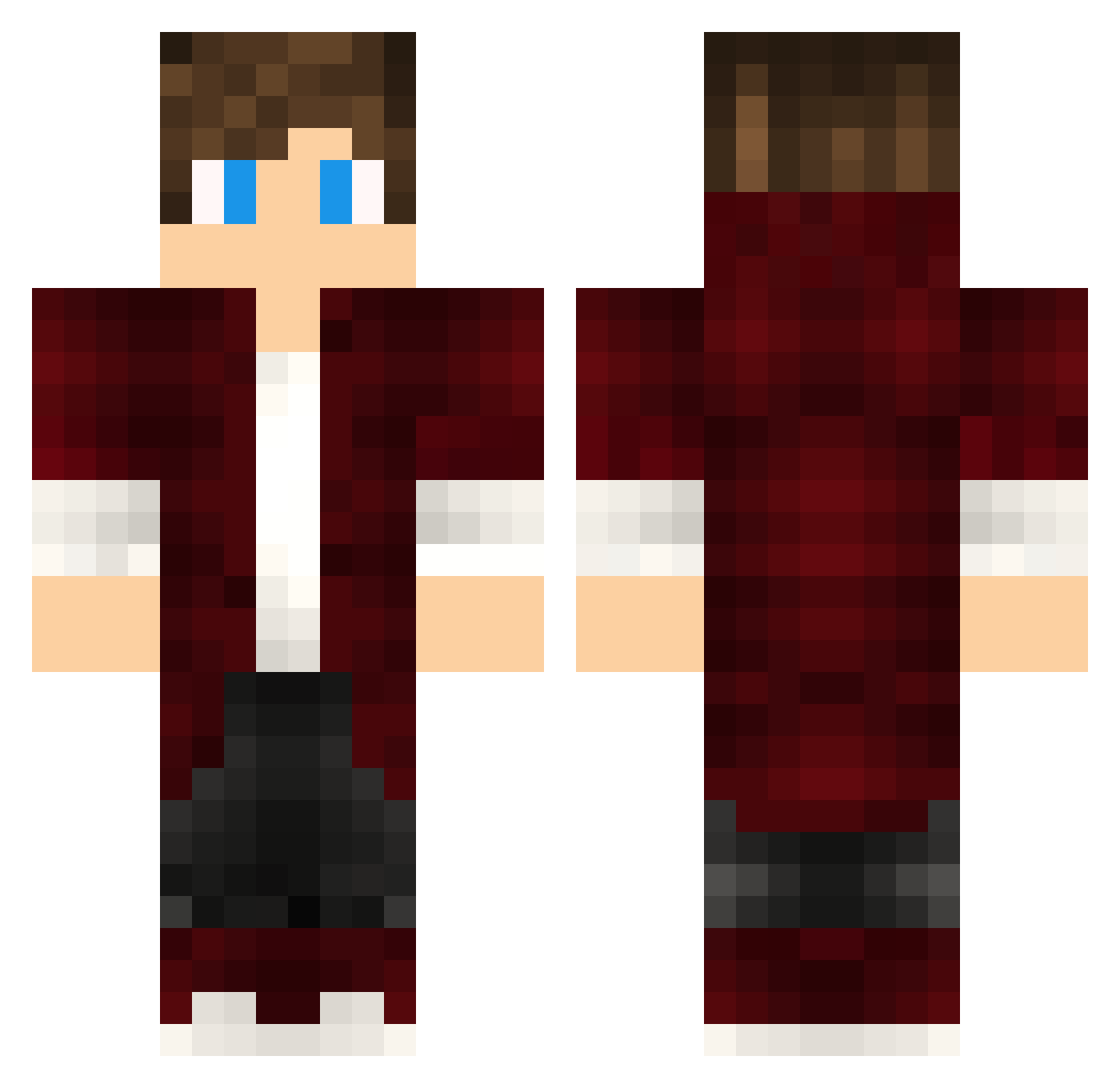
How to install the Enghel skin
- Press the Download button above to save the skin as a PNG file.
- Minecraft: Bedrock Edition (PE): open the Dressing Room from the main menu (or tap your character → Edit Character), go to Classic Skins → Owned, press the + (new skin) button, choose the downloaded PNG and pick the Classic (Steve) model. Works on PC and mobile; consoles cannot import custom skins.
- Minecraft: Java Edition: open the Minecraft Launcher, go to the Skins tab, click New Skin, load the PNG, pick the Classic (Steve) model and press Save & Use. You can also upload it at minecraft.net → Profile → Change Skin.
The skin does not show up after import - what should I do?
Restart Minecraft and open the Dressing Room again - imported skins sometimes appear only after a restart. Also make sure you selected the imported skin and picked the Classic (Steve) model.
Which model should I choose, Classic or Slim?
This skin is designed for the Classic (Steve) model. If you pick the wrong model, the arms of the skin will look stretched or squeezed.
Is this skin free to use?
Yes. Press Download, save the PNG file and use it in Minecraft: Bedrock Edition or Java Edition - no payment or registration needed. The skin also works on multiplayer servers and Realms.
More skins
Looking for more? Go back to all Minecraft skins and check the top skins of the week, month and all time, or find any player's skin by nickname.