
skintelll - Minecraft Skins & Skin History
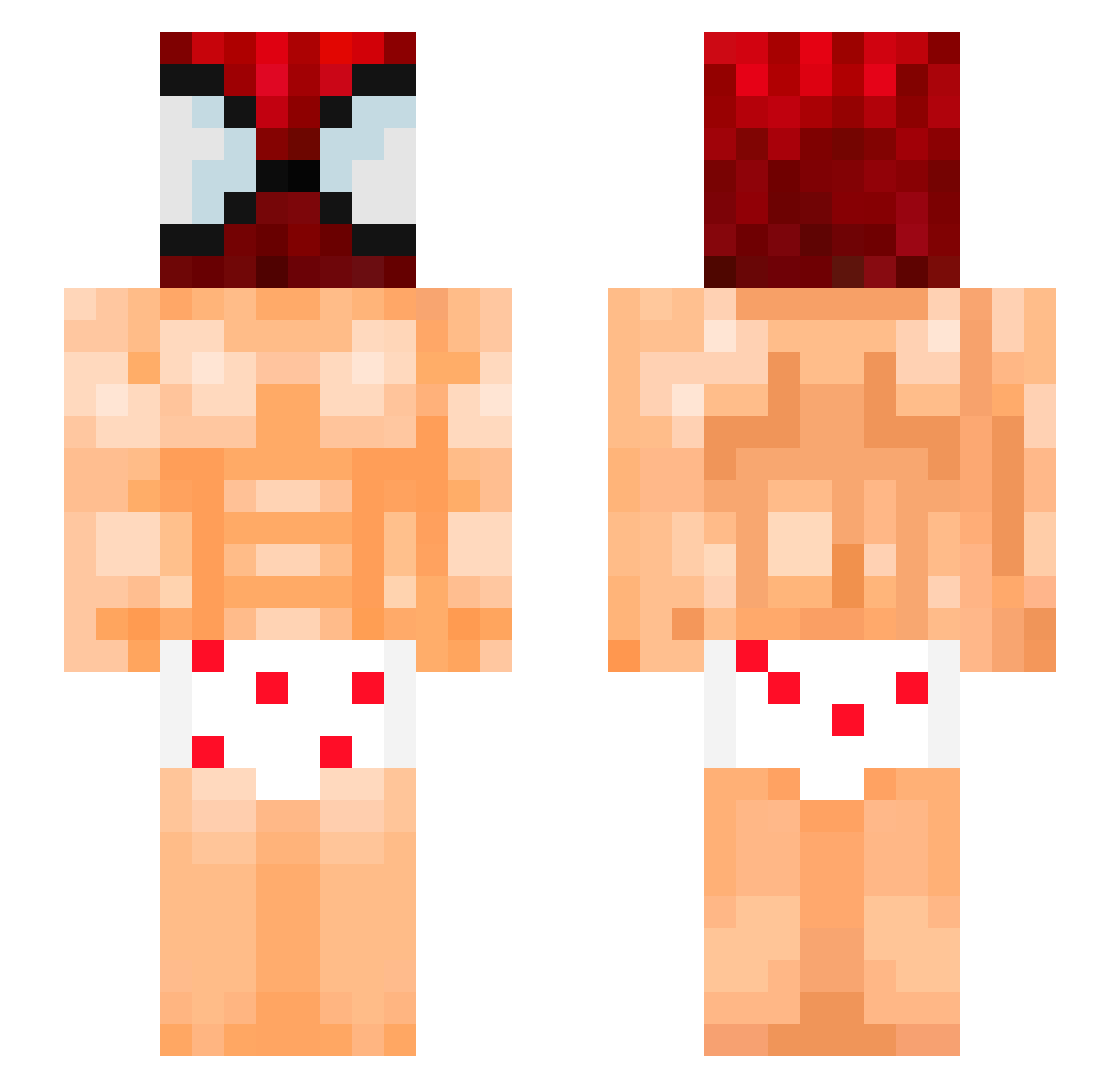
Current Minecraft skin of the player skintelll, loaded from the official Mojang API. Rotate the 3D model with your mouse or finger, then download the skin as a PNG file and use it in Minecraft: Bedrock Edition or Java Edition for free. When skintelll changes their skin, this page updates automatically and the old skin stays in the history below.
Other players with this skin (141)
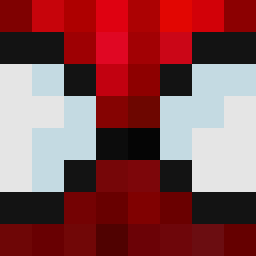
skintelll was the 110th player we have seen with this skin, first spotted on 23.10.2026. The same skin was seen on these players. Open a nickname to see their current skin and skin history.
 P1nkQ exoticapplepie Krzychulec__ t1m7y shailee8 mestrejiraya roywestcoast Scofield667 Ukut_kevin Guacamolefrio AC_MJ_YT stf88888 reallootboy D4v1d_M4rt1neZ CenterBack12 emirerten Ep1cJayden kinaewa juquinha_ S4NGD4L SumMexican FancyCeiling812 DanjaCoil lesggf GoumriMoaD gordofalopero JpWillie PtitBrioch_ espanode soup_0923 MightBeSporks ElTrampasMC Quji papaiiiiii linuseri ShogunNaga ryxxnaopresta AuriHika toastyhank Globasaurus Darckiller76 WogaOoga saigez Pijay67 ValArian82 matador_dejudios JoxeXV CheddyBoi69 HaiXuanDVO Zorki1005 LeMecMoyen Ayzenn_ Varsakk GAMERAK99 SirTopis tuitenqii VITO_24 kaczmirr cnx_marty itz_jeltz
More Spider-Man Minecraft skins
How to install the skintelll skin
- Press the Download button above to save the skin as a PNG file.
- Minecraft: Bedrock Edition (PE): open the Dressing Room from the main menu (or tap your character → Edit Character), go to Classic Skins → Owned, press the + (new skin) button, choose the downloaded PNG and pick the Slim (Alex) model. Works on PC and mobile; consoles cannot import custom skins.
- Minecraft: Java Edition: open the Minecraft Launcher, go to the Skins tab, click New Skin, load the PNG, pick the Slim (Alex) model and press Save & Use. You can also upload it at minecraft.net → Profile → Change Skin.
The skin does not show up after import - what should I do?
Restart Minecraft and open the Dressing Room again - imported skins sometimes appear only after a restart. Also make sure you selected the imported skin and picked the Slim (Alex) model.
Which model should I choose, Classic or Slim?
This skin is designed for the Slim (Alex) model. If you pick the wrong model, the arms of the skin will look stretched or squeezed.
Is the skin of skintelll free to download?
Yes. Press Download, save the PNG file and use it in Minecraft: Bedrock Edition or Java Edition - no payment or registration needed. The skin also works on multiplayer servers and Realms.
More skins
Looking for more? Go back to all Minecraft skins and check the top skins of the week, month and all time, or find any player's skin by nickname.