
Varsakk - Minecraft Skins & Skin History
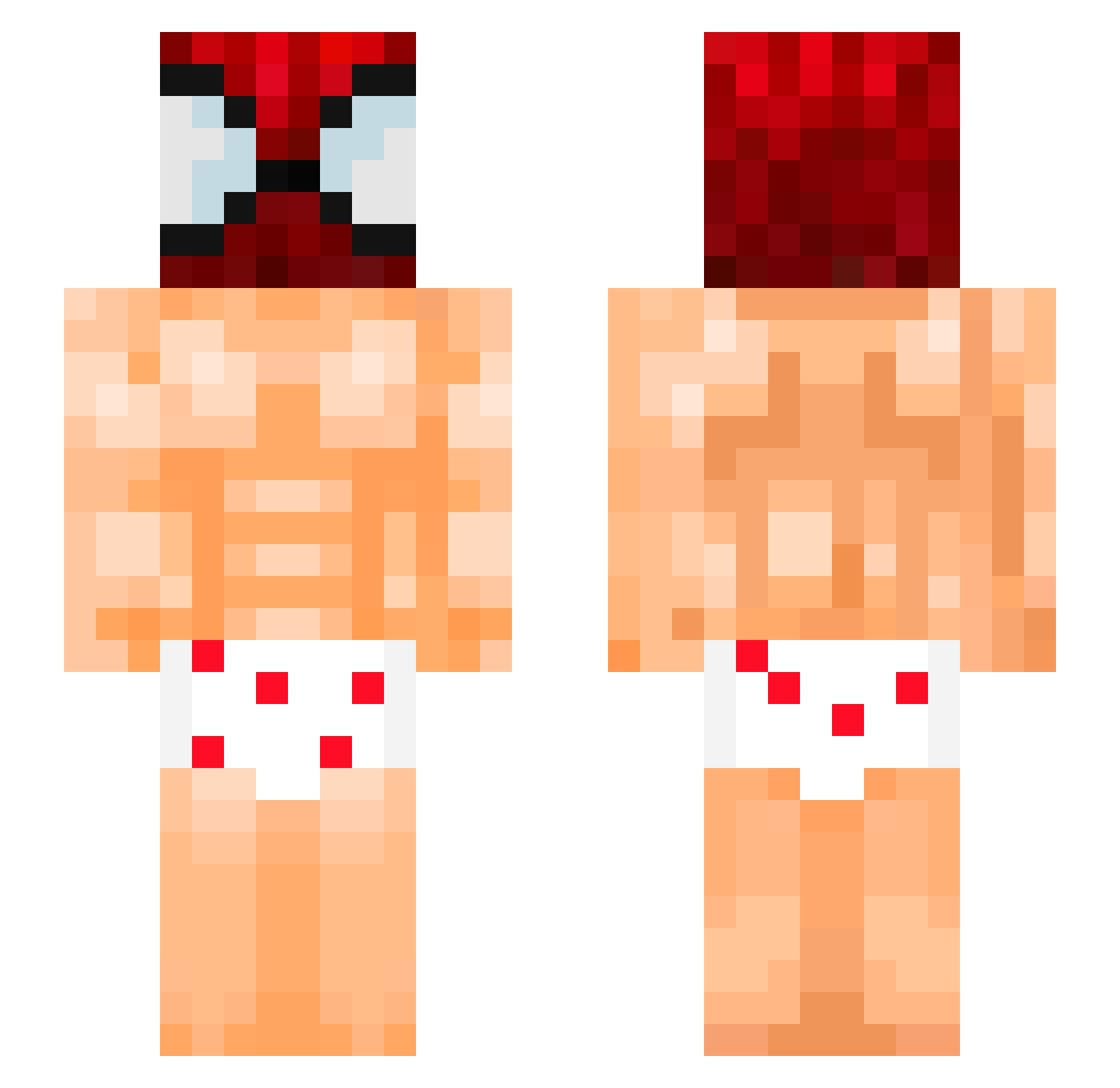
Current Minecraft skin of the player Varsakk, loaded from the official Mojang API. Rotate the 3D model with your mouse or finger, then download the skin as a PNG file and use it in Minecraft: Bedrock Edition or Java Edition for free. When Varsakk changes their skin, this page updates automatically and the old skin stays in the history below.
Other players with this skin (119)
Varsakk was the 83rd player we have seen with this skin, first spotted on 05.10.2026. The same skin was seen on these players. Open a nickname to see their current skin and skin history.
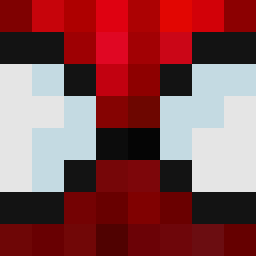 Zorki1005 GAMERAK99 HaiXuanDVO SirTopis kaczmirr JoxeXV WogaOoga Darckiller76 BestSheepEver toastyhank ToonTrooper Santazx _Orek_ MightBeSporks LeCitroon mycul_ soup_0923 espanode marchewa_msi PtitBrioch_ JpWillie gordofalopero GoumriMoaD lesggf DUTUMAFEOTO GianlucaQr castawayy juquinha_ Ep1cJayden emirerten CenterBack12 D4v1d_M4rt1neZ LightOfHeris stf88888 OnlyTb Viridiansee Fin0t Guacamolefrio Raptor1516 suerat Scofield667 roywestcoast Webbyyyyyyyy DilanG1404 shailee8 t1m7y Krzychulec__ ZodiacAgar skintelll P1nkQ Hirochifaa91 exoticapplepie xpatrix11 mestrejiraya Eustakiio Ukut_kevin iWiree AC_MJ_YT FX_5cEnZo reallootboy
More Spider-Man Minecraft skins
How to install the Varsakk skin
- Press the Download button above to save the skin as a PNG file.
- Minecraft: Bedrock Edition (PE): open the Dressing Room from the main menu (or tap your character → Edit Character), go to Classic Skins → Owned, press the + (new skin) button, choose the downloaded PNG and pick the Slim (Alex) model. Works on PC and mobile; consoles cannot import custom skins.
- Minecraft: Java Edition: open the Minecraft Launcher, go to the Skins tab, click New Skin, load the PNG, pick the Slim (Alex) model and press Save & Use. You can also upload it at minecraft.net → Profile → Change Skin.
The skin does not show up after import - what should I do?
Restart Minecraft and open the Dressing Room again - imported skins sometimes appear only after a restart. Also make sure you selected the imported skin and picked the Slim (Alex) model.
Which model should I choose, Classic or Slim?
This skin is designed for the Slim (Alex) model. If you pick the wrong model, the arms of the skin will look stretched or squeezed.
Is the skin of Varsakk free to download?
Yes. Press Download, save the PNG file and use it in Minecraft: Bedrock Edition or Java Edition - no payment or registration needed. The skin also works on multiplayer servers and Realms.
More skins
Looking for more? Go back to all Minecraft skins and check the top skins of the week, month and all time, or find any player's skin by nickname.