
shibling - Minecraft Skins & Skin History
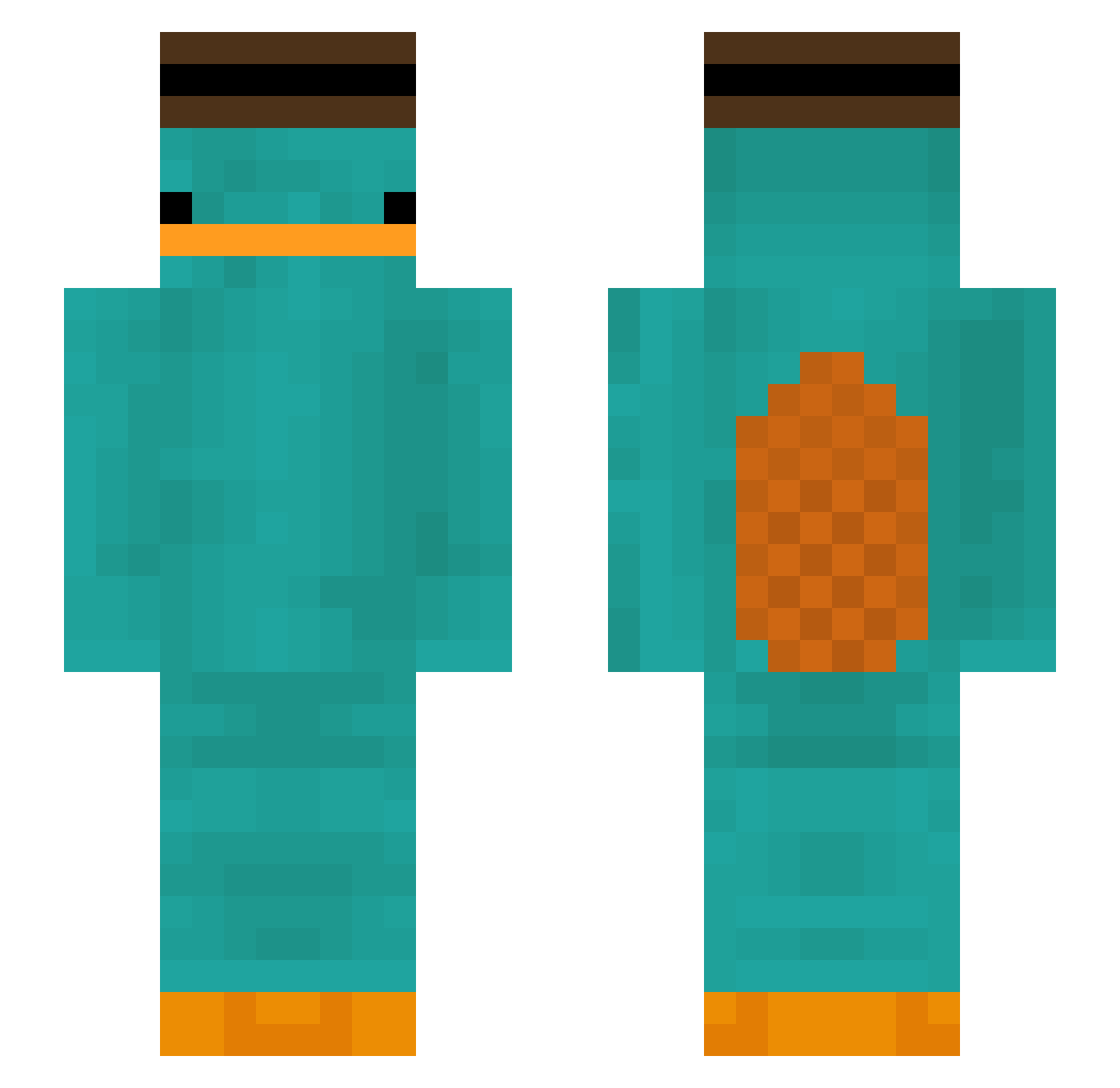
Current Minecraft skin of the player shibling, loaded from the official Mojang API. Rotate the 3D model with your mouse or finger, then download the skin as a PNG file and use it in Minecraft: Bedrock Edition or Java Edition for free. When shibling changes their skin, this page updates automatically and the old skin stays in the history below.
Other players with this skin (386)
shibling was the 335th player we have seen with this skin, first spotted on 04.11.2026. The same skin was seen on these players. Open a nickname to see their current skin and skin history.
 AlbertoMVP Madarame_BK LINXY_ maxeene allsoup kleablop youngtity69 noxayyyyyy jeskatoja ever123 FloofySheep Lewy1337 09jyj Danl00 Bnlindsay ehdbs37 ExoMachina crisrdm P4R4ZITE BBsheep20 ARK_1234 L06pzzz Food010283 Frompinn Frigxd Radek1029 YTVaYaL MiladyMarysia whdrkdwhdk bruh1342 jyhonnnnnnnn2 SrCheesin VexedSquash AxTis Basedez sonrey22 Vastest kackei callmejewboy grutthole In_the_end_ baegansul Re_door rasousou _TheMadGuy_ droBo12 NotD3ad DjangoXI fermentedbaker JOHNNYBOI25 _Ponpon_5 morgano_taco pokokok Yolk_thehuman FajnyGo1 davidyro EthanP1811 woohoongoo I_DU_I Zarlorde
More Platypus Minecraft skins
How to install the shibling skin
- Press the Download button above to save the skin as a PNG file.
- Minecraft: Bedrock Edition (PE): open the Dressing Room from the main menu (or tap your character → Edit Character), go to Classic Skins → Owned, press the + (new skin) button, choose the downloaded PNG and pick the Slim (Alex) model. Works on PC and mobile; consoles cannot import custom skins.
- Minecraft: Java Edition: open the Minecraft Launcher, go to the Skins tab, click New Skin, load the PNG, pick the Slim (Alex) model and press Save & Use. You can also upload it at minecraft.net → Profile → Change Skin.
The skin does not show up after import - what should I do?
Restart Minecraft and open the Dressing Room again - imported skins sometimes appear only after a restart. Also make sure you selected the imported skin and picked the Slim (Alex) model.
Which model should I choose, Classic or Slim?
This skin is designed for the Slim (Alex) model. If you pick the wrong model, the arms of the skin will look stretched or squeezed.
Is the skin of shibling free to download?
Yes. Press Download, save the PNG file and use it in Minecraft: Bedrock Edition or Java Edition - no payment or registration needed. The skin also works on multiplayer servers and Realms.
More skins
Looking for more? Go back to all Minecraft skins and check the top skins of the week, month and all time, or find any player's skin by nickname.