
shaoY - Minecraft Skins & Skin History
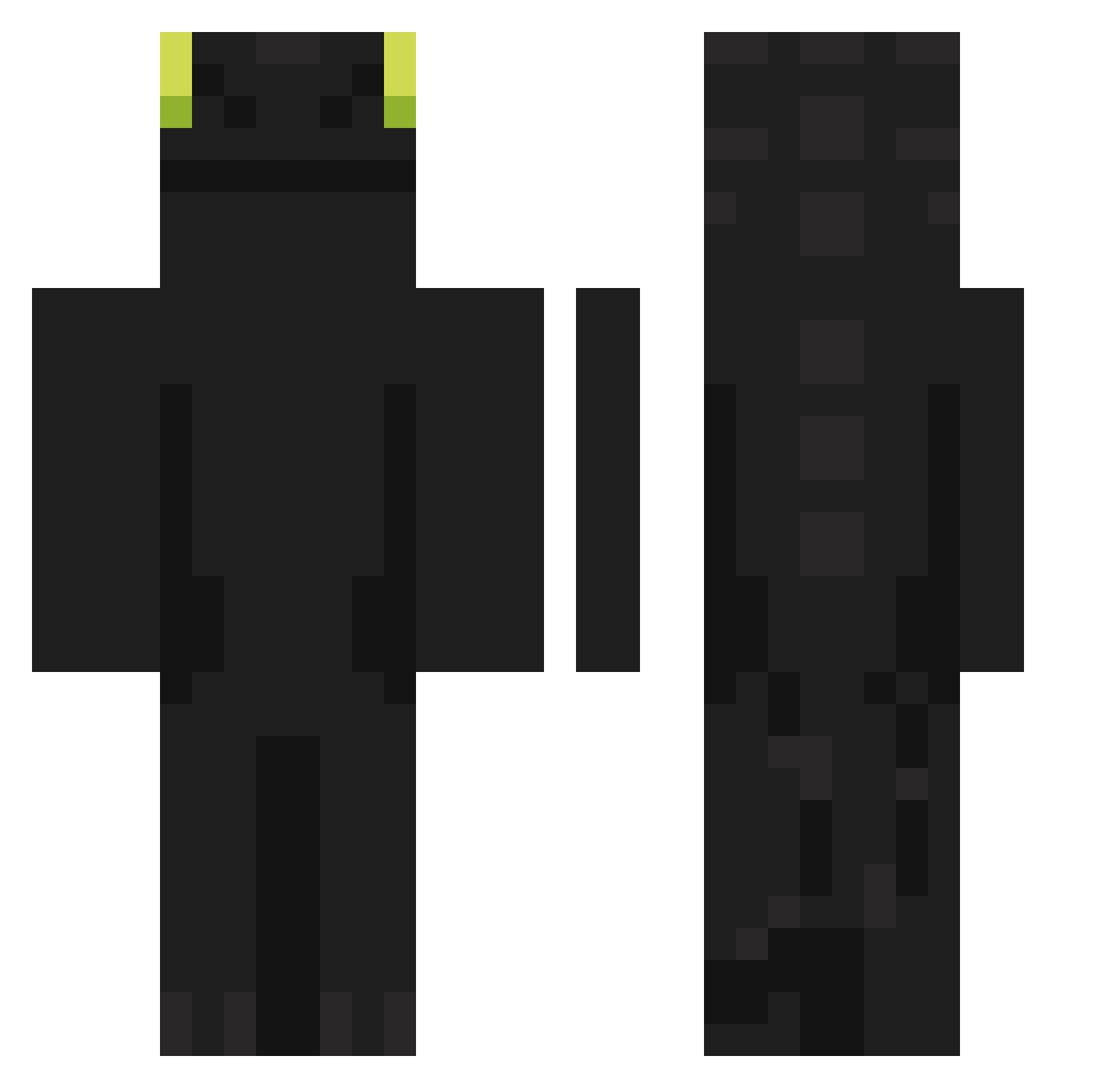
Current Minecraft skin of the player shaoY, loaded from the official Mojang API. Rotate the 3D model with your mouse or finger, then download the skin as a PNG file and use it in Minecraft: Bedrock Edition or Java Edition for free. When shaoY changes their skin, this page updates automatically and the old skin stays in the history below.
Other players with this skin (902)
shaoY was the 463rd player we have seen with this skin, first spotted on 20.09.2026. The same skin was seen on these players. Open a nickname to see their current skin and skin history.
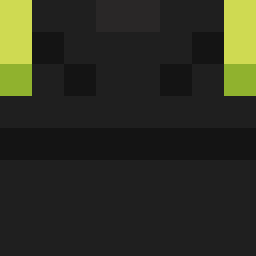 NoodledTycho WoLLoWek YourMom5657 jsp1948 playeasy07 tjk077777 juyoung2222 jinx803 imjpgf ShadowStorm124 fennec26 suuuyyy kellan_lee JustKobee qoalla darmydarmy SalothSar1975 ZenithFin Luca_bravo Marnixify Frashes_ sovering1 IAmDeAce PChR4 DinoWex11231 Nandez1562 chicckeenuggets DRAKONlk Toothless811 DamDam235 GameHaff HRback09 Mix_m Dropje2019 fernarentes Mr_G00fball shironako Guilhermino123 big9ulpo Pungpung_2 JillKews1939 PadoAnnaa boudot15 OhmZchTH HABG02486 HNNNTER Pliser_ CHN_Hx SolusDominus RONGDDUNCK jubal92 gksekdnlt09 KBMBGBTB stankmonkeyisgod TheDiablo099 rla_ssi HUN2400 rodas00 oldchips09 siuuuuuu519
More Night Fury Minecraft skins
How to install the shaoY skin
- Press the Download button above to save the skin as a PNG file.
- Minecraft: Bedrock Edition (PE): open the Dressing Room from the main menu (or tap your character → Edit Character), go to Classic Skins → Owned, press the + (new skin) button, choose the downloaded PNG and pick the Classic (Steve) model. Works on PC and mobile; consoles cannot import custom skins.
- Minecraft: Java Edition: open the Minecraft Launcher, go to the Skins tab, click New Skin, load the PNG, pick the Classic (Steve) model and press Save & Use. You can also upload it at minecraft.net → Profile → Change Skin.
The skin does not show up after import - what should I do?
Restart Minecraft and open the Dressing Room again - imported skins sometimes appear only after a restart. Also make sure you selected the imported skin and picked the Classic (Steve) model.
Which model should I choose, Classic or Slim?
This skin is designed for the Classic (Steve) model. If you pick the wrong model, the arms of the skin will look stretched or squeezed.
Is the skin of shaoY free to download?
Yes. Press Download, save the PNG file and use it in Minecraft: Bedrock Edition or Java Edition - no payment or registration needed. The skin also works on multiplayer servers and Realms.
More skins
Looking for more? Go back to all Minecraft skins and check the top skins of the week, month and all time, or find any player's skin by nickname.