
seven58877 - Minecraft Skins & Skin History
Current Minecraft skin of the player seven58877, loaded from the official Mojang API. Rotate the 3D model with your mouse or finger, then download the skin as a PNG file and use it in Minecraft: Bedrock Edition or Java Edition for free. When seven58877 changes their skin, this page updates automatically and the old skin stays in the history below.
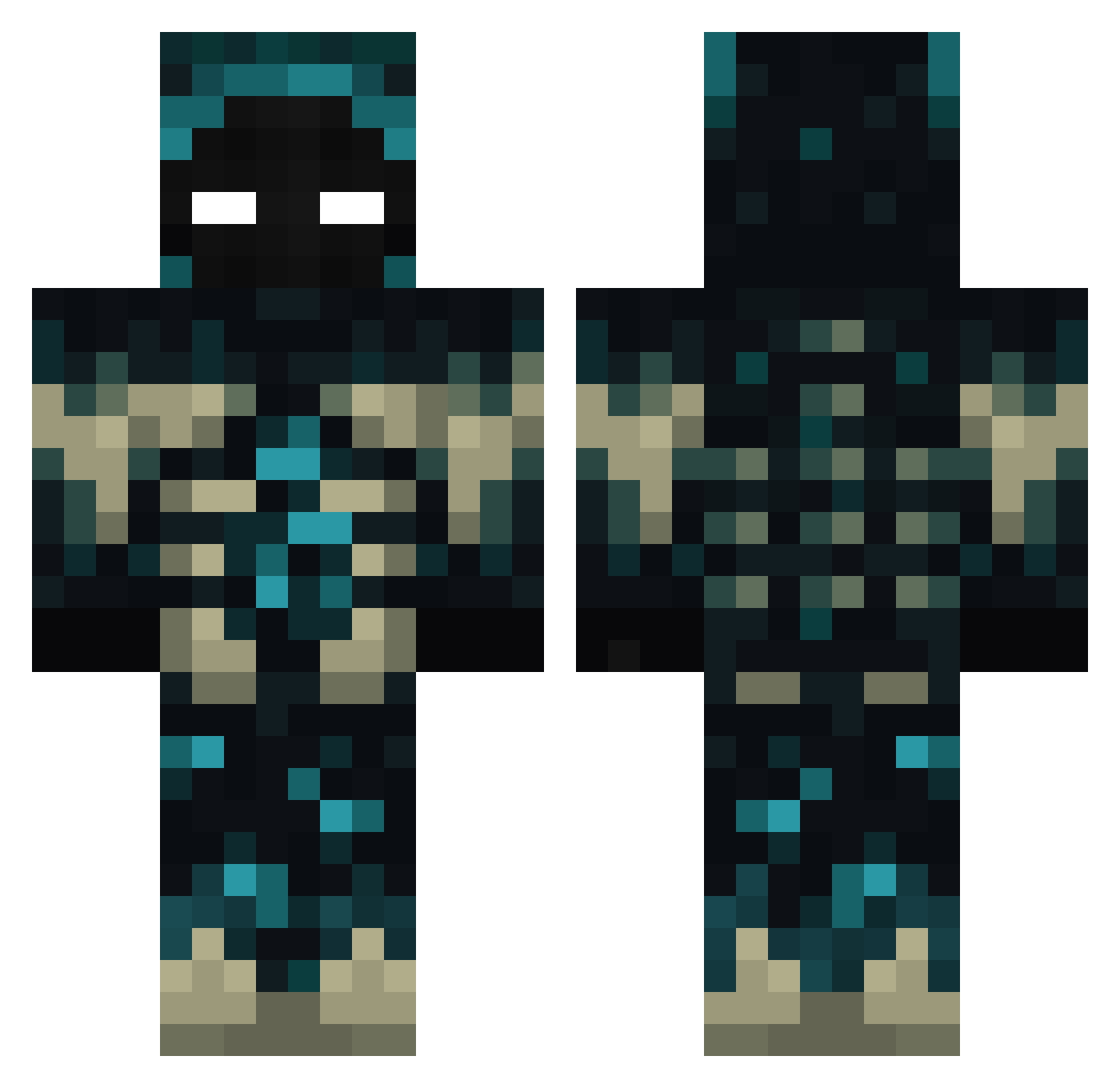
Other players with this skin (448)
seven58877 was the 419th player we have seen with this skin, first spotted on 08.11.2026. The same skin was seen on these players. Open a nickname to see their current skin and skin history.
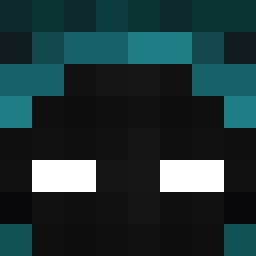 boldsama shibe16 SnallyGabster Ezquizofrenic SinxBlade zN4N0_ YostinGX polos41312 Danthedevil3269 Sirmimirex CornCakes2705 Makrich MischievousBOSS braydude6292 crismax27 SzefuncioRado DeaWer23 kidcrusher22 DiegoBDN01 TheBloody59 IDDDDDDZ ODRBOB0 YoshiApollo xXSrJohnJairoXx anubisXD RedKing963 Redcandy PARUK12 Bal1033 Bizzarth L_o1wo Suspiration Sculky999 TechCubeMC I_AM_StivVv OTINTAN Salamandrul Sxcrollx Nikikimora crumble667 MITCHISUU Davo26 Zzwin003 DeSoZz Uryon_ Minionslandia AoG_Tech hail_DArth_Vader anguschang2007 RikkertBatsbak SeeleBan llAHMETll Magicrain012 Metaversus Felipillo82 1Raegan Jeipi737 erkansengen Aceman595 MagicRainbow
More Sculk Minecraft skins
How to install the seven58877 skin
- Press the Download button above to save the skin as a PNG file.
- Minecraft: Bedrock Edition (PE): open the Dressing Room from the main menu (or tap your character → Edit Character), go to Classic Skins → Owned, press the + (new skin) button, choose the downloaded PNG and pick the Classic (Steve) model. Works on PC and mobile; consoles cannot import custom skins.
- Minecraft: Java Edition: open the Minecraft Launcher, go to the Skins tab, click New Skin, load the PNG, pick the Classic (Steve) model and press Save & Use. You can also upload it at minecraft.net → Profile → Change Skin.
The skin does not show up after import - what should I do?
Restart Minecraft and open the Dressing Room again - imported skins sometimes appear only after a restart. Also make sure you selected the imported skin and picked the Classic (Steve) model.
Which model should I choose, Classic or Slim?
This skin is designed for the Classic (Steve) model. If you pick the wrong model, the arms of the skin will look stretched or squeezed.
Is the skin of seven58877 free to download?
Yes. Press Download, save the PNG file and use it in Minecraft: Bedrock Edition or Java Edition - no payment or registration needed. The skin also works on multiplayer servers and Realms.
More skins
Looking for more? Go back to all Minecraft skins and check the top skins of the week, month and all time, or find any player's skin by nickname.