
scar62 - Minecraft Skins & Skin History
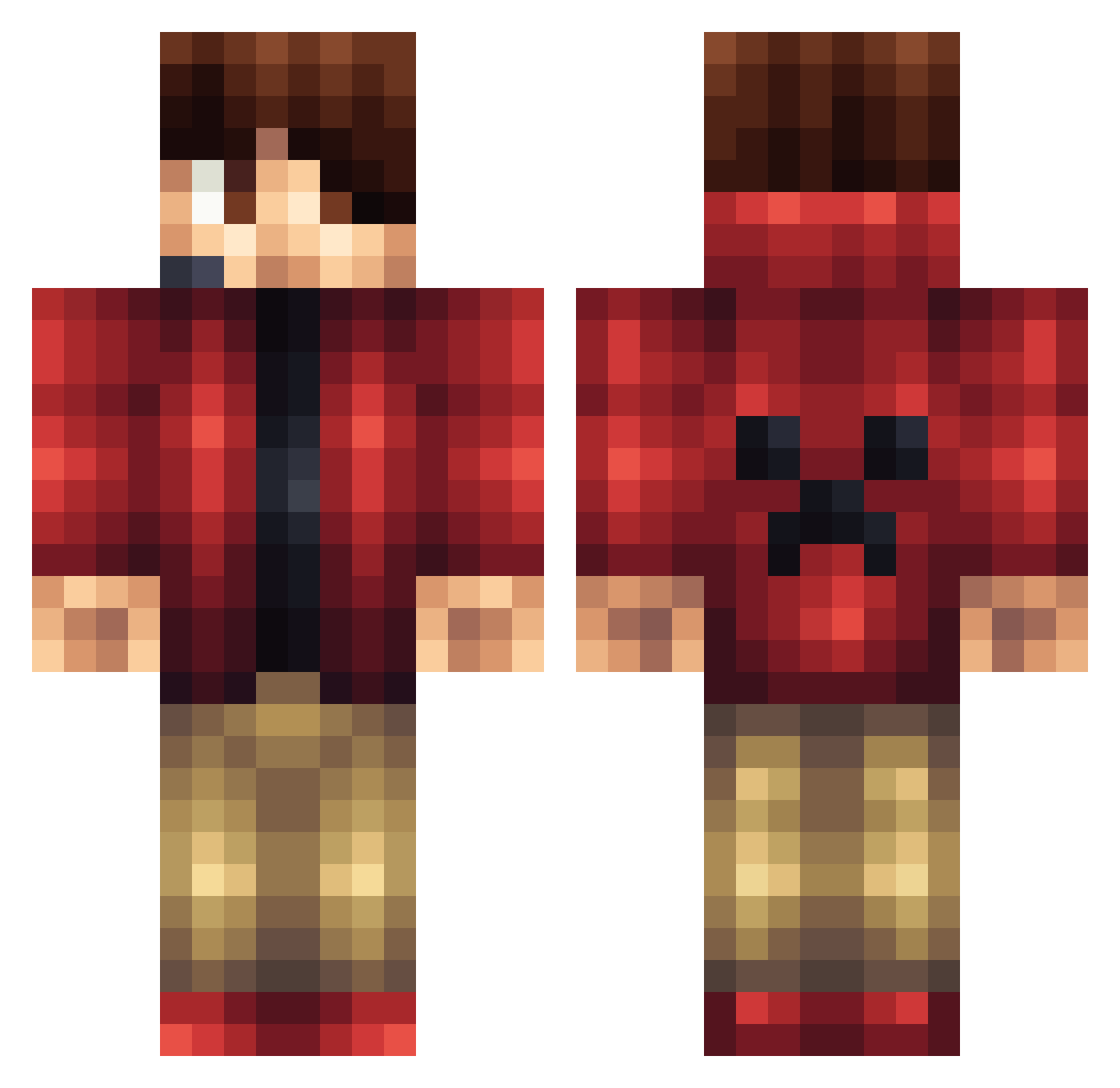
Current Minecraft skin of the player scar62, loaded from the official Mojang API. Rotate the 3D model with your mouse or finger, then download the skin as a PNG file and use it in Minecraft: Bedrock Edition or Java Edition for free. When scar62 changes their skin, this page updates automatically and the old skin stays in the history below.
Other players with this skin (1166)
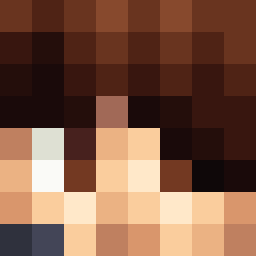
scar62 was the 671st player we have seen with this skin, first spotted on 26.09.2026. The same skin was seen on these players. Open a nickname to see their current skin and skin history.
 LetsSkill flomaxx02 MaxOBD ZackCode101 HeatingAsp Nothingtaro UndercookedNoods Xefalon DBoy13 minedino1 MelohPlays SmalleshRuben Paulo78990 enzosabry JoeyMC91 Ryder2314 ichbinOwner EliteMiner22 madmanb Jimmejam525 Cletus63 mrdeverson Rahzgriz VercinB Naxcraft yuki2180 Dom_03_ lightingred Binder12345 Theassassin0807 Halo9715 cool4684 Powerfulfort Vithradil OleGamerHD BigDealCheezeIt Z_GoDz_SkiLLz_Z creeperman92254 Tapman7712 TheKingdom50 BeefStick1212 KrissAmazed Orison21 EliteHinsen GoldenGamer1223 Malama1222 ScrubMaser cgoody152 TheDavidMC Maltabest Gabry_ Mavenden Joshualee169 DaffuqX Dantinob _ETHANB2003_ SlenderMemas Redgladiator Leavve Corsha16
More Headset Minecraft skins
How to install the scar62 skin
- Press the Download button above to save the skin as a PNG file.
- Minecraft: Bedrock Edition (PE): open the Dressing Room from the main menu (or tap your character → Edit Character), go to Classic Skins → Owned, press the + (new skin) button, choose the downloaded PNG and pick the Classic (Steve) model. Works on PC and mobile; consoles cannot import custom skins.
- Minecraft: Java Edition: open the Minecraft Launcher, go to the Skins tab, click New Skin, load the PNG, pick the Classic (Steve) model and press Save & Use. You can also upload it at minecraft.net → Profile → Change Skin.
The skin does not show up after import - what should I do?
Restart Minecraft and open the Dressing Room again - imported skins sometimes appear only after a restart. Also make sure you selected the imported skin and picked the Classic (Steve) model.
Which model should I choose, Classic or Slim?
This skin is designed for the Classic (Steve) model. If you pick the wrong model, the arms of the skin will look stretched or squeezed.
Is the skin of scar62 free to download?
Yes. Press Download, save the PNG file and use it in Minecraft: Bedrock Edition or Java Edition - no payment or registration needed. The skin also works on multiplayer servers and Realms.
More skins
Looking for more? Go back to all Minecraft skins and check the top skins of the week, month and all time, or find any player's skin by nickname.