
 yeetahh 2DFL Shzg ES_32_in_404 noslenk10 Eyeofear TC_Treasure Relaxdudelol guillen97 3klz X44YS u2to Acidtech sR_Hulio Xiobiii04 sasquatchammo lbfgala Suppxrt lusehuzini Seeqw Pigking68 YouTube_6UuEhj Sylverant BetrayedLake480 LeaykS wnob PabloJackson ezdb iusefotr ChaZmik Rhoul31 jannikgn Linsanity215 tarkus9 BerryFanta 4stros yugimaster HartMa henfam MasterKameron Thraggh builder111 Netha9 7042 Skaziy _Shaadyy KCllAiee Gulaman Dio_97 urmomwashere sevviss TridentzBeast ShahmeerDaBoss zobab Rudently ySkillsUS_ SuHwan0107 FatherHaver Duexzy ethye
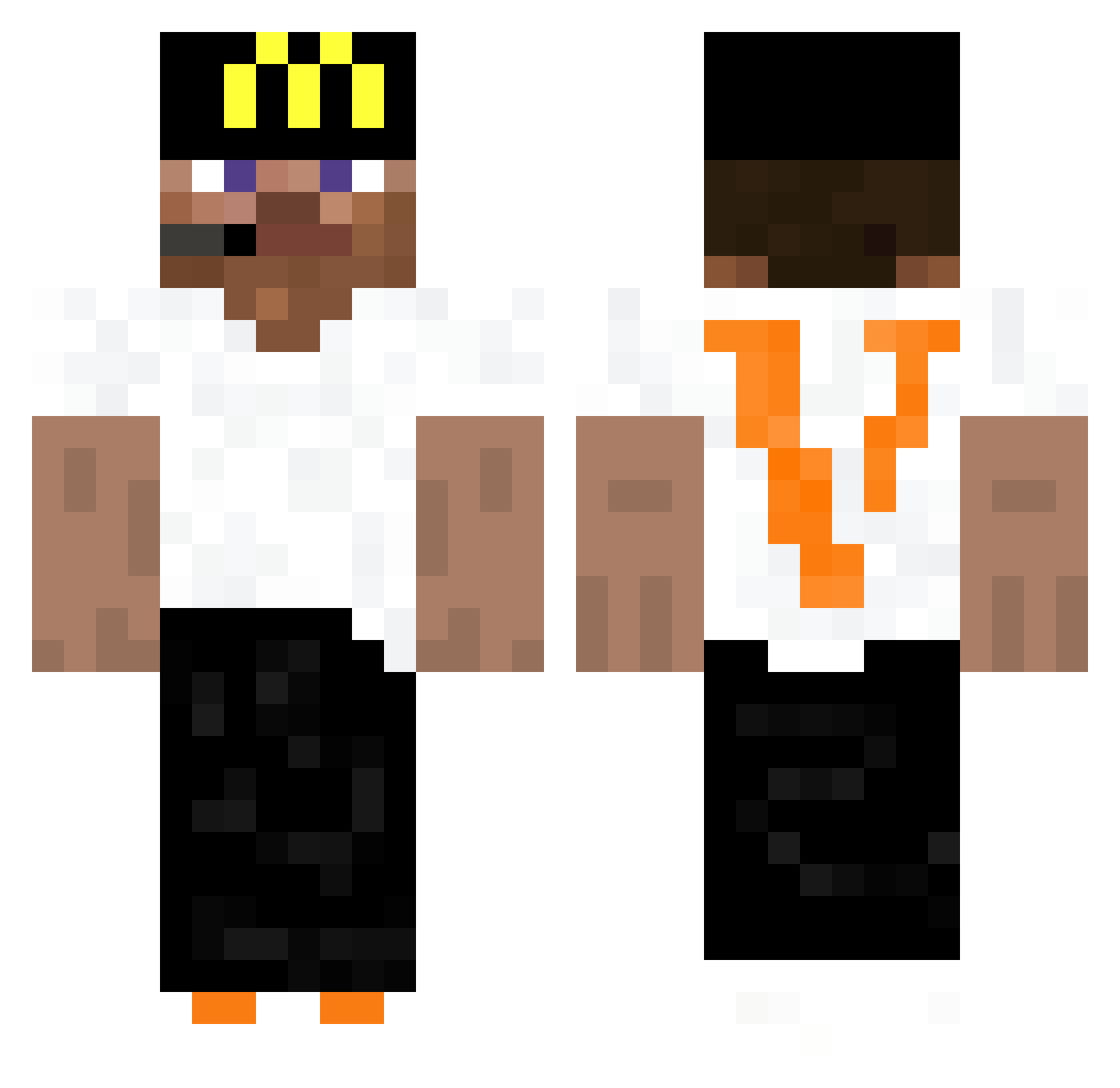
Minecraft skin of TasteOfDenmark. Rotate the 3D model with your mouse or finger to view the skin from every angle, then download it as a PNG file and use it in Minecraft: Bedrock Edition or Java Edition for free. Rate the skin with stars to help other players find the best skins in our collection.
How to install the TasteOfDenmark skin
- Press the Download button above to save the skin as a PNG file.
- Minecraft: Bedrock Edition (PE): open the Dressing Room from the main menu (or tap your character → Edit Character), go to Classic Skins → Owned, press the + (new skin) button, choose the downloaded PNG and pick the Classic (Steve) model. Works on PC and mobile; consoles cannot import custom skins.
- Minecraft: Java Edition: open the Minecraft Launcher, go to the Skins tab, click New Skin, load the PNG, pick the Classic (Steve) model and press Save & Use. You can also upload it at minecraft.net → Profile → Change Skin.
The skin does not show up after import - what should I do?
Restart Minecraft and open the Dressing Room again - imported skins sometimes appear only after a restart. Also make sure you selected the imported skin and picked the Classic (Steve) model.
Which model should I choose, Classic or Slim?
This skin is designed for the Classic (Steve) model. If you pick the wrong model, the arms of the skin will look stretched or squeezed.
Is this skin free to use?
Yes. Press Download, save the PNG file and use it in Minecraft: Bedrock Edition or Java Edition - no payment or registration needed. The skin also works on multiplayer servers and Realms.
More Headset Minecraft skins
More skins
Looking for more? Go back to all Minecraft skins and check the top skins of the week, month and all time, or find any player's skin by nickname.