
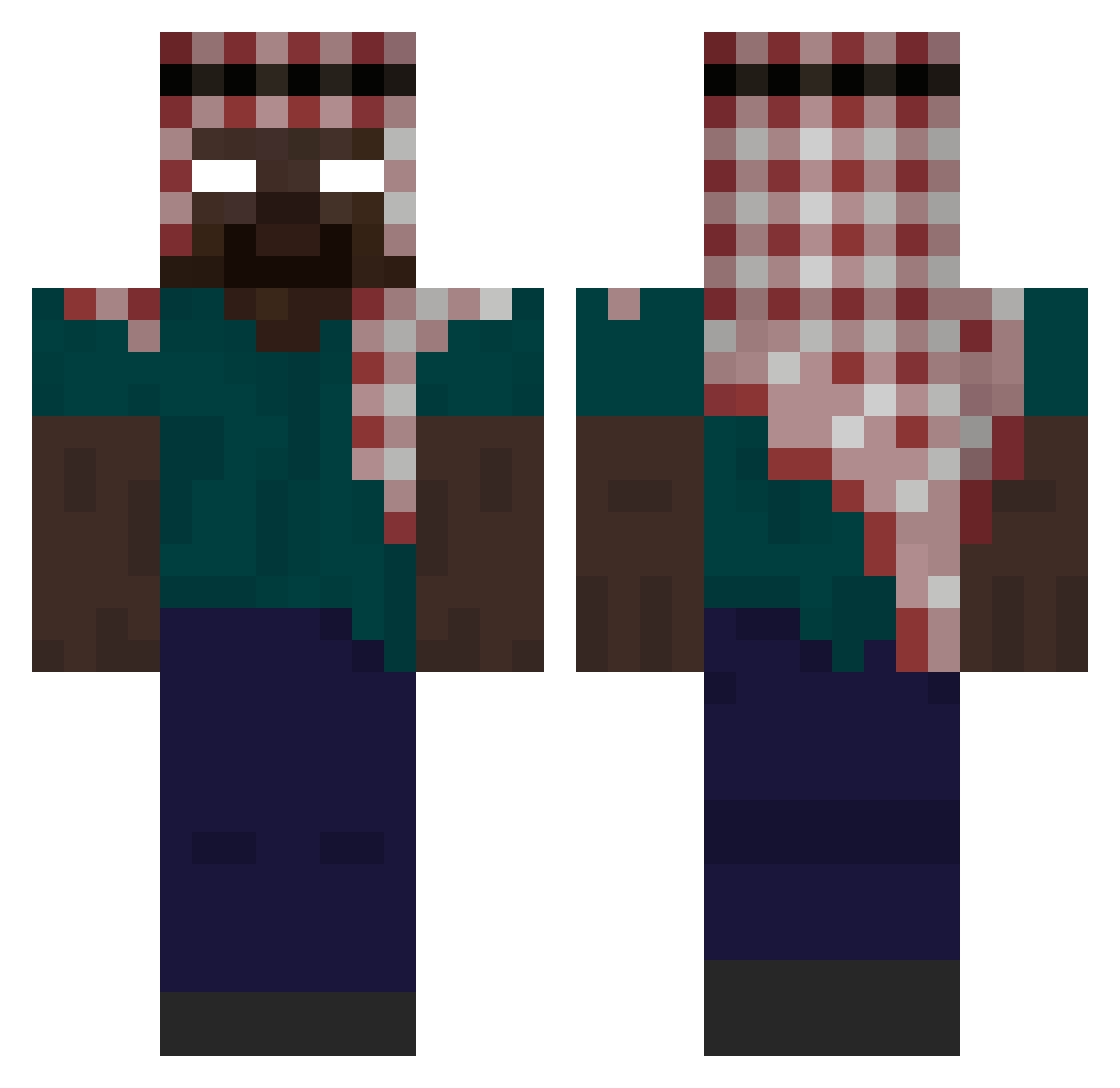
Current Minecraft skin of the player s3veen, loaded from the official Mojang API. Rotate the 3D model with your mouse or finger, then download the skin as a PNG file and use it in Minecraft: Bedrock Edition or Java Edition for free. When s3veen changes their skin, this page updates automatically and the old skin stays in the history below.
Other players with this skin (291)
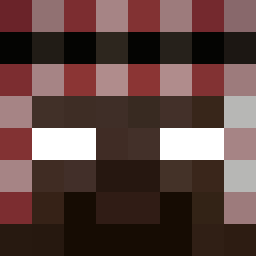
s3veen was the 264th player we have seen with this skin, first spotted on 05.10.2026. The same skin was seen on these players. Open a nickname to see their current skin and skin history.
 Dvmegrnbk x2flume mongol_aben RWX_Quake pakss danoghetto martinnnq digitimes Kikokiko2055 hallcass asilcey hapinejszyn112 Puddddin Scxrpizns kiepura sprokil MOLLERtje Takrouni Kisoo667 XeroxR Lafami YusufDolas Atom_leo Izem_la_kabylie nicocheru Munzzir ccdr Pragomino IaM_888 TheOnlyAzuree yasser0910 spud2005 HDyaserReal HbEnjoy Azzy2201 Zvero2 Toni_665 Kaolnmza CR1STAL1K_ kuyraiyom99 widekillerstrike nph666 ReviveSal zikes13 SFT9377 Dankiller142 Samirka2013 qlitss Stiff24 nycosSkilzz df32 yJhonx Tabernakulum jpfr00 Iticklefatkidsss Kingdoms_07 rasfa7 _PAPOS_ jzli healthe
More Keffiyeh Minecraft skins
How to install the s3veen skin
- Press the Download button above to save the skin as a PNG file.
- Minecraft: Bedrock Edition (PE): open the Dressing Room from the main menu (or tap your character → Edit Character), go to Classic Skins → Owned, press the + (new skin) button, choose the downloaded PNG and pick the Classic (Steve) model. Works on PC and mobile; consoles cannot import custom skins.
- Minecraft: Java Edition: open the Minecraft Launcher, go to the Skins tab, click New Skin, load the PNG, pick the Classic (Steve) model and press Save & Use. You can also upload it at minecraft.net → Profile → Change Skin.
The skin does not show up after import - what should I do?
Restart Minecraft and open the Dressing Room again - imported skins sometimes appear only after a restart. Also make sure you selected the imported skin and picked the Classic (Steve) model.
Which model should I choose, Classic or Slim?
This skin is designed for the Classic (Steve) model. If you pick the wrong model, the arms of the skin will look stretched or squeezed.
Is the skin of s3veen free to download?
Yes. Press Download, save the PNG file and use it in Minecraft: Bedrock Edition or Java Edition - no payment or registration needed. The skin also works on multiplayer servers and Realms.
More skins
Looking for more? Go back to all Minecraft skins and check the top skins of the week, month and all time, or find any player's skin by nickname.