
ryliemorgann - Minecraft Skins & Skin History
Current Minecraft skin of the player ryliemorgann, loaded from the official Mojang API. Rotate the 3D model with your mouse or finger, then download the skin as a PNG file and use it in Minecraft: Bedrock Edition or Java Edition for free. When ryliemorgann changes their skin, this page updates automatically and the old skin stays in the history below.
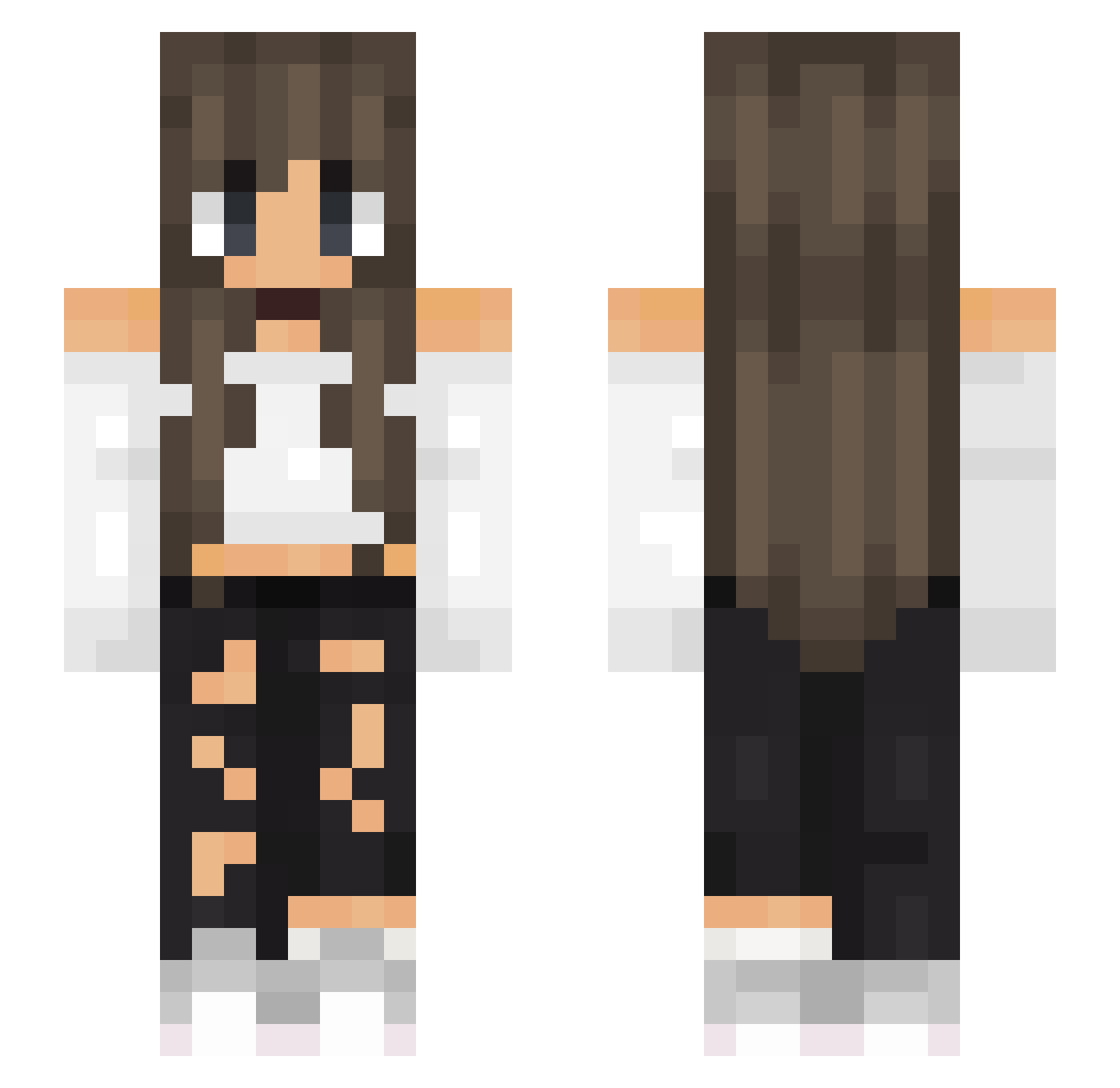
Other players with this skin (520)
ryliemorgann was the 197th player we have seen with this skin, first spotted on 04.09.2026. The same skin was seen on these players. Open a nickname to see their current skin and skin history.
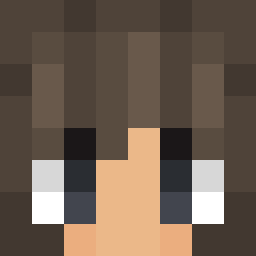 MiaoMiaoMiao0127 IsaOficial Haboob __Kinga_ PizzaGiRl2860 HelenaMinegirl17 jalle963 Z3rooX HannahFLOOF TheresMahBlade DUSKAALDRIGLEVRA Ellyyyx AverageRookie07 Aloiv13 Lynn999999 GrandmaWhisky BadBlood0905 murathan31 annasami10 _sxsxnn_ wikafika123 Lowsonne Drakkarmin franzi_12xo renard_rouge BIGPrinzessin typher s00jka Alliiigator AgentMina EMGOfficial Galaxy_Foxx13 XayynCZ Demonblaze berry1611 Itz_Amber_ SpookieTookie Gezinha AliciaSA TeoCata9 matletueur28 Jxnny16 Liss0810 sterfic Askryale Terez14 cijanid Foxfire1743 Ella_bel FlorecillaL LaraAC hrpatry JenIsaR
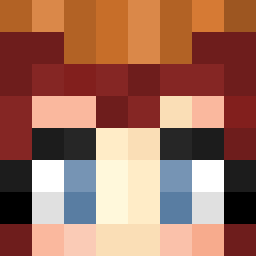 Ryr_06 Guimex isi0012316 Alexxy971 OldHagCupcake Resa030 Neele012
More Off Shoulder Minecraft skins
See all 444 Off Shoulder skins
How to install the ryliemorgann skin
- Press the Download button above to save the skin as a PNG file.
- Minecraft: Bedrock Edition (PE): open the Dressing Room from the main menu (or tap your character → Edit Character), go to Classic Skins → Owned, press the + (new skin) button, choose the downloaded PNG and pick the Slim (Alex) model. Works on PC and mobile; consoles cannot import custom skins.
- Minecraft: Java Edition: open the Minecraft Launcher, go to the Skins tab, click New Skin, load the PNG, pick the Slim (Alex) model and press Save & Use. You can also upload it at minecraft.net → Profile → Change Skin.
The skin does not show up after import - what should I do?
Restart Minecraft and open the Dressing Room again - imported skins sometimes appear only after a restart. Also make sure you selected the imported skin and picked the Slim (Alex) model.
Which model should I choose, Classic or Slim?
This skin is designed for the Slim (Alex) model. If you pick the wrong model, the arms of the skin will look stretched or squeezed.
Is the skin of ryliemorgann free to download?
Yes. Press Download, save the PNG file and use it in Minecraft: Bedrock Edition or Java Edition - no payment or registration needed. The skin also works on multiplayer servers and Realms.
More skins
Looking for more? Go back to all Minecraft skins and check the top skins of the week, month and all time, or find any player's skin by nickname.