
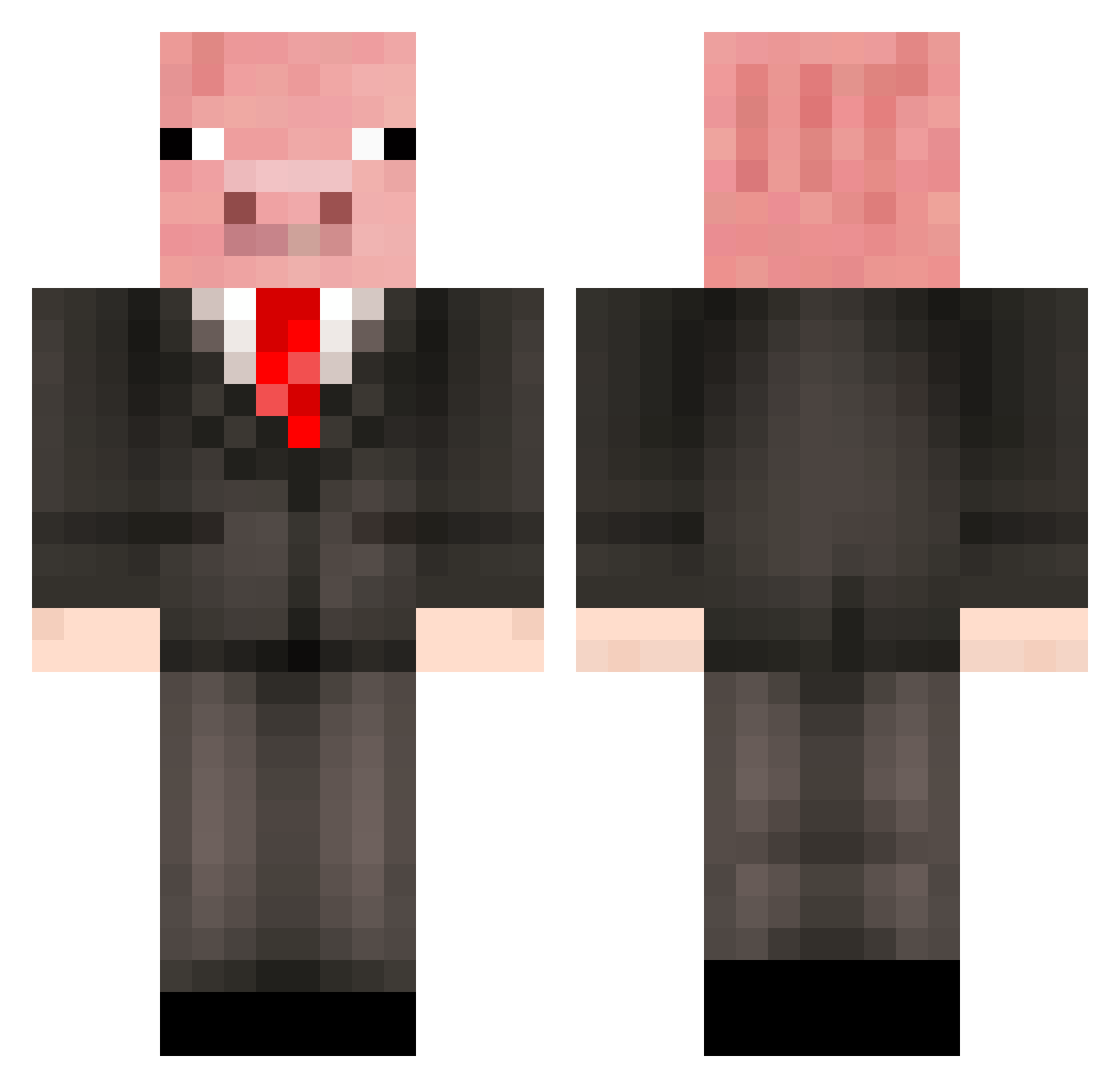
Current Minecraft skin of the player richdwarf, loaded from the official Mojang API. Rotate the 3D model with your mouse or finger, then download the skin as a PNG file and use it in Minecraft: Bedrock Edition or Java Edition for free. When richdwarf changes their skin, this page updates automatically and the old skin stays in the history below.
Other players with this skin (209)
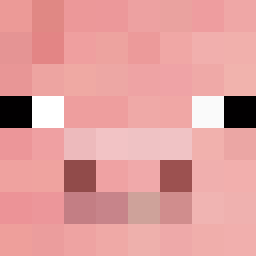
richdwarf was the 197th player we have seen with this skin, first spotted on 11.10.2026. The same skin was seen on these players. Open a nickname to see their current skin and skin history.
 MrPorker95 spamham1234 Mr0piglet silvart SUPERDIEGO100 Qiong0626 Hakka100 lilibowen chpok_ Bridgess_ Ollibeuip msr2109 Pululunga SebVet26 Sebachu zbhdycy zeertty7 MVerdugo F3VER14 PorkyChoppa Gabo815 gamergarb Tug45 PigasTheWide Junie_ flintx04 nico2304 Wood_Le Steven23335 Thialvey PIGtheSTEVE Ki76 Maxxe09 MONGS74 champ_icy promptworld 88828 Stopie21 motung2 poopydonkey Rahb1t HumanStew123 itsHehe Matiassnake eulog0s GiveMeYourHands Dizzysghost Paridoxs Acrylic_acid jinboong smasy CantAim2029 thebigfalcon DixieDaPig Joeberter MrGuyman1 Raging_seal Ajoballer Jelly_Belly72 trzx_0831
More Pig Minecraft skins
How to install the richdwarf skin
- Press the Download button above to save the skin as a PNG file.
- Minecraft: Bedrock Edition (PE): open the Dressing Room from the main menu (or tap your character → Edit Character), go to Classic Skins → Owned, press the + (new skin) button, choose the downloaded PNG and pick the Classic (Steve) model. Works on PC and mobile; consoles cannot import custom skins.
- Minecraft: Java Edition: open the Minecraft Launcher, go to the Skins tab, click New Skin, load the PNG, pick the Classic (Steve) model and press Save & Use. You can also upload it at minecraft.net → Profile → Change Skin.
The skin does not show up after import - what should I do?
Restart Minecraft and open the Dressing Room again - imported skins sometimes appear only after a restart. Also make sure you selected the imported skin and picked the Classic (Steve) model.
Which model should I choose, Classic or Slim?
This skin is designed for the Classic (Steve) model. If you pick the wrong model, the arms of the skin will look stretched or squeezed.
Is the skin of richdwarf free to download?
Yes. Press Download, save the PNG file and use it in Minecraft: Bedrock Edition or Java Edition - no payment or registration needed. The skin also works on multiplayer servers and Realms.
More skins
Looking for more? Go back to all Minecraft skins and check the top skins of the week, month and all time, or find any player's skin by nickname.