
reckurek - Minecraft Skins & Skin History
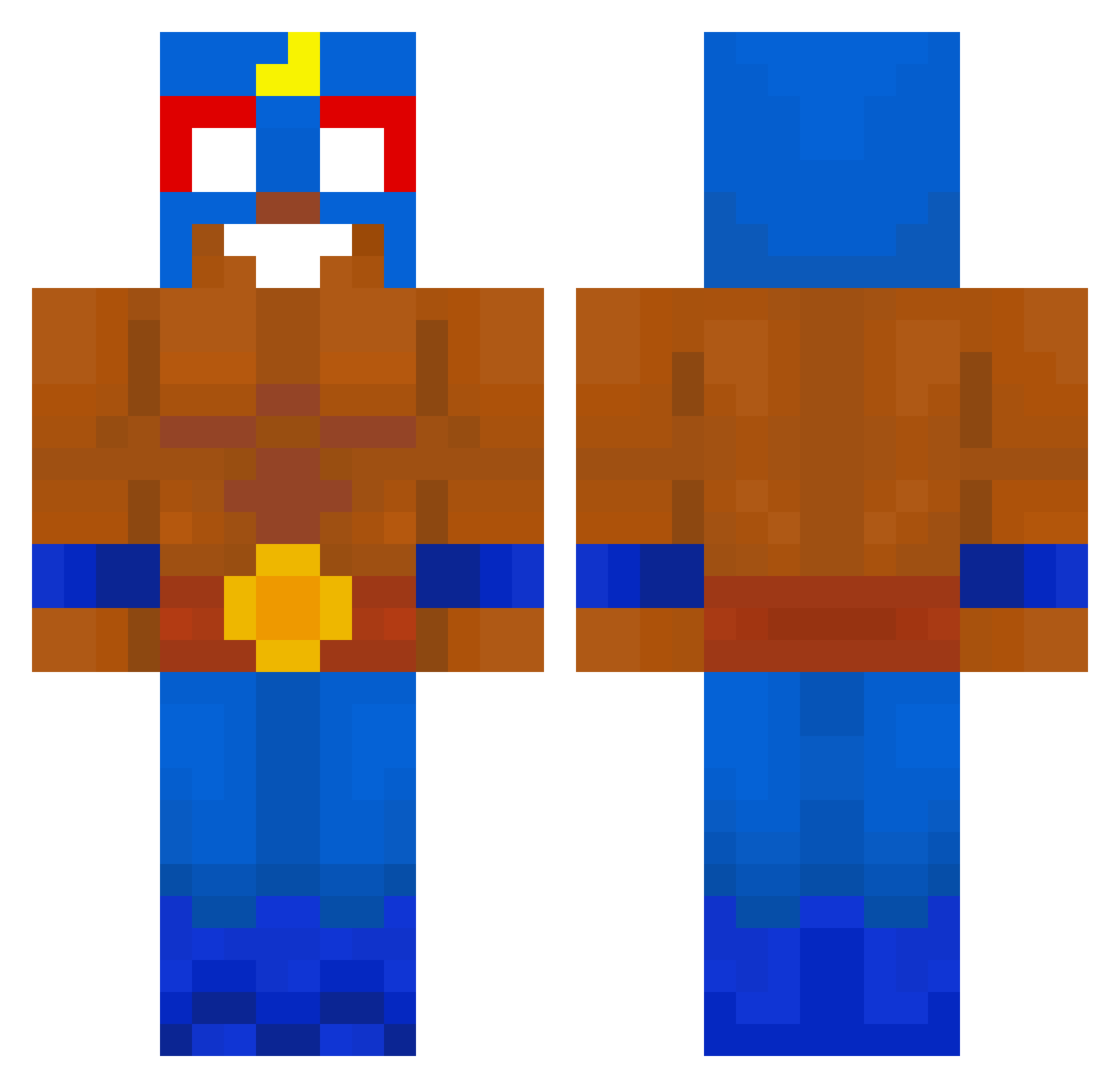
Current Minecraft skin of the player reckurek, loaded from the official Mojang API. Rotate the 3D model with your mouse or finger, then download the skin as a PNG file and use it in Minecraft: Bedrock Edition or Java Edition for free. When reckurek changes their skin, this page updates automatically and the old skin stays in the history below.
Other players with this skin (659)
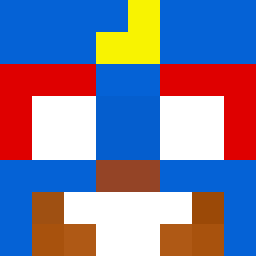
reckurek was the 96th player we have seen with this skin, first spotted on 08.08.2026. The same skin was seen on these players. Open a nickname to see their current skin and skin history.
 Wojtal07 kakatete01 sigreehan haytam52 MrBombogyat jeon120 Yalbertcito AlvaVidal BRK3162 Zagarik sh4geN javipinedo19
 BOSF7 Johannes1566 A_keksu7 JUAN775566 ArticFiree Sjjjj0108 BanMePlis nickxzz7 MB_PL d3lm0n Finder121 Dusky98_ damafia10 kamyk_47 flodidogaming GARGANO__ NedopecenePecivo
 wikano Alesking109 Rina_AroufGansta FanofJumpingJack ohiosmp BestPack Klius1702 nisshutsu Biniu_0 EGI458pc skrr1982 ConnorSnowGhost FenixRevenge YellowBird96817 eliaxx16 TheCladdagh Cmacuk LouTheRobot Zarterx mateomontes_5 Pulm0 pierdeq GrabaToGruby Detailsjia kamilbudda Raul_Zin BIGbin233 Marclo_ NuffS14 Epiru MonkeyDsikee
More El Primo Minecraft skins
How to install the reckurek skin
- Press the Download button above to save the skin as a PNG file.
- Minecraft: Bedrock Edition (PE): open the Dressing Room from the main menu (or tap your character → Edit Character), go to Classic Skins → Owned, press the + (new skin) button, choose the downloaded PNG and pick the Classic (Steve) model. Works on PC and mobile; consoles cannot import custom skins.
- Minecraft: Java Edition: open the Minecraft Launcher, go to the Skins tab, click New Skin, load the PNG, pick the Classic (Steve) model and press Save & Use. You can also upload it at minecraft.net → Profile → Change Skin.
The skin does not show up after import - what should I do?
Restart Minecraft and open the Dressing Room again - imported skins sometimes appear only after a restart. Also make sure you selected the imported skin and picked the Classic (Steve) model.
Which model should I choose, Classic or Slim?
This skin is designed for the Classic (Steve) model. If you pick the wrong model, the arms of the skin will look stretched or squeezed.
Is the skin of reckurek free to download?
Yes. Press Download, save the PNG file and use it in Minecraft: Bedrock Edition or Java Edition - no payment or registration needed. The skin also works on multiplayer servers and Realms.
More skins
Looking for more? Go back to all Minecraft skins and check the top skins of the week, month and all time, or find any player's skin by nickname.