
 ReyTwo rushiasimpy Liyan47 veilrig Jablonek_ ESR_Nauro ryang31911 madeira30 sexyfishsticks dbxo09 zerfi_ BenBeroBro Jijijija_CRL jxcxb Dyb0n kx5y elprimo31 MatiaaasSkr Zyyu_ NrgBoy50 23nex Yasins01 DAM1X1 RulTYElKabristan Little_vet B1GPAPPA12 _brocoli jwhite1507tv AliYenen LznX_OFC EddieXebTw queondabro zetko_RS cay61cay remake3705 AleGaspa04 Eric38255 Nomuhyun6974 Dwight_schrute53 Dalejandro29 donmaciaso lilmr01 Flexbb toninogb Diagonales J_Suiiiiiiiiii RAYZER2411 Frxve7 ______o______o__ CH0330 ihuyunseung kautoppc pytak Viztor_21 Valmecheee Vangal_l Endermanguy08 Pipeee_00 gaspibots K1llaszn
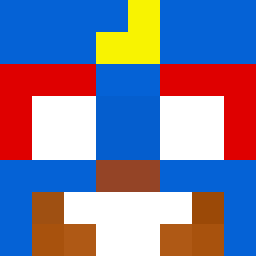
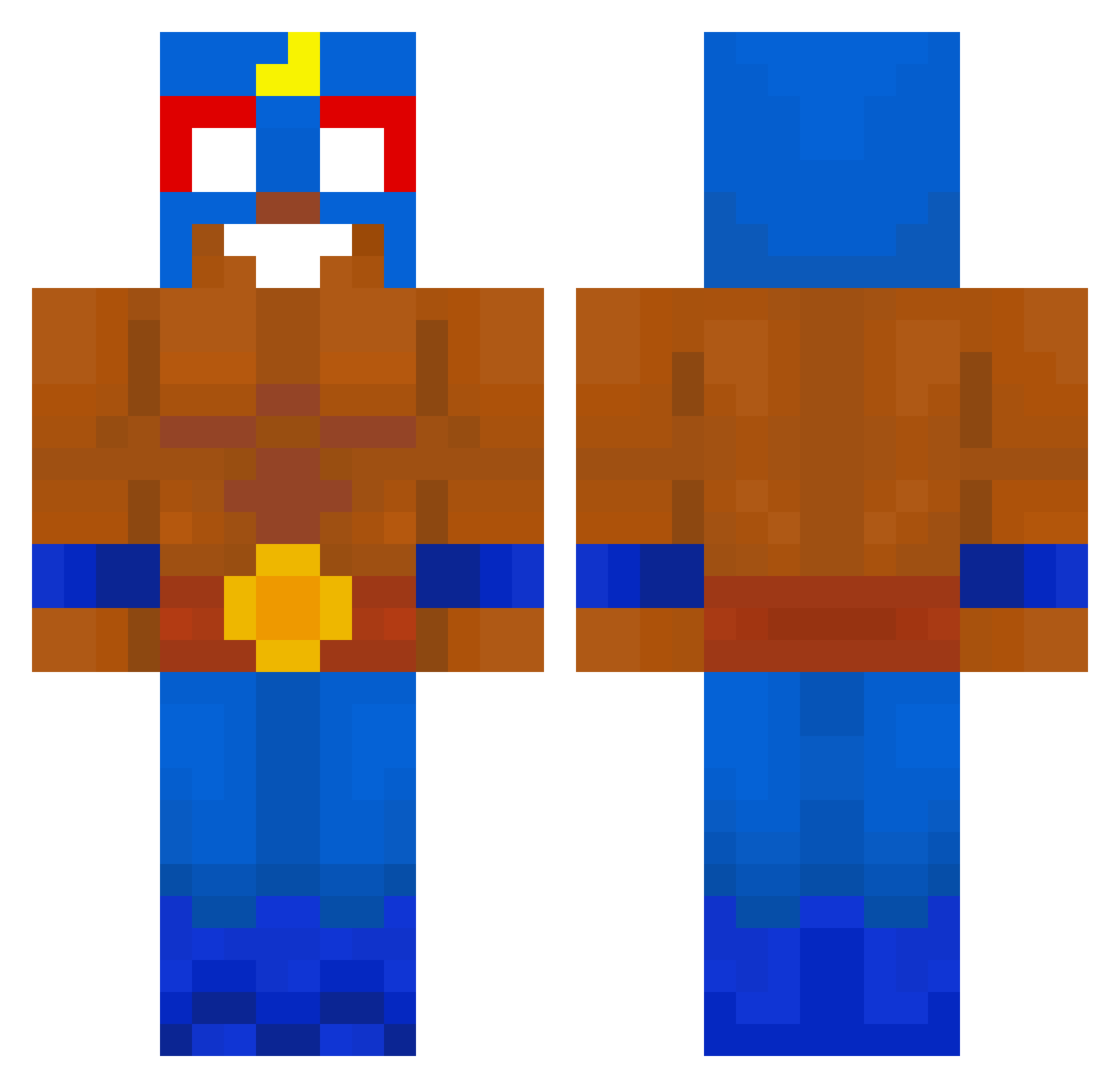
Minecraft skin of El_Lik. Rotate the 3D model with your mouse or finger to view the skin from every angle, then download it as a PNG file and use it in Minecraft: Bedrock Edition or Java Edition for free. Rate the skin with stars to help other players find the best skins in our collection.
How to install the El_Lik skin
- Press the Download button above to save the skin as a PNG file.
- Minecraft: Bedrock Edition (PE): open the Dressing Room from the main menu (or tap your character → Edit Character), go to Classic Skins → Owned, press the + (new skin) button, choose the downloaded PNG and pick the Classic (Steve) model. Works on PC and mobile; consoles cannot import custom skins.
- Minecraft: Java Edition: open the Minecraft Launcher, go to the Skins tab, click New Skin, load the PNG, pick the Classic (Steve) model and press Save & Use. You can also upload it at minecraft.net → Profile → Change Skin.
The skin does not show up after import - what should I do?
Restart Minecraft and open the Dressing Room again - imported skins sometimes appear only after a restart. Also make sure you selected the imported skin and picked the Classic (Steve) model.
Which model should I choose, Classic or Slim?
This skin is designed for the Classic (Steve) model. If you pick the wrong model, the arms of the skin will look stretched or squeezed.
Is this skin free to use?
Yes. Press Download, save the PNG file and use it in Minecraft: Bedrock Edition or Java Edition - no payment or registration needed. The skin also works on multiplayer servers and Realms.
More El Primo Minecraft skins
More skins
Looking for more? Go back to all Minecraft skins and check the top skins of the week, month and all time, or find any player's skin by nickname.