
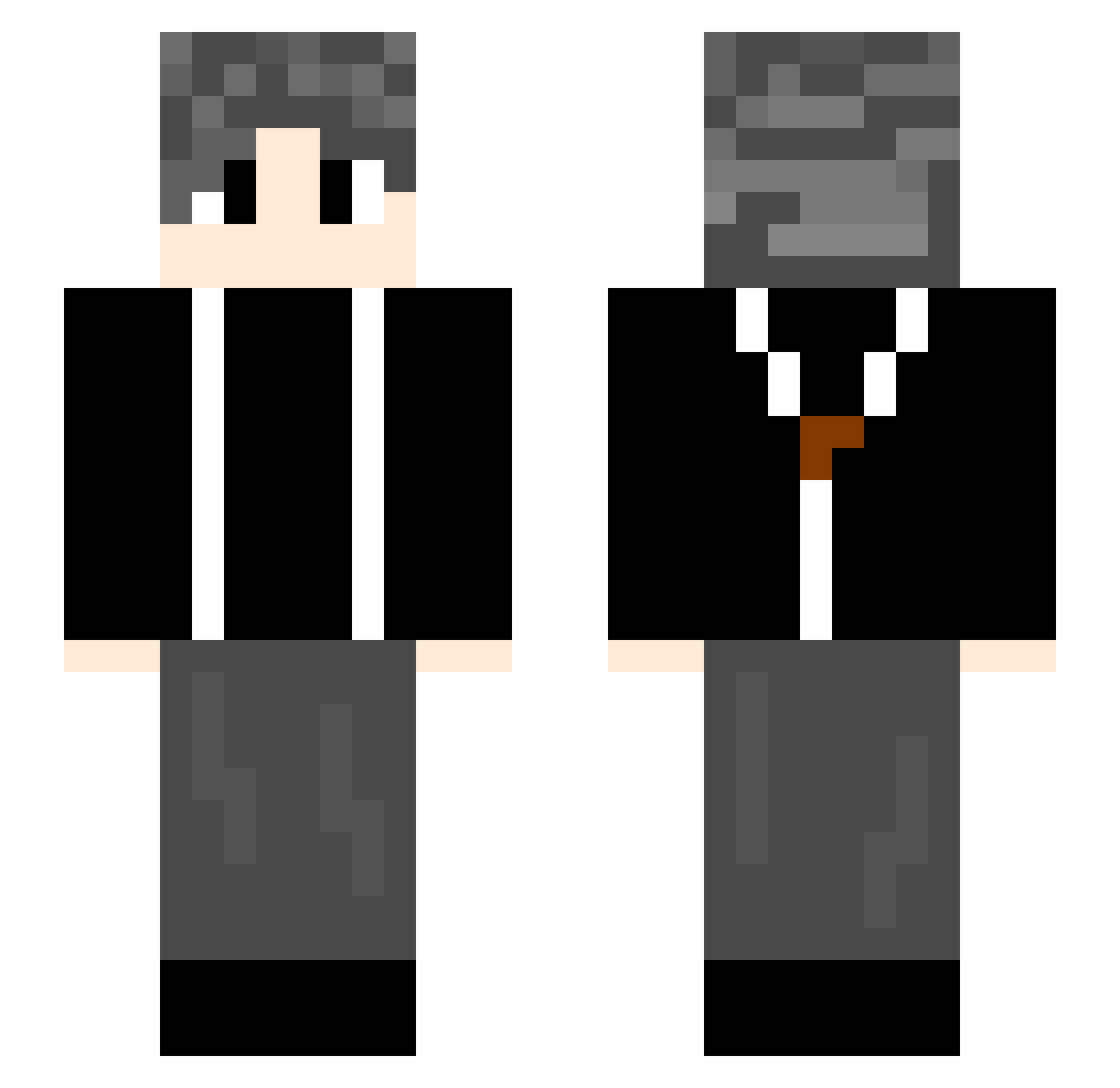
Current Minecraft skin of the player potatomato16, loaded from the official Mojang API. Rotate the 3D model with your mouse or finger, then download the skin as a PNG file and use it in Minecraft: Bedrock Edition or Java Edition for free. When potatomato16 changes their skin, this page updates automatically and the old skin stays in the history below.
Other players with this skin (582)
potatomato16 was the 433rd player we have seen with this skin, first spotted on 24.09.2026. The same skin was seen on these players. Open a nickname to see their current skin and skin history.
 WikY1 llshvd ChunYeDaJiao Nachet001 WuliJuJu LunarLx11 ConfusedSheep_ Yi_iii qiyue888 Buttersfly angchen123 I_am_Neoth zhaoly xxxttv hero4628 ASDxt Summer_QvQ ww52 Cleveryunyun MPigC ngta Yuzh82 Zcz6666662 Suyuqiu Luo_NanGZ LautaroChina Liu_Qiang QMK0409 chakko_ ggboy4035 VicDas baibaicha Charlieed23 WAZJY520 Youngerme BigAgAu agkon Yuan28 UUTTOO Viatt Tr_Ming milklizi A001213 llg11 YU_077 Cherrian ming_bai_21 pzh666 fushi135 Songlin85 AnnaLisi MilkyWayQWQ ylz2006 leonwant8 MaKaBaKaccc Maxc0817 Lebowskikun Evilwa twodogboy CCword
How to install the potatomato16 skin
- Press the Download button above to save the skin as a PNG file.
- Minecraft: Bedrock Edition (PE): open the Dressing Room from the main menu (or tap your character → Edit Character), go to Classic Skins → Owned, press the + (new skin) button, choose the downloaded PNG and pick the Slim (Alex) model. Works on PC and mobile; consoles cannot import custom skins.
- Minecraft: Java Edition: open the Minecraft Launcher, go to the Skins tab, click New Skin, load the PNG, pick the Slim (Alex) model and press Save & Use. You can also upload it at minecraft.net → Profile → Change Skin.
The skin does not show up after import - what should I do?
Restart Minecraft and open the Dressing Room again - imported skins sometimes appear only after a restart. Also make sure you selected the imported skin and picked the Slim (Alex) model.
Which model should I choose, Classic or Slim?
This skin is designed for the Slim (Alex) model. If you pick the wrong model, the arms of the skin will look stretched or squeezed.
Is the skin of potatomato16 free to download?
Yes. Press Download, save the PNG file and use it in Minecraft: Bedrock Edition or Java Edition - no payment or registration needed. The skin also works on multiplayer servers and Realms.
More skins
Looking for more? Go back to all Minecraft skins and check the top skins of the week, month and all time, or find any player's skin by nickname.