
poochia - Minecraft Skins & Skin History
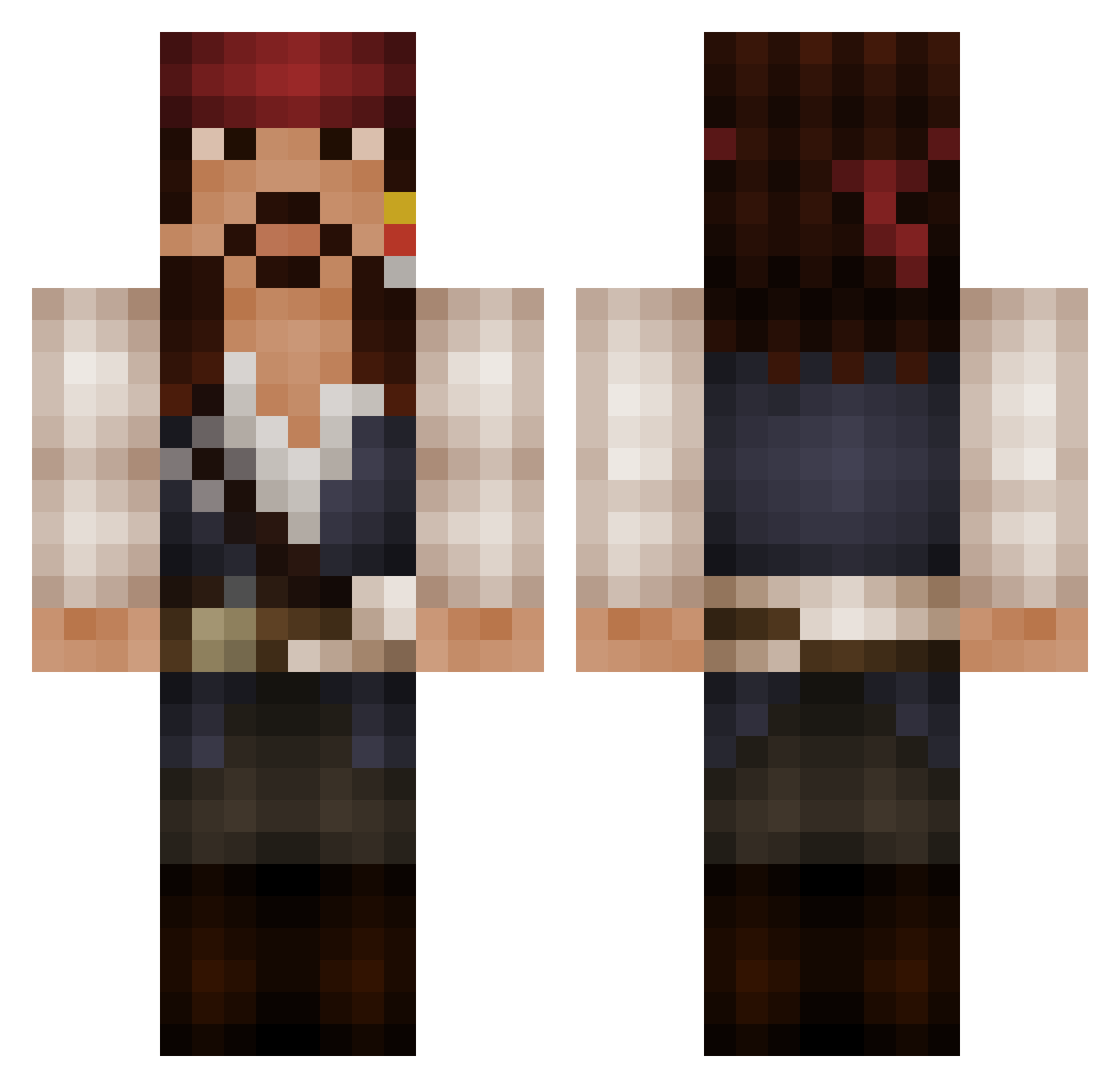
Current Minecraft skin of the player poochia, loaded from the official Mojang API. Rotate the 3D model with your mouse or finger, then download the skin as a PNG file and use it in Minecraft: Bedrock Edition or Java Edition for free. When poochia changes their skin, this page updates automatically and the old skin stays in the history below.
Other players with this skin (525)
poochia was the 480th player we have seen with this skin, first spotted on 24.10.2026. The same skin was seen on these players. Open a nickname to see their current skin and skin history.
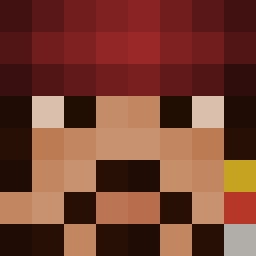 captainjack500 johanerkul Dex83 rawilbur flappie1904 mister76 lackist Captain_Stocky MotBxDanster Toni0606 Waelderbue WheslyO starjackson2001 bibo1445 matthew14r RumBandit MisHappen Strontvod SIDDYOUT omzzzzzzzzzzzzz Robbskinator CaptainBier Jango32 scheckeer HoodedDragonLord CrazyBatuhan BroodjeSate irishairforce Its_Yoghurt CASHEDSX x3Fuzzy ChoosingFate GnomeFille DefiantNL CalumWaltho pizza_b0y Sparrow94 tjordan24 TheCaptainJ Hexyboi Swagdropz wiborg366 Gaffers Vovo285 TheHeavyRussianT Spider001 merklostaplier Bliznak Gloria_Causa Mathias205 Yorhades fojlip jgregory56 joaocassis Captain_Sparrow3 bustebert Arshe69 BearHixy RumbellyRuss elmorenusftw
More Jack Sparrow Minecraft skins
See all 108 Jack Sparrow skins
How to install the poochia skin
- Press the Download button above to save the skin as a PNG file.
- Minecraft: Bedrock Edition (PE): open the Dressing Room from the main menu (or tap your character → Edit Character), go to Classic Skins → Owned, press the + (new skin) button, choose the downloaded PNG and pick the Classic (Steve) model. Works on PC and mobile; consoles cannot import custom skins.
- Minecraft: Java Edition: open the Minecraft Launcher, go to the Skins tab, click New Skin, load the PNG, pick the Classic (Steve) model and press Save & Use. You can also upload it at minecraft.net → Profile → Change Skin.
The skin does not show up after import - what should I do?
Restart Minecraft and open the Dressing Room again - imported skins sometimes appear only after a restart. Also make sure you selected the imported skin and picked the Classic (Steve) model.
Which model should I choose, Classic or Slim?
This skin is designed for the Classic (Steve) model. If you pick the wrong model, the arms of the skin will look stretched or squeezed.
Is the skin of poochia free to download?
Yes. Press Download, save the PNG file and use it in Minecraft: Bedrock Edition or Java Edition - no payment or registration needed. The skin also works on multiplayer servers and Realms.
More skins
Looking for more? Go back to all Minecraft skins and check the top skins of the week, month and all time, or find any player's skin by nickname.