
polskimarlon - Minecraft Skins & Skin History
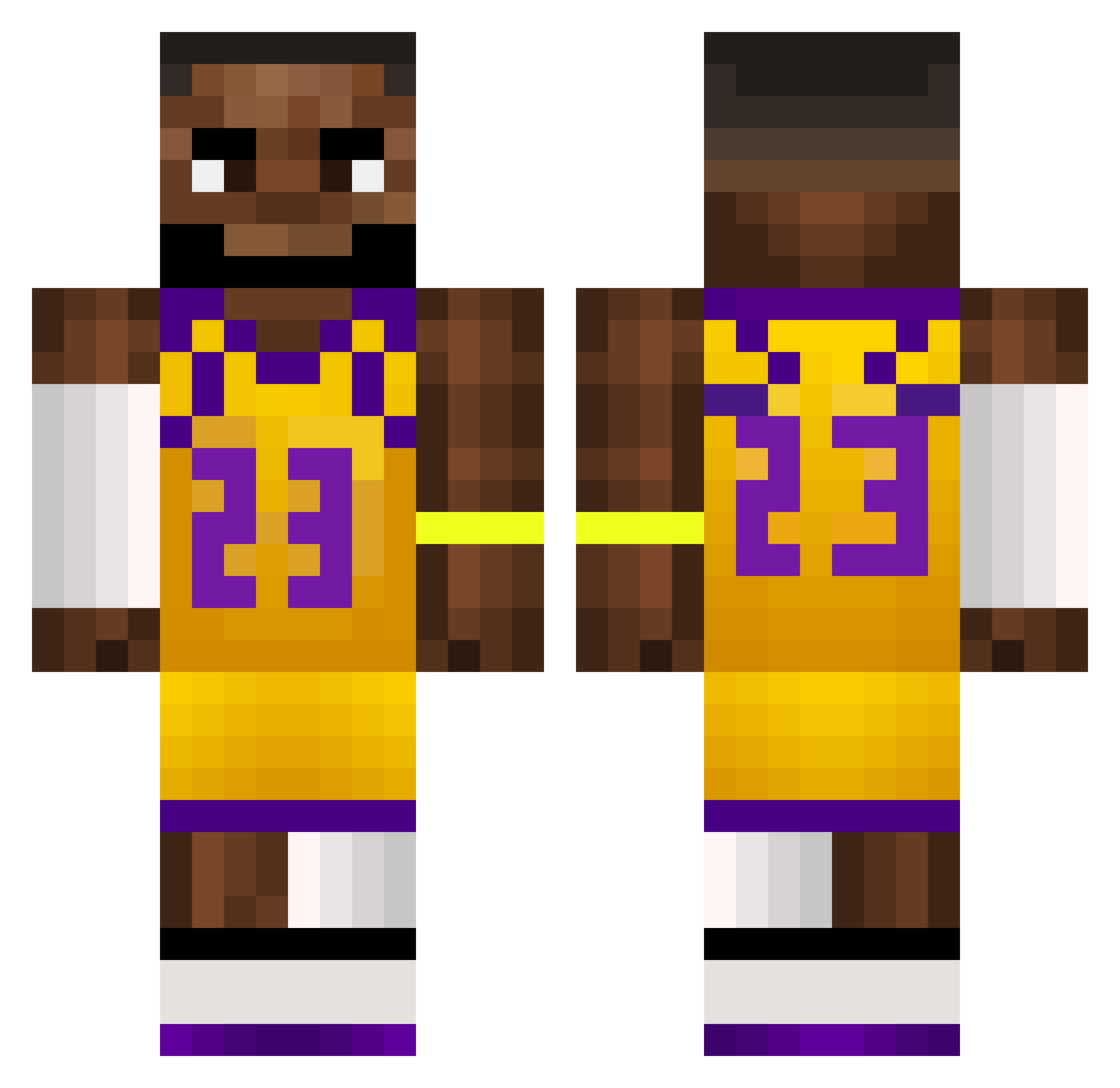
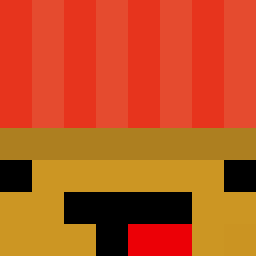
Current Minecraft skin of the player polskimarlon, loaded from the official Mojang API. Rotate the 3D model with your mouse or finger, then download the skin as a PNG file and use it in Minecraft: Bedrock Edition or Java Edition for free. When polskimarlon changes their skin, this page updates automatically and the old skin stays in the history below.
Other players with this skin (510)
polskimarlon was the 27th player we have seen with this skin, first spotted on 27.07.2026. The same skin was seen on these players. Open a nickname to see their current skin and skin history.
 Joris2908 Potatozayy Nebli naplet3211 feDars FamousKnight906 Bastoslpb ABRACADABRA_566 Montagnne Cody4723 musicmanpwn Longbottom29 FakieBlunt coleox yungchangyee twizz12 NickYoung1407 WreckinChaos Self_Lobotomy WilmB FloodleDoodle Grziz TheRapist_29 ChickenWing11081 ddrw BobRoss59 LC_ex GotADropOnThis ASHCV CaluG Wsup_ RABAAAA Amelia1234567890 Cjs11110 Den1961 MRP4915 bphaphon MvTx10 Strubbed_ wusliger_levi TERMICRAFT231
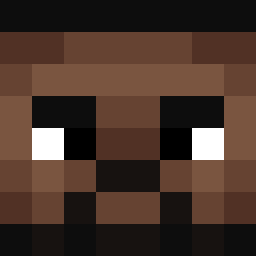 MechkaGrizli DannyEm Wyzyna skittlez11 JellyMan9754 Sousa94TV UnlikeBeatle385
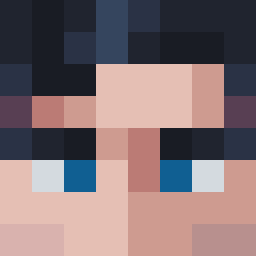 Peelover136 agua12345 Awkwardable mrdestroyurhouse jasajasajasa albeertosoto7 Dobby48 shinigamiTREY Mr_Ting_ ConnorPav
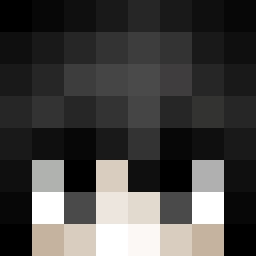 Soaraz
 LeBronjamesglaze
More Lakers Minecraft skins
How to install the polskimarlon skin
- Press the Download button above to save the skin as a PNG file.
- Minecraft: Bedrock Edition (PE): open the Dressing Room from the main menu (or tap your character → Edit Character), go to Classic Skins → Owned, press the + (new skin) button, choose the downloaded PNG and pick the Classic (Steve) model. Works on PC and mobile; consoles cannot import custom skins.
- Minecraft: Java Edition: open the Minecraft Launcher, go to the Skins tab, click New Skin, load the PNG, pick the Classic (Steve) model and press Save & Use. You can also upload it at minecraft.net → Profile → Change Skin.
The skin does not show up after import - what should I do?
Restart Minecraft and open the Dressing Room again - imported skins sometimes appear only after a restart. Also make sure you selected the imported skin and picked the Classic (Steve) model.
Which model should I choose, Classic or Slim?
This skin is designed for the Classic (Steve) model. If you pick the wrong model, the arms of the skin will look stretched or squeezed.
Is the skin of polskimarlon free to download?
Yes. Press Download, save the PNG file and use it in Minecraft: Bedrock Edition or Java Edition - no payment or registration needed. The skin also works on multiplayer servers and Realms.
More skins
Looking for more? Go back to all Minecraft skins and check the top skins of the week, month and all time, or find any player's skin by nickname.