
playerslay - Minecraft Skins & Skin History
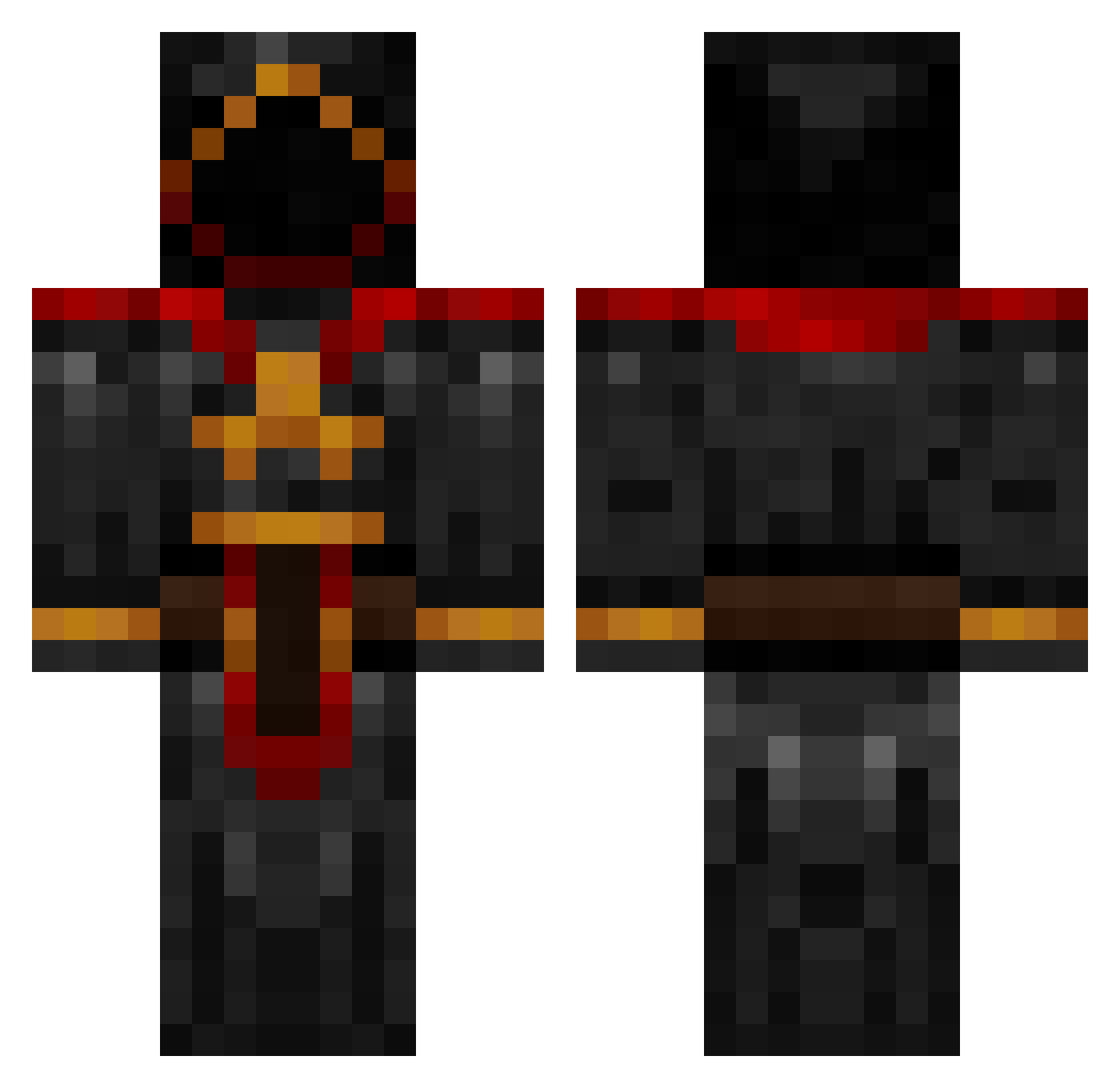
Current Minecraft skin of the player playerslay, loaded from the official Mojang API. Rotate the 3D model with your mouse or finger, then download the skin as a PNG file and use it in Minecraft: Bedrock Edition or Java Edition for free. When playerslay changes their skin, this page updates automatically and the old skin stays in the history below.
Other players with this skin (731)
playerslay was the 337th player we have seen with this skin, first spotted on 03.09.2026. The same skin was seen on these players. Open a nickname to see their current skin and skin history.
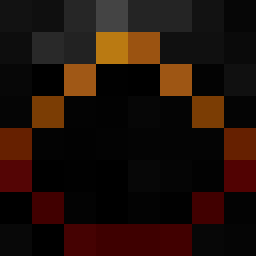 JAKESAWSOME ludwigs02 CraMagicka Livitasik ksrourk CorruptJester TejatPrior JonLegend Slongwong Akane54 EnchantedAnvil matthias5116 TheShavocado Senbotsu81 Nachtfaulk Chugalooga EyeGore22 happyguy82 Ultra_assassin11 corbin_tolar CinderMagus to6koanev daniellastking MasterShujin Cryteck1994 SpangleHD UltimateSkyminer GabeTAL Morgoth712 trevisslag simon4700 killjoy232 Esau17 sonia_lemarie Inferno_Draconis WarrenWong wtfbengt Zyriiux Bane2Barrels GodMortas Lazylion kylevandyk Quintessinces Nightmare_Notch blarghhrrkblah jakedragon ninjastar93 NexusDeity GraveDigger192 vaasf97 Propcicle Sorenbane parka0208 Bobby1333 Nosferatu989 Hendsa DjDean10 usermand truli mell127
More Cultist Minecraft skins
How to install the playerslay skin
- Press the Download button above to save the skin as a PNG file.
- Minecraft: Bedrock Edition (PE): open the Dressing Room from the main menu (or tap your character → Edit Character), go to Classic Skins → Owned, press the + (new skin) button, choose the downloaded PNG and pick the Classic (Steve) model. Works on PC and mobile; consoles cannot import custom skins.
- Minecraft: Java Edition: open the Minecraft Launcher, go to the Skins tab, click New Skin, load the PNG, pick the Classic (Steve) model and press Save & Use. You can also upload it at minecraft.net → Profile → Change Skin.
The skin does not show up after import - what should I do?
Restart Minecraft and open the Dressing Room again - imported skins sometimes appear only after a restart. Also make sure you selected the imported skin and picked the Classic (Steve) model.
Which model should I choose, Classic or Slim?
This skin is designed for the Classic (Steve) model. If you pick the wrong model, the arms of the skin will look stretched or squeezed.
Is the skin of playerslay free to download?
Yes. Press Download, save the PNG file and use it in Minecraft: Bedrock Edition or Java Edition - no payment or registration needed. The skin also works on multiplayer servers and Realms.
More skins
Looking for more? Go back to all Minecraft skins and check the top skins of the week, month and all time, or find any player's skin by nickname.