
pitochico_ - Minecraft Skins & Skin History
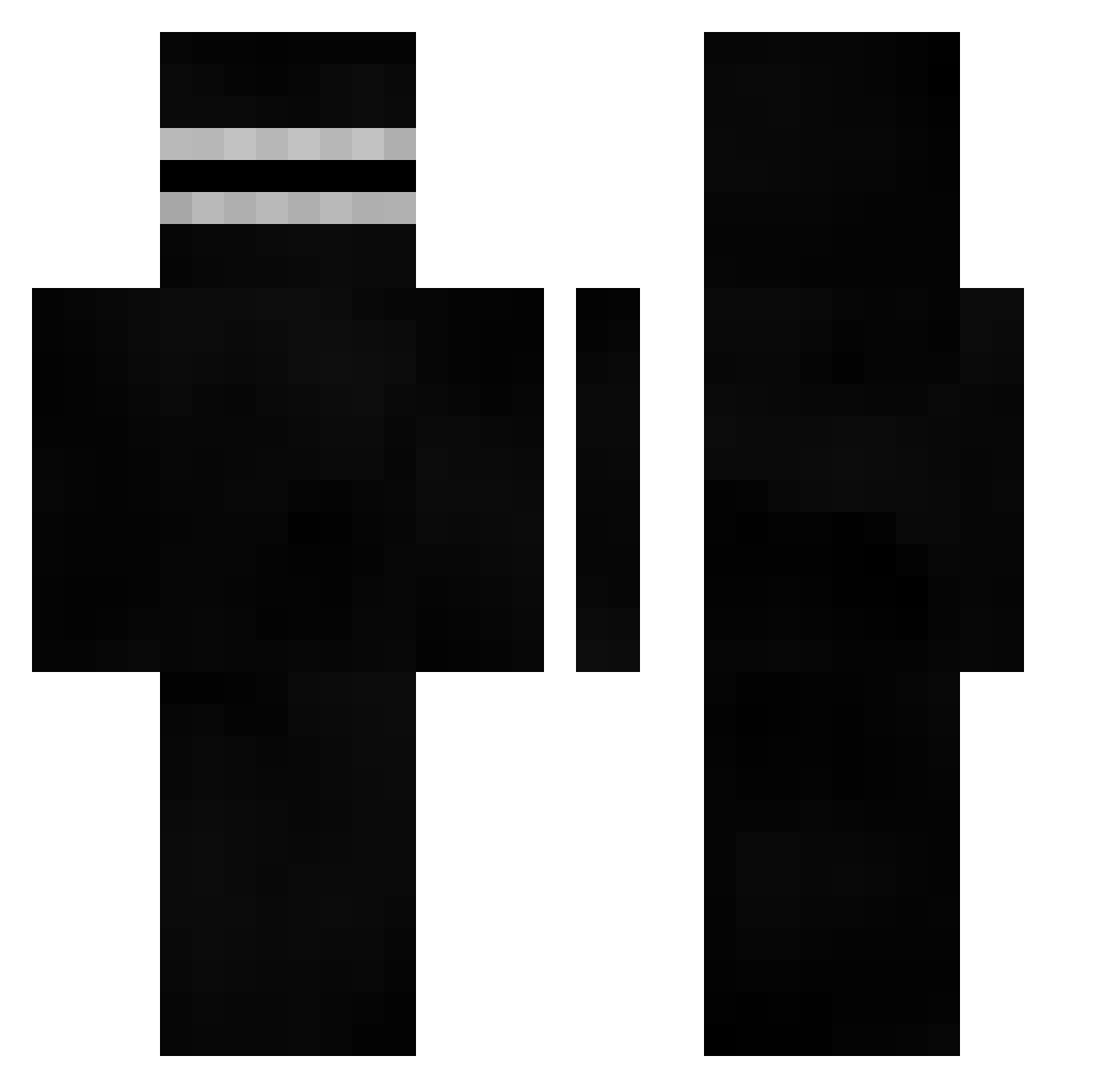
Current Minecraft skin of the player pitochico_, loaded from the official Mojang API. Rotate the 3D model with your mouse or finger, then download the skin as a PNG file and use it in Minecraft: Bedrock Edition or Java Edition for free. When pitochico_ changes their skin, this page updates automatically and the old skin stays in the history below.
Other players with this skin (496)
pitochico_ was the 417th player we have seen with this skin, first spotted on 24.10.2026. The same skin was seen on these players. Open a nickname to see their current skin and skin history.
 Zaclacter Alejo_Renlebox nerdiness DWC_VerkaufsBot DarkXBoltz BabySatanGirl AnemicAmoeba11 BOmChakalakaa NotPureCache FallingEyes BelovedBandit s10szny NAGANO0711 SarcasmMR3 SonicB325 DaddyDarrk Rice11209 TopGIsBalls ganjagrosser x_rose XXXSkaterBoyXXX CaveMangler PetitPainComplet Lil_Exovert xClause Dekito97_ xro6 Rabicat_ KureijiDaiyamond kangsan1113 herber29 Poulus Dovahbeear OPO34 EvoluutiomiesFI GreenMachine099 Eater_of_worlds_ akimo055 Rodeteelball Benino87 UncleDiego69 iljushki Andrellll FreshApex StandardIdiot Clement_2306 Using_Vape_V4 DonkeyKongxxxx Lipoc ezpp ImTheSigma 4rxzisamonkey xxxminecraftgod5 Topikas MolarHuman zelton_ NoB1ess abeegayle Miselinos jikokula_15
How to install the pitochico_ skin
- Press the Download button above to save the skin as a PNG file.
- Minecraft: Bedrock Edition (PE): open the Dressing Room from the main menu (or tap your character → Edit Character), go to Classic Skins → Owned, press the + (new skin) button, choose the downloaded PNG and pick the Classic (Steve) model. Works on PC and mobile; consoles cannot import custom skins.
- Minecraft: Java Edition: open the Minecraft Launcher, go to the Skins tab, click New Skin, load the PNG, pick the Classic (Steve) model and press Save & Use. You can also upload it at minecraft.net → Profile → Change Skin.
The skin does not show up after import - what should I do?
Restart Minecraft and open the Dressing Room again - imported skins sometimes appear only after a restart. Also make sure you selected the imported skin and picked the Classic (Steve) model.
Which model should I choose, Classic or Slim?
This skin is designed for the Classic (Steve) model. If you pick the wrong model, the arms of the skin will look stretched or squeezed.
Is the skin of pitochico_ free to download?
Yes. Press Download, save the PNG file and use it in Minecraft: Bedrock Edition or Java Edition - no payment or registration needed. The skin also works on multiplayer servers and Realms.
More skins
Looking for more? Go back to all Minecraft skins and check the top skins of the week, month and all time, or find any player's skin by nickname.