
phin0822 - Minecraft Skins & Skin History
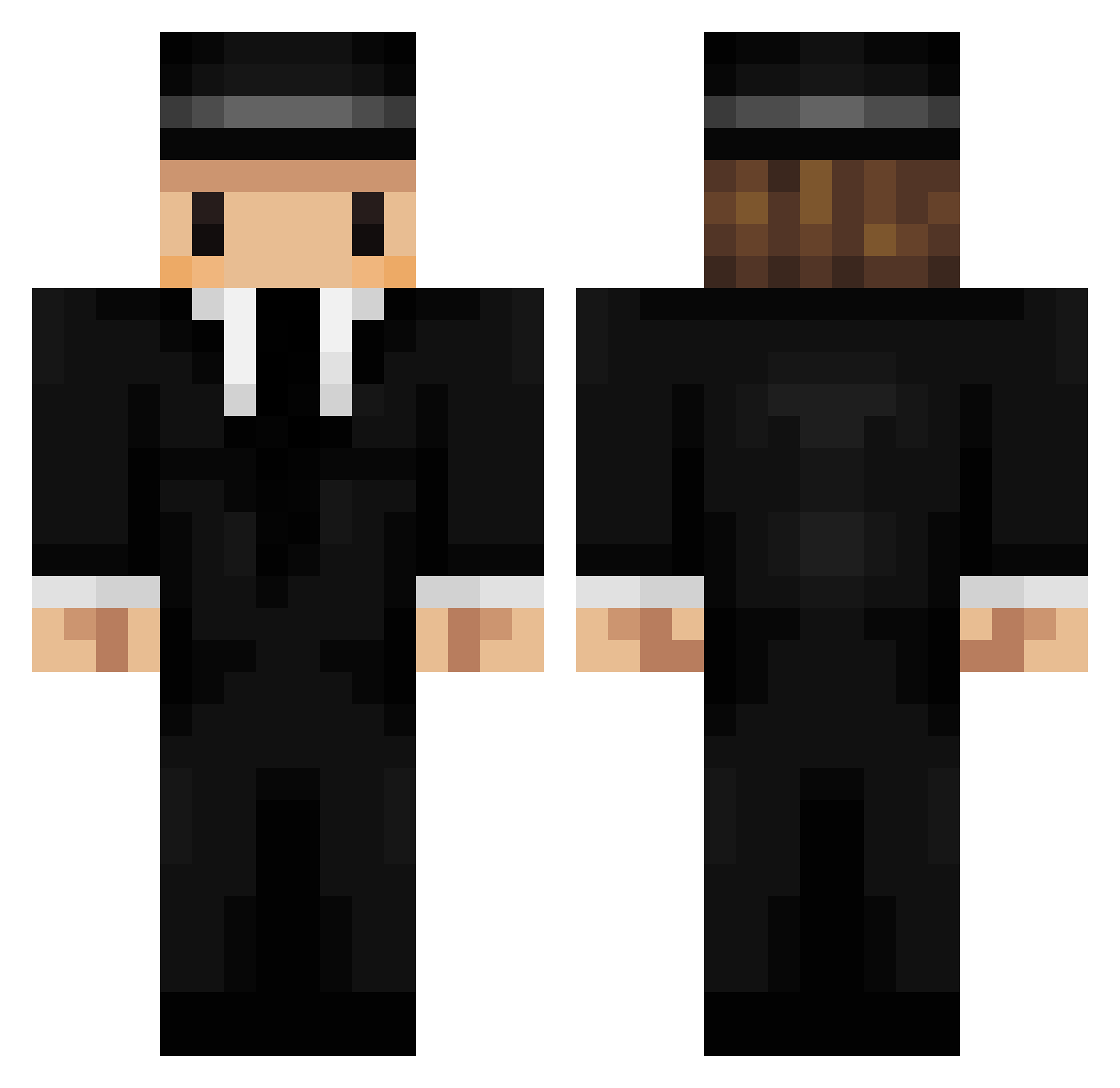
Current Minecraft skin of the player phin0822, loaded from the official Mojang API. Rotate the 3D model with your mouse or finger, then download the skin as a PNG file and use it in Minecraft: Bedrock Edition or Java Edition for free. When phin0822 changes their skin, this page updates automatically and the old skin stays in the history below.
Other players with this skin (202)
phin0822 was the 130th player we have seen with this skin, first spotted on 22.09.2026. The same skin was seen on these players. Open a nickname to see their current skin and skin history.
 MojangHelpThread xClimber Gangnam_District Guitarhero4 Tar00s Puntos13 BlackRose_VIP Comprensivo flamesjon Fangocy I_r_i_s_e SauloDeTarso Tairoxinho JimenOc Diddo_ chaots UltimateKrewetka HHazeee Sake99 Eucliid etiennevsc Methpress Thanerson ESCARGO_ MarioPrime DiIusion thekomondor PimpDaddyMagic ONZE1125 MarsUnknown1 wander Rosenosten _Limbo666 AdgeK SoupyLogan FotonGaming Infinity0401 MirowCrespou glotzkowski123 Alessitokk wujaszekmirek FD_smooth apneatic M7ES Jahnston Accaju quackarex KevinDasPikachu DirtiestCheater otre gooshkoob Tareus WoxiM8 POLETE20094K ItZSkrix terry81523 rick_pat_ Almondigo baja695 suzukaze330
More Mafia Minecraft skins
How to install the phin0822 skin
- Press the Download button above to save the skin as a PNG file.
- Minecraft: Bedrock Edition (PE): open the Dressing Room from the main menu (or tap your character → Edit Character), go to Classic Skins → Owned, press the + (new skin) button, choose the downloaded PNG and pick the Classic (Steve) model. Works on PC and mobile; consoles cannot import custom skins.
- Minecraft: Java Edition: open the Minecraft Launcher, go to the Skins tab, click New Skin, load the PNG, pick the Classic (Steve) model and press Save & Use. You can also upload it at minecraft.net → Profile → Change Skin.
The skin does not show up after import - what should I do?
Restart Minecraft and open the Dressing Room again - imported skins sometimes appear only after a restart. Also make sure you selected the imported skin and picked the Classic (Steve) model.
Which model should I choose, Classic or Slim?
This skin is designed for the Classic (Steve) model. If you pick the wrong model, the arms of the skin will look stretched or squeezed.
Is the skin of phin0822 free to download?
Yes. Press Download, save the PNG file and use it in Minecraft: Bedrock Edition or Java Edition - no payment or registration needed. The skin also works on multiplayer servers and Realms.
More skins
Looking for more? Go back to all Minecraft skins and check the top skins of the week, month and all time, or find any player's skin by nickname.