
pestlink - Minecraft Skins & Skin History
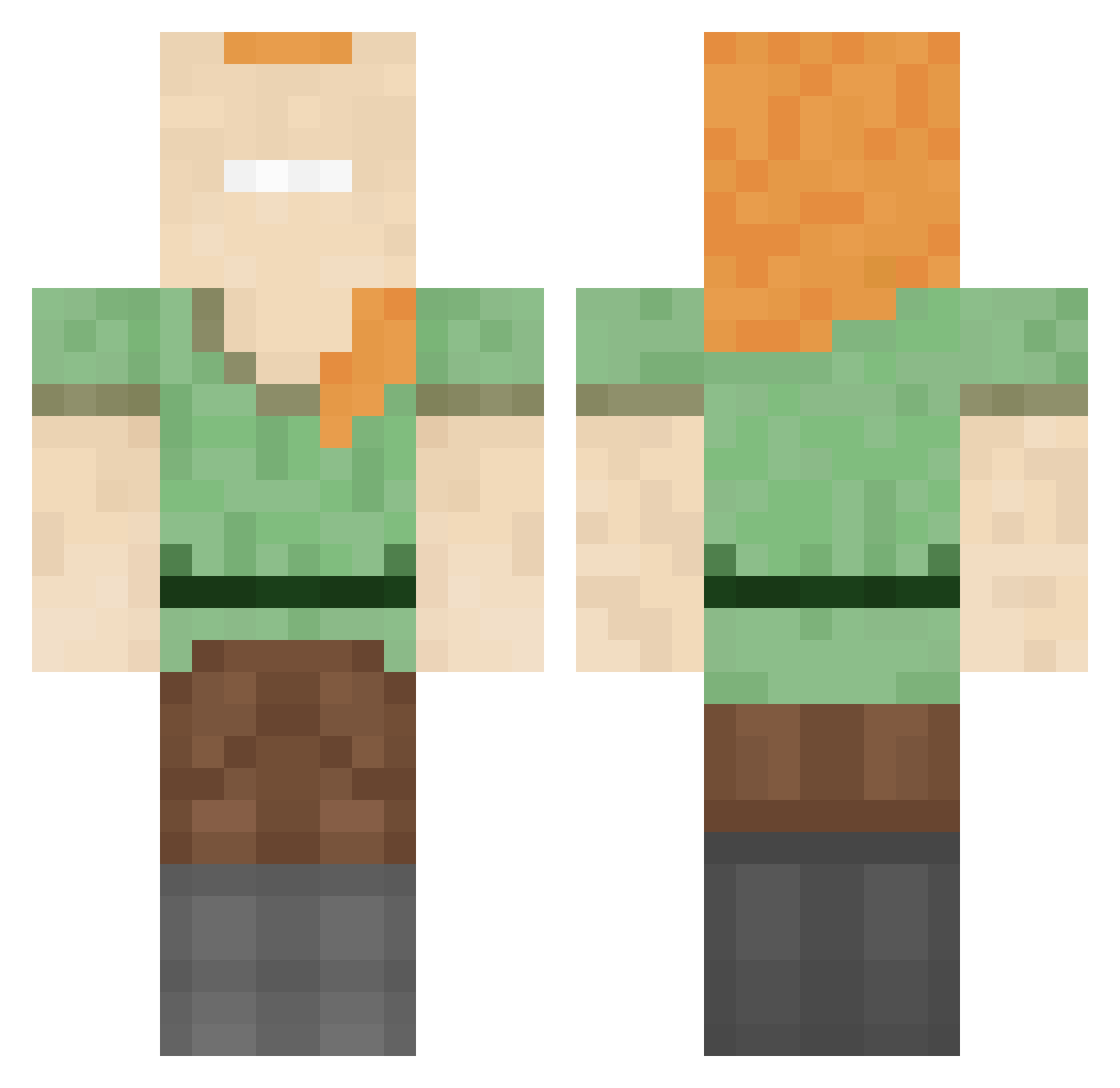
Current Minecraft skin of the player pestlink, loaded from the official Mojang API. Rotate the 3D model with your mouse or finger, then download the skin as a PNG file and use it in Minecraft: Bedrock Edition or Java Edition for free. When pestlink changes their skin, this page updates automatically and the old skin stays in the history below.
Other players with this skin (146)
pestlink was the 21st player we have seen with this skin, first spotted on 08.08.2026. The same skin was seen on these players. Open a nickname to see their current skin and skin history.
 jimmyboy3000
 raveskii Eatadakimasu sigalit7236 AmaruIgnacio PabloThySpanish Cieluuuuu Pierzzz MALEOcaca darkvebkiller Suspense2k ballefjert NearyZGG DesiSmile Reiwisu salimshady_ Bejoo__ goandi DryMartinis Jonasius2008 umpaa BlackkyV SammaHackts Rex_0624 KingJulius_243 Bibodogerah gaming_gabriel nsrrr Clovis340 CornFlakes25 xnutzii Klito_Rex Metrix51 S4K2 BadLan_ FranicG Gjohnasz FormedJester4 kevin2525255 zMontiii Lesox56 Sibarnom_ Captain_Marble Formosa_Lover xSasquatchguyx AseLP HAqpAH9I sacnut Yo_0429 Darkfinst7567 Caden_ph Miesi SLYxMONSTER LostAtSeaWorld MamyGotTheDrip asdfghjkl0418 Unheilig666 RuhRohRaggyyyyyy playOmg2 Sm1le_Is_Loser
How to install the pestlink skin
- Press the Download button above to save the skin as a PNG file.
- Minecraft: Bedrock Edition (PE): open the Dressing Room from the main menu (or tap your character → Edit Character), go to Classic Skins → Owned, press the + (new skin) button, choose the downloaded PNG and pick the Classic (Steve) model. Works on PC and mobile; consoles cannot import custom skins.
- Minecraft: Java Edition: open the Minecraft Launcher, go to the Skins tab, click New Skin, load the PNG, pick the Classic (Steve) model and press Save & Use. You can also upload it at minecraft.net → Profile → Change Skin.
The skin does not show up after import - what should I do?
Restart Minecraft and open the Dressing Room again - imported skins sometimes appear only after a restart. Also make sure you selected the imported skin and picked the Classic (Steve) model.
Which model should I choose, Classic or Slim?
This skin is designed for the Classic (Steve) model. If you pick the wrong model, the arms of the skin will look stretched or squeezed.
Is the skin of pestlink free to download?
Yes. Press Download, save the PNG file and use it in Minecraft: Bedrock Edition or Java Edition - no payment or registration needed. The skin also works on multiplayer servers and Realms.
More skins
Looking for more? Go back to all Minecraft skins and check the top skins of the week, month and all time, or find any player's skin by nickname.