
peeasnnt - Minecraft Skins & Skin History
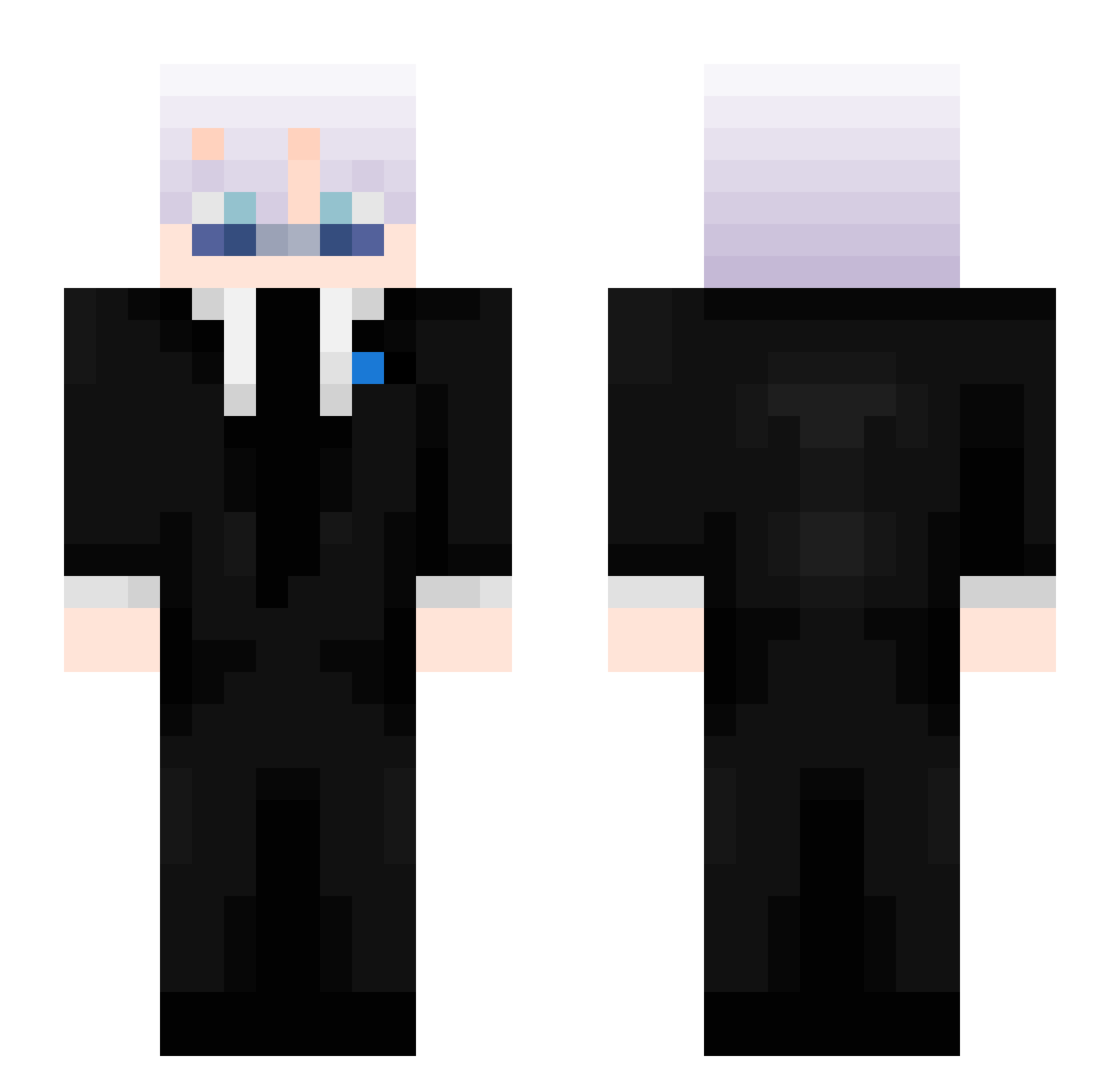
Current Minecraft skin of the player peeasnnt, loaded from the official Mojang API. Rotate the 3D model with your mouse or finger, then download the skin as a PNG file and use it in Minecraft: Bedrock Edition or Java Edition for free. When peeasnnt changes their skin, this page updates automatically and the old skin stays in the history below.
Other players with this skin (407)
peeasnnt was the 77th player we have seen with this skin, first spotted on 12.08.2026. The same skin was seen on these players. Open a nickname to see their current skin and skin history.
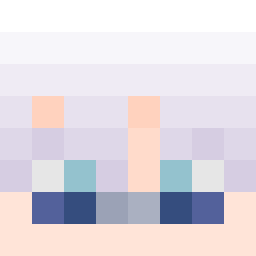 Kojssan2 GofryEnjoyer_ becaonegg M1dnightXD lolwater Anshprizzz TcnicOver kagan4142 dnmc Ferzatina
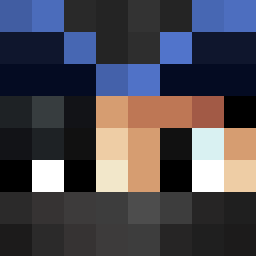 EmilPro44
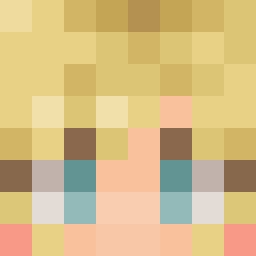 maced_by_him rimbo111 Lynxyy123 T7ka XTxiaotian XxJuniorxZ mchrswe
 Kashbash27
 DA_RaCCooN_ Zone_gamer317
 Penguino_Boy dbrua2012 Ellloah14 RexonicMC SSlinxxy Iridium122 GodPro12345 ElliotCliff_342
 Swight520
 Alexej560 xXMIXxR1
 0ddyi Robo_gamer10 Itz_Oxysw 7dn_Nub opchez
 WiledPine30710 Tokagado69 Itz_Nixen
 JustNelson Nightfall556 JBATES_ Arckiel BoBIsNoSus _vbit_ VoidGamingXD_ Swight2015 lol_0VVxA_1104 maakolo SukhoiFlanker
 AdrianTve starswipe squezz24 Joemama19887 KATIL01
 SargeShadow JUUKINTO TECHNOMYS BruhMoment2012
More Satoru Gojo Minecraft skins
See all 1209 Satoru Gojo skins
How to install the peeasnnt skin
- Press the Download button above to save the skin as a PNG file.
- Minecraft: Bedrock Edition (PE): open the Dressing Room from the main menu (or tap your character → Edit Character), go to Classic Skins → Owned, press the + (new skin) button, choose the downloaded PNG and pick the Slim (Alex) model. Works on PC and mobile; consoles cannot import custom skins.
- Minecraft: Java Edition: open the Minecraft Launcher, go to the Skins tab, click New Skin, load the PNG, pick the Slim (Alex) model and press Save & Use. You can also upload it at minecraft.net → Profile → Change Skin.
The skin does not show up after import - what should I do?
Restart Minecraft and open the Dressing Room again - imported skins sometimes appear only after a restart. Also make sure you selected the imported skin and picked the Slim (Alex) model.
Which model should I choose, Classic or Slim?
This skin is designed for the Slim (Alex) model. If you pick the wrong model, the arms of the skin will look stretched or squeezed.
Is the skin of peeasnnt free to download?
Yes. Press Download, save the PNG file and use it in Minecraft: Bedrock Edition or Java Edition - no payment or registration needed. The skin also works on multiplayer servers and Realms.
More skins
Looking for more? Go back to all Minecraft skins and check the top skins of the week, month and all time, or find any player's skin by nickname.