
patron1222 - Minecraft Skins & Skin History
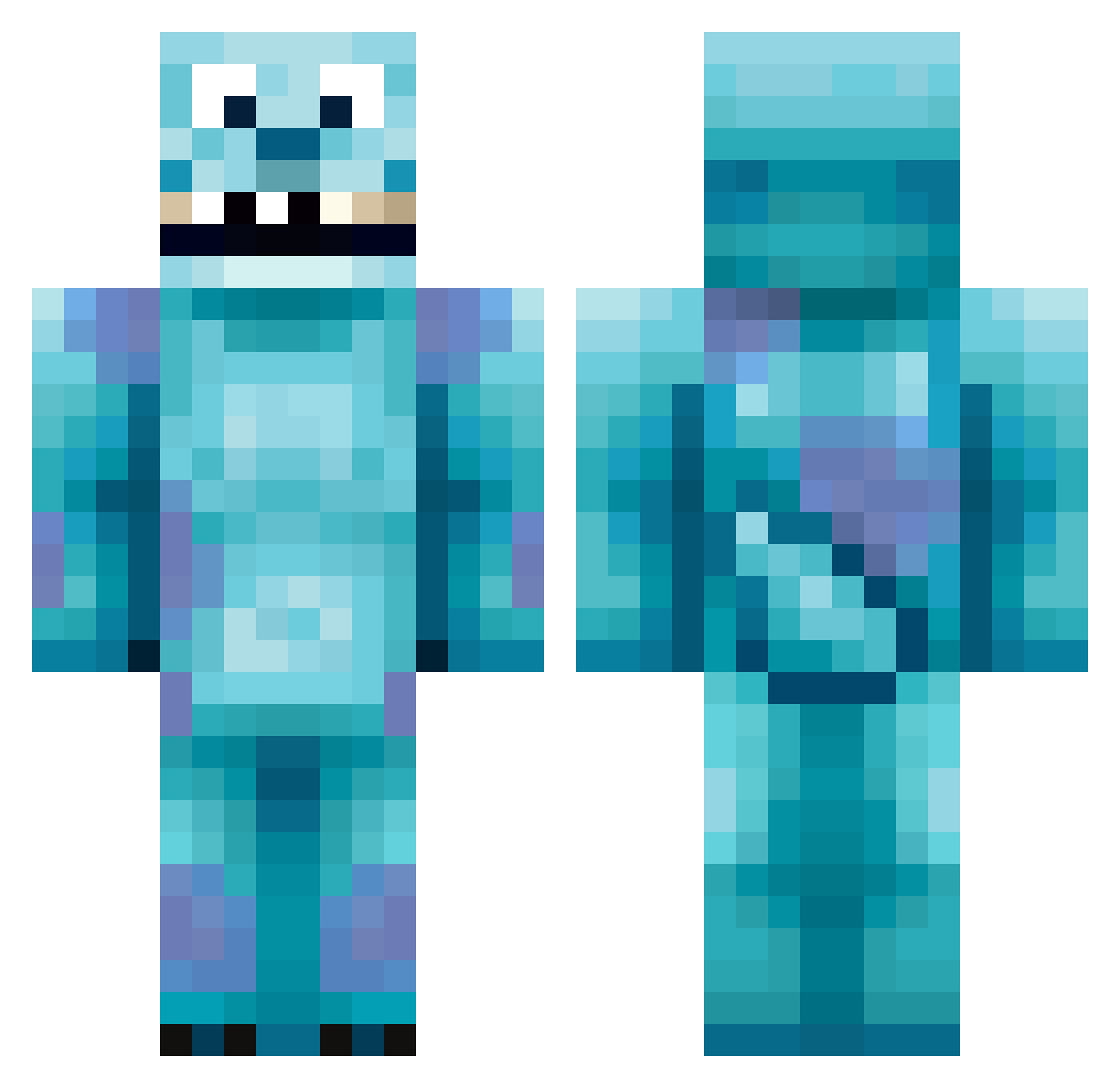
Current Minecraft skin of the player patron1222, loaded from the official Mojang API. Rotate the 3D model with your mouse or finger, then download the skin as a PNG file and use it in Minecraft: Bedrock Edition or Java Edition for free. When patron1222 changes their skin, this page updates automatically and the old skin stays in the history below.
Other players with this skin (505)
patron1222 was the 481st player we have seen with this skin, first spotted on 13.11.2026. The same skin was seen on these players. Open a nickname to see their current skin and skin history.
 cronzyak JTtwiggy08 YangJungWoo JakeTEM jaiedit BlankAqua ZircoYT herbiferous Globaldoll kinex138 purplemonkey999 sauLtodd Voltage329 xRhysG Ajconnection math006i CrustyWinnets HotDogWrestling Saifur_11 weebs1996 RattlySnake360 hashmaster3k Xephos_V26 PepitoDEHI hit_jappi IntenzHD BethBell Mr420BlazeIt JayLukeJ SxcxS Addypo alien140501 PurpleDemon666 BigBlueSulley PlagueSlvr Miso_Wasabi marimomari15 Plimmer CandyKing645 PitGaming_ kinstering Herrenvolk331 Kechian candylover123 prinsipp TripletsMWC3 Meekohh Glebas17 Minexraft Robbie_Sykes HugoSvensson lbouman kinglewis SnapStreet FOKMA jobtob GoofyBig2 guswhddla Momma_J blotz43
More Sulley Minecraft skins
How to install the patron1222 skin
- Press the Download button above to save the skin as a PNG file.
- Minecraft: Bedrock Edition (PE): open the Dressing Room from the main menu (or tap your character → Edit Character), go to Classic Skins → Owned, press the + (new skin) button, choose the downloaded PNG and pick the Classic (Steve) model. Works on PC and mobile; consoles cannot import custom skins.
- Minecraft: Java Edition: open the Minecraft Launcher, go to the Skins tab, click New Skin, load the PNG, pick the Classic (Steve) model and press Save & Use. You can also upload it at minecraft.net → Profile → Change Skin.
The skin does not show up after import - what should I do?
Restart Minecraft and open the Dressing Room again - imported skins sometimes appear only after a restart. Also make sure you selected the imported skin and picked the Classic (Steve) model.
Which model should I choose, Classic or Slim?
This skin is designed for the Classic (Steve) model. If you pick the wrong model, the arms of the skin will look stretched or squeezed.
Is the skin of patron1222 free to download?
Yes. Press Download, save the PNG file and use it in Minecraft: Bedrock Edition or Java Edition - no payment or registration needed. The skin also works on multiplayer servers and Realms.
More skins
Looking for more? Go back to all Minecraft skins and check the top skins of the week, month and all time, or find any player's skin by nickname.