
pablovoid - Minecraft Skins & Skin History
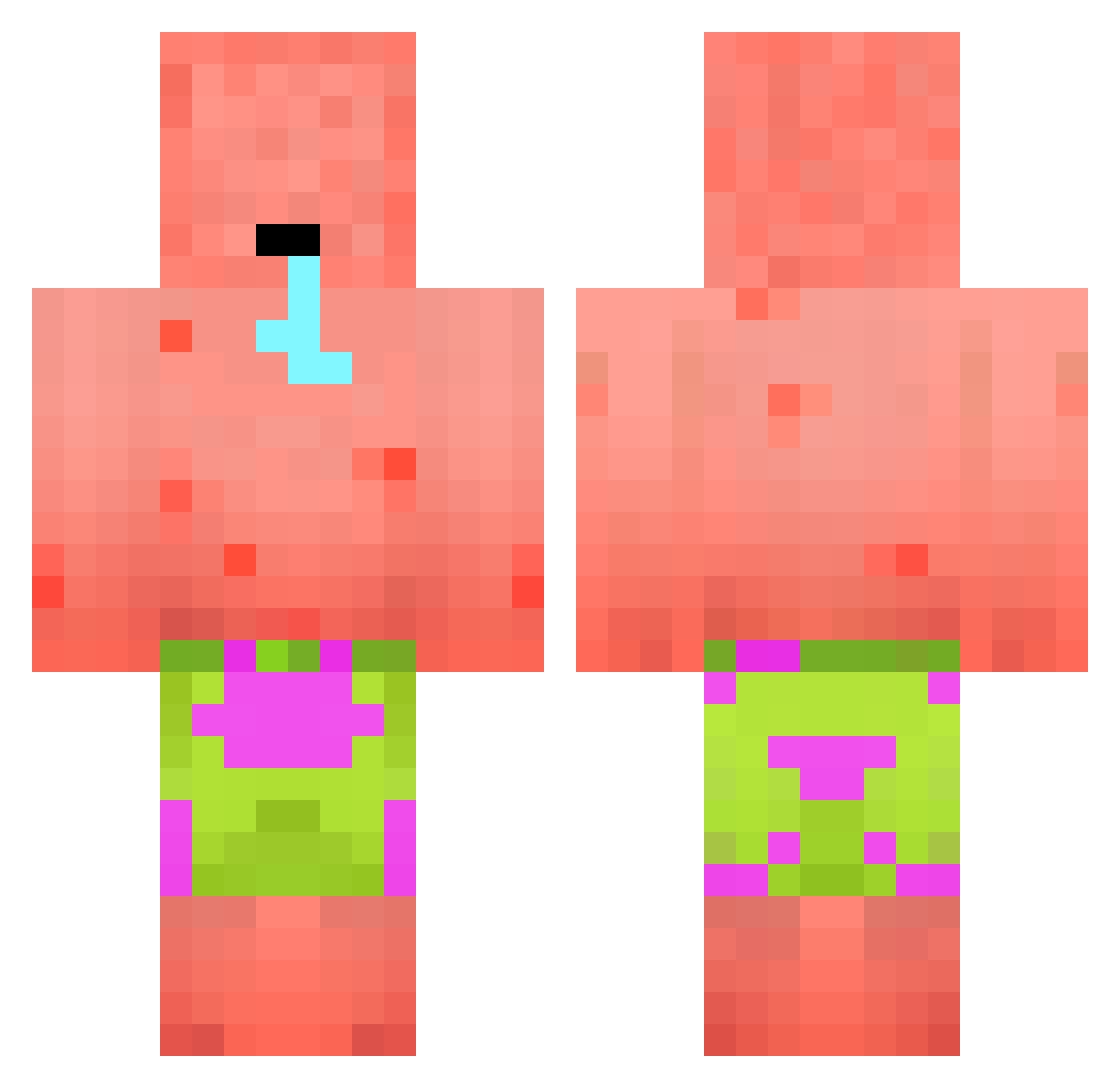
Current Minecraft skin of the player pablovoid, loaded from the official Mojang API. Rotate the 3D model with your mouse or finger, then download the skin as a PNG file and use it in Minecraft: Bedrock Edition or Java Edition for free. When pablovoid changes their skin, this page updates automatically and the old skin stays in the history below.
Other players with this skin (394)
pablovoid was the 146th player we have seen with this skin, first spotted on 06.09.2026. The same skin was seen on these players. Open a nickname to see their current skin and skin history.
 Tigerflag TopGezuz BretzelMitZucker Chimwimwi fishimischi Baked_Potato128 Gurvann_Jr Dlwnstj101101 Vavane22 tommy_s123 nano8o5 RedDevil9093 RiccPeen hjw09 boblerMusk paulninja LloydCrimson littleMC1eo lasanha2 Rvman7 Likeyacutg7297 Lkri moist_afterbirth _Jab_ _FlashGames_ MagicMike4009 SanDJJ KaoZonE82 Sterbendd BlondestBimbo LittleGrizzlie Qwertzl mechaglow thuggerzar 0mfz WuchangFish7 Rhoc22 SpiderLaww daz_butane menickc devoaus1234 BestwhiteBoy117 OMARFV01 itfi AbuTanga69 0_xiq FreshCalamari W_allyy
 nacho1175 Noslew00 Barnbarn55 ceSparks9876 zhidong_ TyroneLee Ch1ckenLover stixxyyy JosePlayGame dasbogomil Kezetlen69 itzz_KTM
More Patrick Star Minecraft skins
See all 612 Patrick Star skins
How to install the pablovoid skin
- Press the Download button above to save the skin as a PNG file.
- Minecraft: Bedrock Edition (PE): open the Dressing Room from the main menu (or tap your character → Edit Character), go to Classic Skins → Owned, press the + (new skin) button, choose the downloaded PNG and pick the Classic (Steve) model. Works on PC and mobile; consoles cannot import custom skins.
- Minecraft: Java Edition: open the Minecraft Launcher, go to the Skins tab, click New Skin, load the PNG, pick the Classic (Steve) model and press Save & Use. You can also upload it at minecraft.net → Profile → Change Skin.
The skin does not show up after import - what should I do?
Restart Minecraft and open the Dressing Room again - imported skins sometimes appear only after a restart. Also make sure you selected the imported skin and picked the Classic (Steve) model.
Which model should I choose, Classic or Slim?
This skin is designed for the Classic (Steve) model. If you pick the wrong model, the arms of the skin will look stretched or squeezed.
Is the skin of pablovoid free to download?
Yes. Press Download, save the PNG file and use it in Minecraft: Bedrock Edition or Java Edition - no payment or registration needed. The skin also works on multiplayer servers and Realms.
More skins
Looking for more? Go back to all Minecraft skins and check the top skins of the week, month and all time, or find any player's skin by nickname.