
ozark35 - Minecraft Skins & Skin History
Current Minecraft skin of the player ozark35, loaded from the official Mojang API. Rotate the 3D model with your mouse or finger, then download the skin as a PNG file and use it in Minecraft: Bedrock Edition or Java Edition for free. When ozark35 changes their skin, this page updates automatically and the old skin stays in the history below.
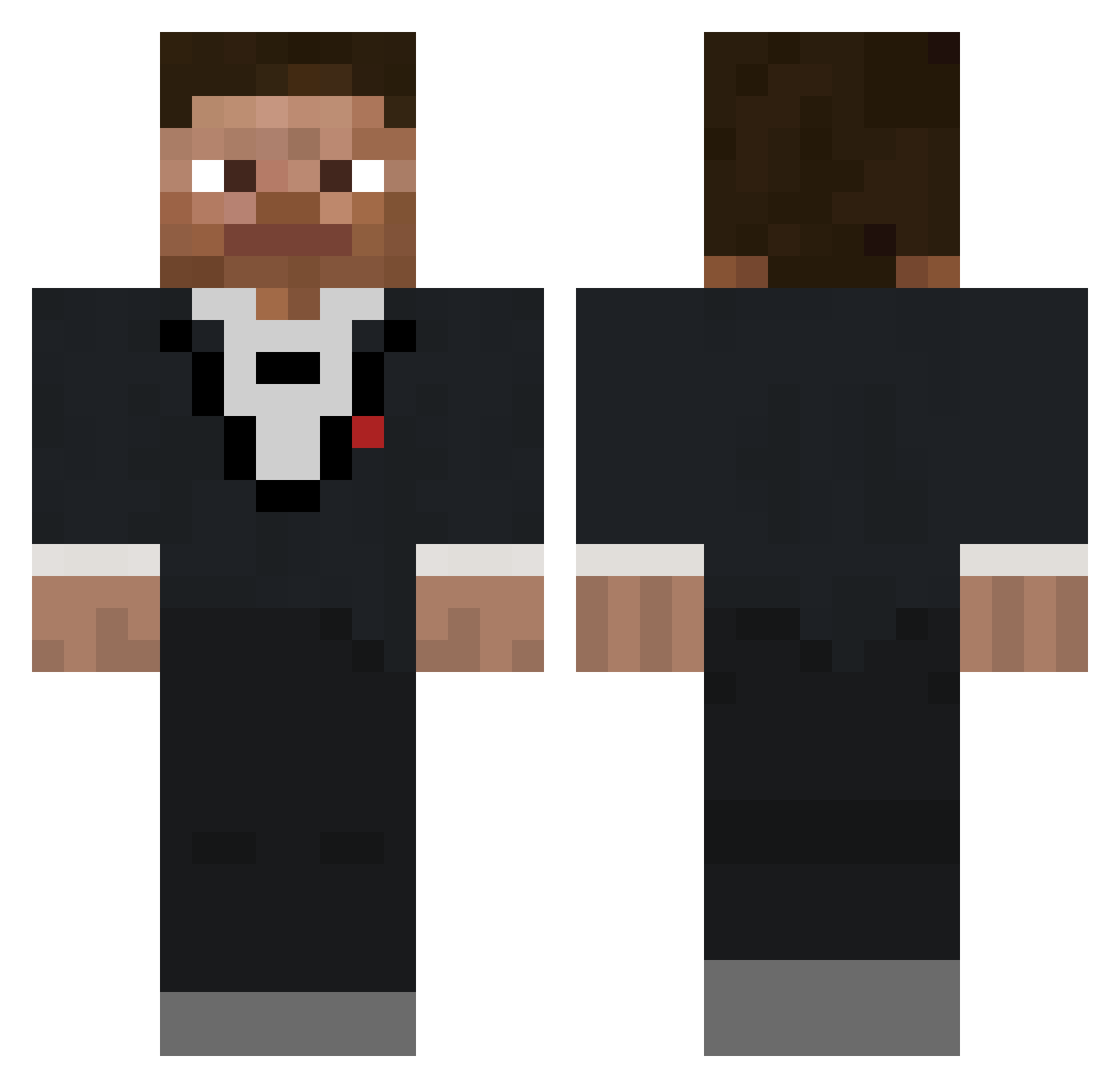
Other players with this skin (138)
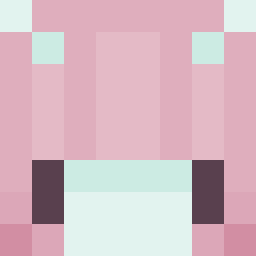
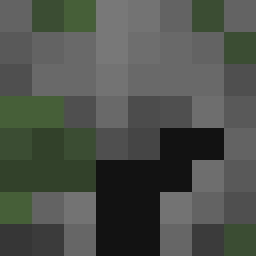
ozark35 was the 17th player we have seen with this skin, first spotted on 10.08.2026. The same skin was seen on these players. Open a nickname to see their current skin and skin history.
 Drizzle180
 zai8
zai8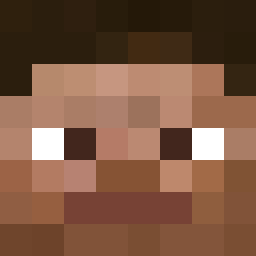 VelvetChocolate xdnube6736 TheRealJake_12 ungilded Gerfiz
 Fuzy77 TheRentedElk
 DevdoZap BackwardsSteveMC
 OwieBlowie leifzw SovietCat5 Gaisie Strantzalito
 Htlx Desead0 tedhie apotb Frank_Playz Casual_Gamer185 Sonic23111 ItsGonky 104ms blodi_ Medvedar Mllfprotector DaimJake Chendex PhantomRealz sharkeemate Viatorr ezekyeh Cadete117 Superkiwix51 unended
 IamSpeeby ItWasTheJew Robtk0 kerrykou Smurvy essrlbaker NeilM09
 raszk Block_Master_321 MrCertain7472 Spy Scream777 CHUMCHUM______ nedwoood Dunkle555 Scxrx_Bx TheMikeZone pietrass21 Tm0116 Samus789 Wulfsige_ Log4n113 Avouras
How to install the ozark35 skin
- Press the Download button above to save the skin as a PNG file.
- Minecraft: Bedrock Edition (PE): open the Dressing Room from the main menu (or tap your character → Edit Character), go to Classic Skins → Owned, press the + (new skin) button, choose the downloaded PNG and pick the Classic (Steve) model. Works on PC and mobile; consoles cannot import custom skins.
- Minecraft: Java Edition: open the Minecraft Launcher, go to the Skins tab, click New Skin, load the PNG, pick the Classic (Steve) model and press Save & Use. You can also upload it at minecraft.net → Profile → Change Skin.
The skin does not show up after import - what should I do?
Restart Minecraft and open the Dressing Room again - imported skins sometimes appear only after a restart. Also make sure you selected the imported skin and picked the Classic (Steve) model.
Which model should I choose, Classic or Slim?
This skin is designed for the Classic (Steve) model. If you pick the wrong model, the arms of the skin will look stretched or squeezed.
Is the skin of ozark35 free to download?
Yes. Press Download, save the PNG file and use it in Minecraft: Bedrock Edition or Java Edition - no payment or registration needed. The skin also works on multiplayer servers and Realms.
More skins
Looking for more? Go back to all Minecraft skins and check the top skins of the week, month and all time, or find any player's skin by nickname.