
oscar337 - Minecraft Skins & Skin History
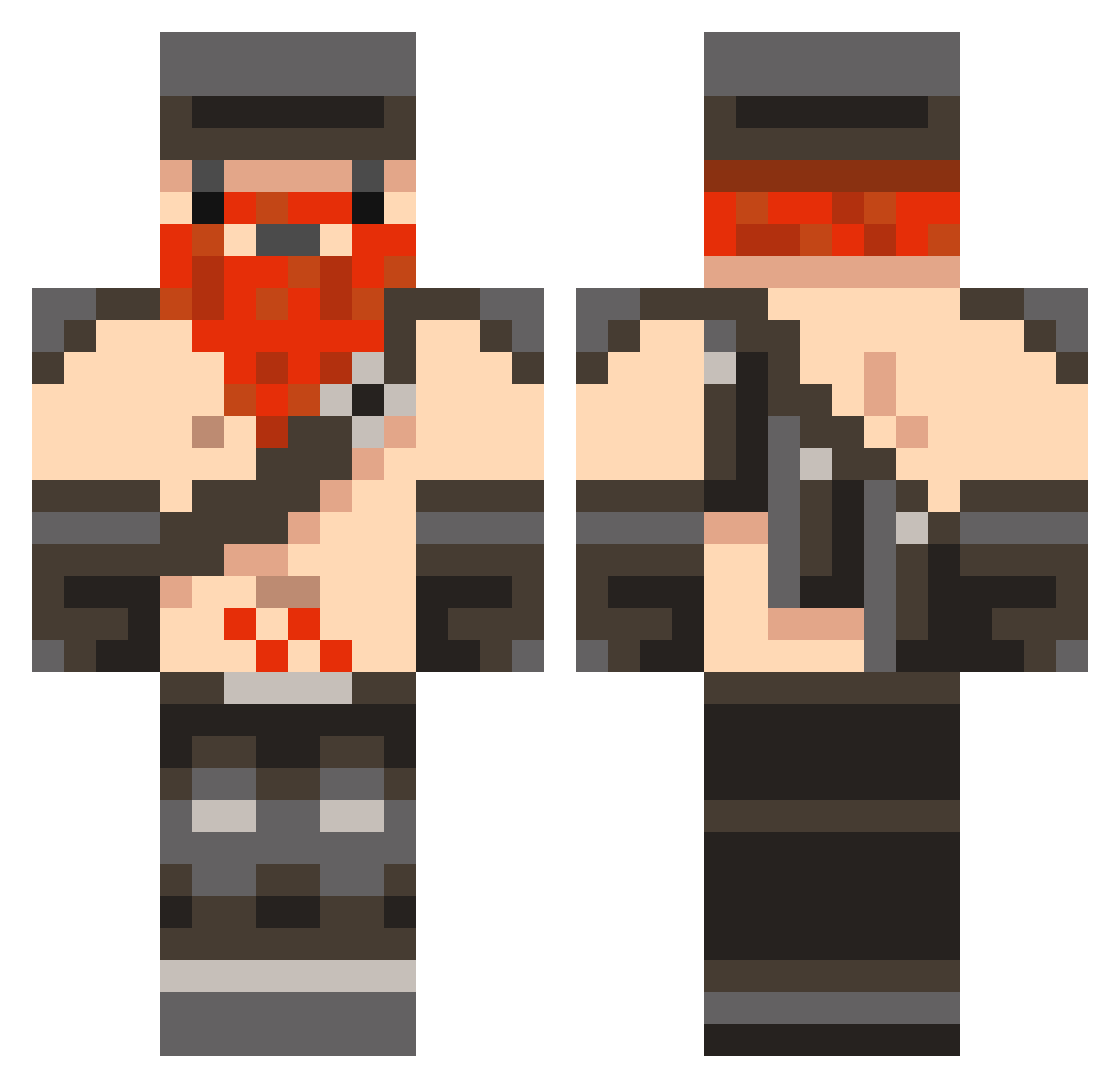
Current Minecraft skin of the player oscar337, loaded from the official Mojang API. Rotate the 3D model with your mouse or finger, then download the skin as a PNG file and use it in Minecraft: Bedrock Edition or Java Edition for free. When oscar337 changes their skin, this page updates automatically and the old skin stays in the history below.
Other players with this skin (846)
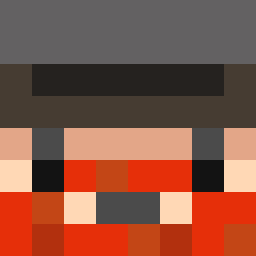
oscar337 was the 64th player we have seen with this skin, first spotted on 02.08.2026. The same skin was seen on these players. Open a nickname to see their current skin and skin history.
 MRHULKIFY wisherr1 Froston matthew010101 __AJF ErrantFunSeeker azz1990 Rasse_18 Bycycle caggy1999 IcySteak GamerS2005 klapus proadigy_chris Kubbar RUSTED09 meepus1 Assasinsbox9 LukasakuL HanQwa Trebek6969 ephillips800 DaximusPrimus Whatnam8 kierantrvs Ehow Andrealphus77 dario101 madsi7 HARIlBO SteezerPeter parebt ADAM_1991 zaklot IVX44 Bokit9 Kushnarkuntarsh Fonta28 flatbed2001 gabalonso redsoap SneekyCreeps aceniceros Johans3n awesomelogan22 vision_it SimpleBot49 schrecklicher drigby18 jimjim305 OddeKalv Alex94x94 ajt99 andrew1213 Cocker2000 akbug Kosorez70 Caradhrim AboodQTR NewUsername73429
More Dwarf Minecraft skins
How to install the oscar337 skin
- Press the Download button above to save the skin as a PNG file.
- Minecraft: Bedrock Edition (PE): open the Dressing Room from the main menu (or tap your character → Edit Character), go to Classic Skins → Owned, press the + (new skin) button, choose the downloaded PNG and pick the Classic (Steve) model. Works on PC and mobile; consoles cannot import custom skins.
- Minecraft: Java Edition: open the Minecraft Launcher, go to the Skins tab, click New Skin, load the PNG, pick the Classic (Steve) model and press Save & Use. You can also upload it at minecraft.net → Profile → Change Skin.
The skin does not show up after import - what should I do?
Restart Minecraft and open the Dressing Room again - imported skins sometimes appear only after a restart. Also make sure you selected the imported skin and picked the Classic (Steve) model.
Which model should I choose, Classic or Slim?
This skin is designed for the Classic (Steve) model. If you pick the wrong model, the arms of the skin will look stretched or squeezed.
Is the skin of oscar337 free to download?
Yes. Press Download, save the PNG file and use it in Minecraft: Bedrock Edition or Java Edition - no payment or registration needed. The skin also works on multiplayer servers and Realms.
More skins
Looking for more? Go back to all Minecraft skins and check the top skins of the week, month and all time, or find any player's skin by nickname.