
oscar20041222 - Minecraft Skins & Skin History
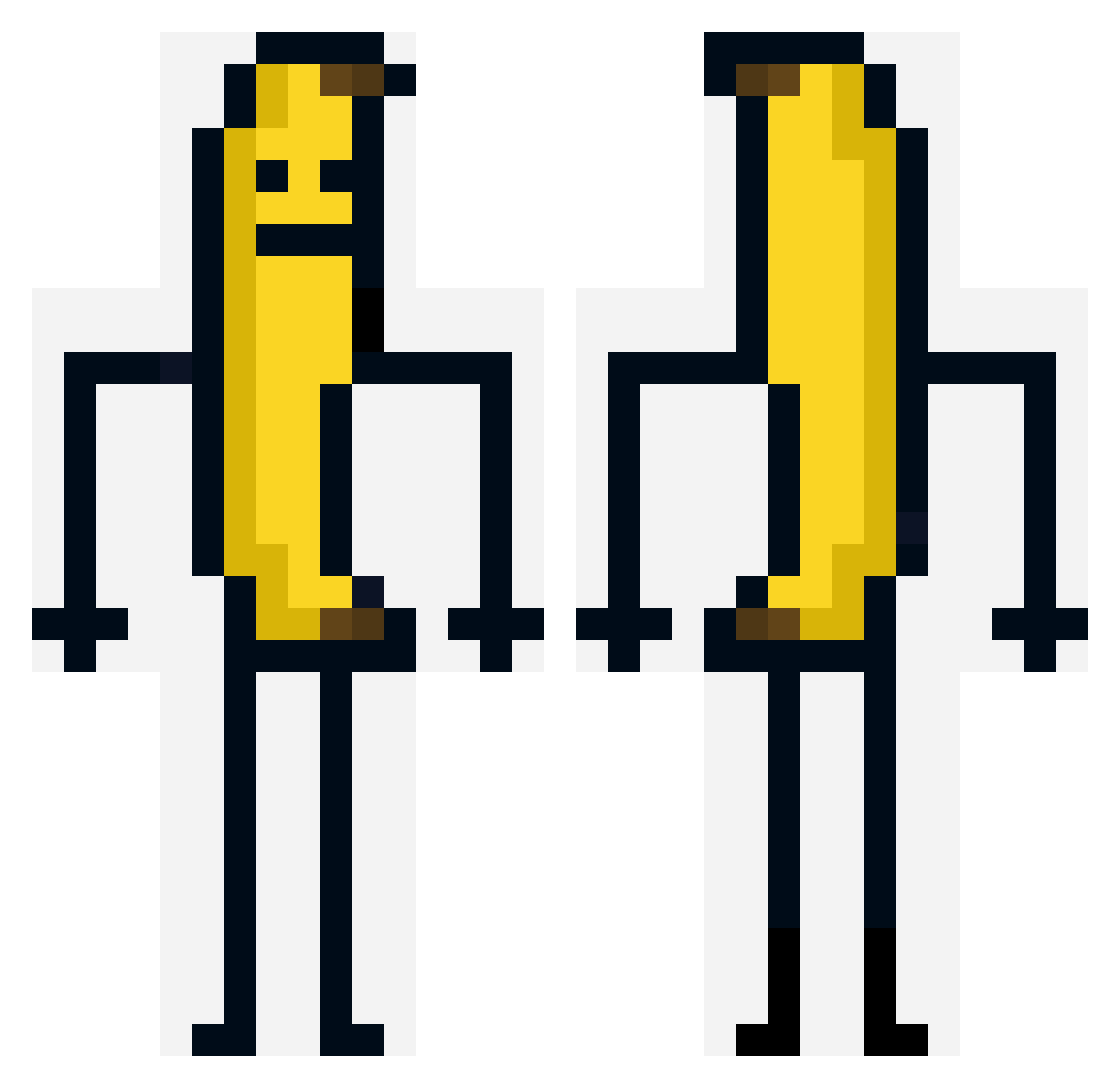
Current Minecraft skin of the player oscar20041222, loaded from the official Mojang API. Rotate the 3D model with your mouse or finger, then download the skin as a PNG file and use it in Minecraft: Bedrock Edition or Java Edition for free. When oscar20041222 changes their skin, this page updates automatically and the old skin stays in the history below.
Other players with this skin (214)
oscar20041222 was the 214th player we have seen with this skin, first spotted on 19.11.2026. The same skin was seen on these players. Open a nickname to see their current skin and skin history.
 asuanaru minhye1115 swg10 Rokenteub Ptrck999 jampie_ hwahwa12 panmis SteesCraft RICHNOMADIC ale111_88 okzuno Newbie_I LewisXXL planeking1 NoHaxJustDie llziQWQ CH0YU DDEANT _itookkb donkeykongbonk Buluttt1903 Trelom agatkalopatka Vinixyzzz Kert2020s venturi14 szymixpudzian manist67 Baelchor KTENPRODZ JPROJin d3v1l3nd Helumoa Mydnx IsTheWhi forever131459420 BrosiGG Chris_Kyle06 Evilswwittch OpalLady Dong_Ham mine1016 Filda1205 REALGOOFYGOOBER Fontan123 Creamoon jozelu MrAndy25 z264 Haza210 olrufrey Nahte0916 BlackCat7259 zWaddles Temmie114514 EveryYear tataOlka02 Xitery OliveiraK1ng
More Banana Minecraft skins
How to install the oscar20041222 skin
- Press the Download button above to save the skin as a PNG file.
- Minecraft: Bedrock Edition (PE): open the Dressing Room from the main menu (or tap your character → Edit Character), go to Classic Skins → Owned, press the + (new skin) button, choose the downloaded PNG and pick the Classic (Steve) model. Works on PC and mobile; consoles cannot import custom skins.
- Minecraft: Java Edition: open the Minecraft Launcher, go to the Skins tab, click New Skin, load the PNG, pick the Classic (Steve) model and press Save & Use. You can also upload it at minecraft.net → Profile → Change Skin.
The skin does not show up after import - what should I do?
Restart Minecraft and open the Dressing Room again - imported skins sometimes appear only after a restart. Also make sure you selected the imported skin and picked the Classic (Steve) model.
Which model should I choose, Classic or Slim?
This skin is designed for the Classic (Steve) model. If you pick the wrong model, the arms of the skin will look stretched or squeezed.
Is the skin of oscar20041222 free to download?
Yes. Press Download, save the PNG file and use it in Minecraft: Bedrock Edition or Java Edition - no payment or registration needed. The skin also works on multiplayer servers and Realms.
More skins
Looking for more? Go back to all Minecraft skins and check the top skins of the week, month and all time, or find any player's skin by nickname.