
olaisnow - Minecraft Skins & Skin History
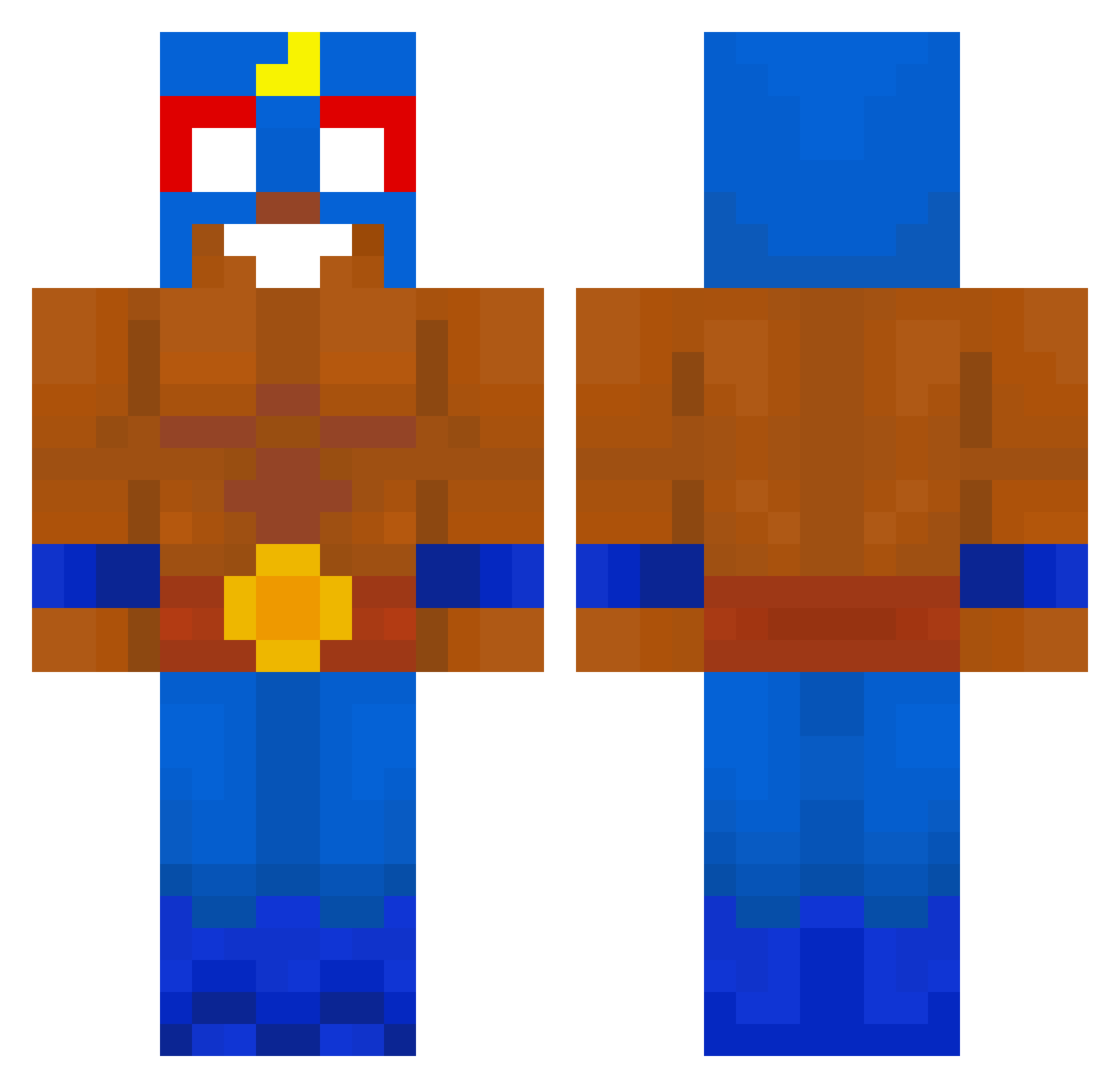
Current Minecraft skin of the player olaisnow, loaded from the official Mojang API. Rotate the 3D model with your mouse or finger, then download the skin as a PNG file and use it in Minecraft: Bedrock Edition or Java Edition for free. When olaisnow changes their skin, this page updates automatically and the old skin stays in the history below.
Other players with this skin (616)
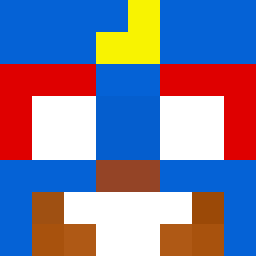
olaisnow was the 426th player we have seen with this skin, first spotted on 04.10.2026. The same skin was seen on these players. Open a nickname to see their current skin and skin history.
 JosePerdigao zwariovany Meng_jay B0arderJumper Poposvaudo leen12345 schonfuss Bas4723 SpuriousGraph71 puszrekk neuguem_ma moyin666 ciastko1422 Mark0nix HotMonkey420 ObjectiveLeech Drum_Drum_wei_k VotingBus3528 DontLikePrada pepe23po D3kru demura23 gutsxp Piper minami94 Aperson1323 Yukiroo_ ReneMW marskelia Cyb3rMMIIKKAA FuryTanou victork12 blazyx22 danielgr23 shlomo_charfati bomboHudsoncrat piekarnik201 iceldiamond Epsteindiddy67 Knasti2014 little_longley Sebc1o ynk_exe sigmagay123 maxi4123 Lugatchu Tizi1213 Barbakan95 DexRoz ShauntJ23 PiTU__24 p3droz 1Deno GabrielGCS simon_lsw PerfectTuzlanian jagorz _DG5_ Michuuu___ korlonix
More El Primo Minecraft skins
How to install the olaisnow skin
- Press the Download button above to save the skin as a PNG file.
- Minecraft: Bedrock Edition (PE): open the Dressing Room from the main menu (or tap your character → Edit Character), go to Classic Skins → Owned, press the + (new skin) button, choose the downloaded PNG and pick the Classic (Steve) model. Works on PC and mobile; consoles cannot import custom skins.
- Minecraft: Java Edition: open the Minecraft Launcher, go to the Skins tab, click New Skin, load the PNG, pick the Classic (Steve) model and press Save & Use. You can also upload it at minecraft.net → Profile → Change Skin.
The skin does not show up after import - what should I do?
Restart Minecraft and open the Dressing Room again - imported skins sometimes appear only after a restart. Also make sure you selected the imported skin and picked the Classic (Steve) model.
Which model should I choose, Classic or Slim?
This skin is designed for the Classic (Steve) model. If you pick the wrong model, the arms of the skin will look stretched or squeezed.
Is the skin of olaisnow free to download?
Yes. Press Download, save the PNG file and use it in Minecraft: Bedrock Edition or Java Edition - no payment or registration needed. The skin also works on multiplayer servers and Realms.
More skins
Looking for more? Go back to all Minecraft skins and check the top skins of the week, month and all time, or find any player's skin by nickname.